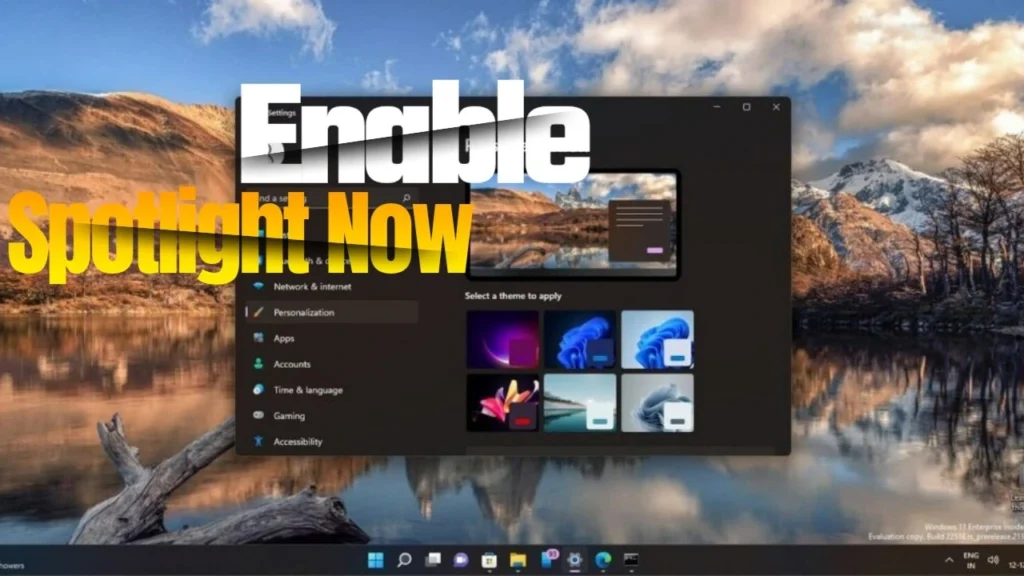
Hi everyone, if you’re bored of seeing the same desktop wallpaper every single day, this is something you’re going to love. Windows 11 has a built in feature called Spotlight that automatically changes your background with beautiful images from around the world.
It’s actually the same feature you’ve seen on the lock screen, but now you can use it on your desktop too. So instead of manually changing wallpapers, your PC will do it for you and keep everything looking fresh without any effort.
Enabling Windows Spotlight for Dynamic Wallpapers
- Open the Settings application on your Windows11 device.
- Navigate to the Personalization section within the Settings menu.
- Select the Background option located on the right-hand side.
- Locate the setting labeled Personalize your background.
- From the dropdown menu, choose Windows Spotlight to activate automatic, daily-changing wallpapers.
configuration will ensure your desktop background updates regularly with stunning images curated from around the globe, enhancing your visual experience manual intervention.
That’s it, once you enable it, your desktop wallpaper will start updating automatically with high quality images throughout the day. Finally, if your system is updated to newer versions like 23H2, this feature may already turn on automatically in some cases, but if not, now you know exactly how to activate it yourself.