nakvy88@gmail.com

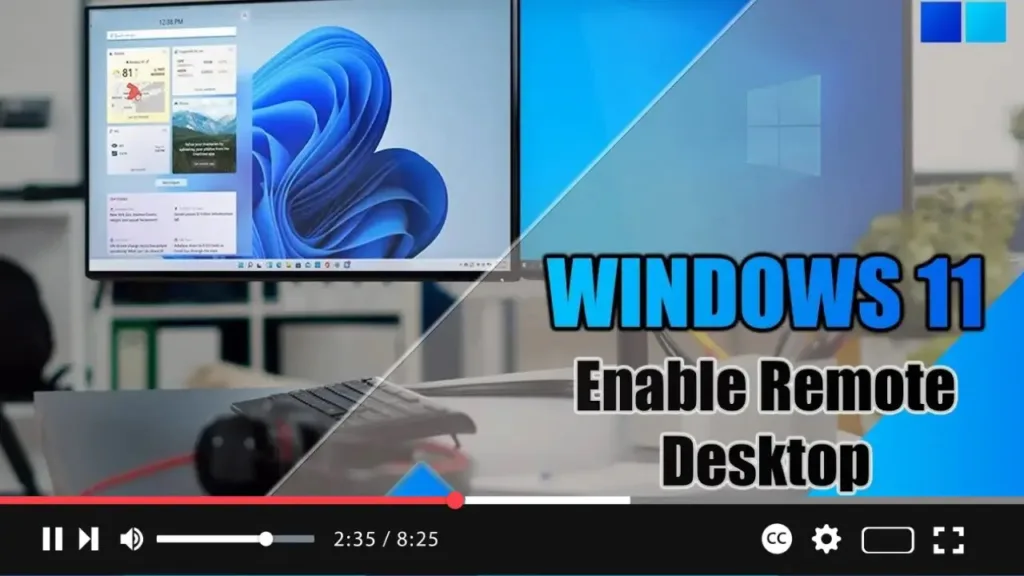
How to Enable Remote Desktop on Windows 11

 On Windows 11, enabling Remote Desktop allows you to access a computer from another location using the Remote Desktop Protocol. This feature is useful for offering assistance or controlling another device without physically being present at the site. You can utilize either the modern “Remote Desktop” app or the legacy “Remote Desktop Connection” app for

How to Enable Remote Desktop on Windows 11 Read More »
How to Disable Advertising Tracking on Windows 11

  On Windows 11, your system is assigned a unique advertising identification number that allows advertising companies to track your activities and show you personalized ads within certain apps. While personalized ads can sometimes be useful in discovering products and services of interest, others may view this as a privacy concern. If you prefer not

How to Disable Advertising Tracking on Windows 11 Read More »

Nintendo Teases Next-Gen Switch Successor: A Quantum Leap in Gaming Evolution

 In a recent announcement from Hong Kong, Nintendo has stirred excitement among gaming enthusiasts by teasing the imminent arrival of the successor to its iconic Switch console. Shuntaro Furukawa, Nintendo’s president, hinted at a groundbreaking revelation set to unfold by March 2025, marking a significant leap in gaming technology. Furukawa’s proclamation comes after years of

Nintendo Teases Next-Gen Switch Successor: A Quantum Leap in Gaming Evolution Read More »

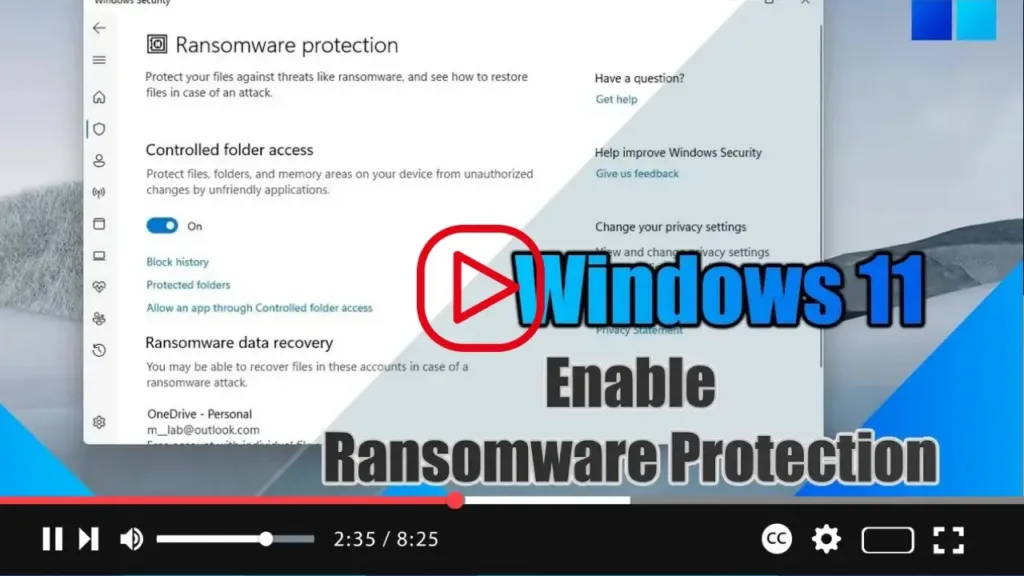
How to Enable Ransomware Protection on Windows 11

 On Windows 11, you can enable the “Controlled folder access” feature to protect your files against ransomware attacks. Microsoft Defender Antivirus is your default security solution to protect your computer against viruses, spyware, rootkits, and many other types of malware. However, you probably didn’t know that the anti-malware solution also includes an option to protect

How to Enable Ransomware Protection on Windows 11 Read More »