nakvy88@gmail.com

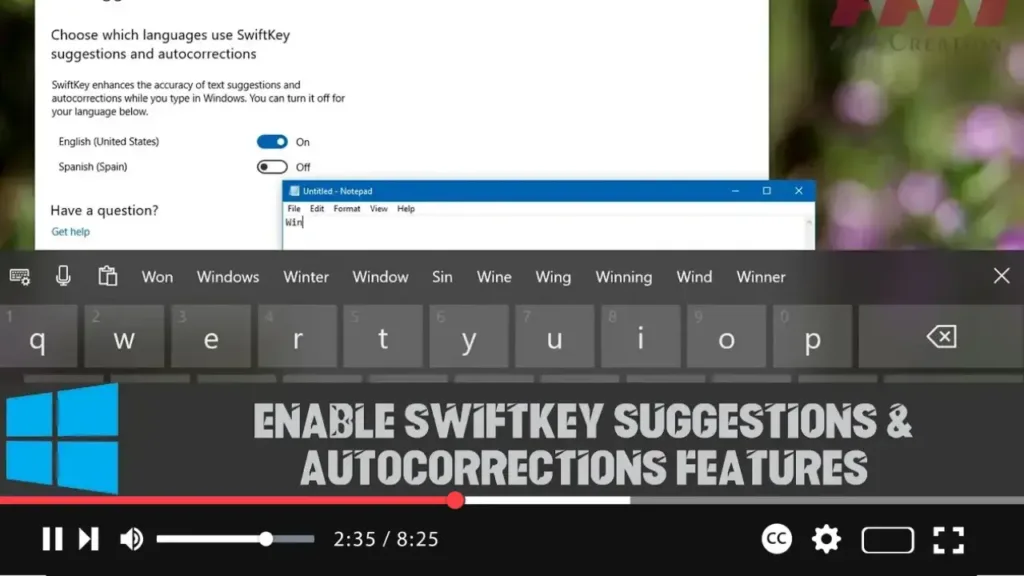
How to Enable Text Suggestions for Hardware Keyboard on Windows 10

Windows 10, for a long time, provided text suggestions when using the on-screen keyboard. However, starting with Windows 10 version 1803, Microsoft expanded this feature to include suggestions when using a hardware keyboard as well. This allows users to see text suggestions as they type, making typing more efficient, especially for non-native English speakers, learners, […]

How to Enable Text Suggestions for Hardware Keyboard on Windows 10 Read More »

How to Quickly Determine Wi-Fi Connection Security Type on Windows 10

Determining the security type of a Wi-Fi connection is essential to ensure the safety of your online activities. While the graphical user interface (GUI) method provides an easy way to check the security type on Windows 10, using the Command Prompt and the “netsh” command can be a quicker alternative. In this article, we will

How to Quickly Determine Wi-Fi Connection Security Type on Windows 10 Read More »

How to Check How Many Cores Your Processor Has on Windows 10

Modern processors come with multiple cores that enable them to handle multiple tasks simultaneously, resulting in better performance and faster processing speeds. If you’re using a Windows 10 PC and want to check how many cores your processor has, there are several ways to do it. In this article, we’ll walk you through three methods

How to Check How Many Cores Your Processor Has on Windows 10 Read More »

How to Enable Bluetooth Swift Pair Feature on Windows 10

If you frequently use Bluetooth devices with your Windows 10 computer, you may have encountered the hassle of pairing them. Fortunately, Microsoft has introduced a feature called Swift Pair that makes the process faster and easier than ever before. In this article, we’ll guide you through the steps to enable Swift Pair on your Windows

How to Enable Bluetooth Swift Pair Feature on Windows 10 Read More »

How to Change Account Password using Command Prompt on Windows 10

Changing your account password on Windows 10 is a critical task to ensure the security of your personal and sensitive data. It is recommended that you change your password regularly to prevent unauthorized access. In this article, we will discuss how to change an account password using the command prompt on Windows 10. Step 1:

How to Change Account Password using Command Prompt on Windows 10 Read More »

How to Export & Import Firewall Rules using Command Prompt

Firewalls are a crucial component of any computer system’s security measures. They help protect your computer from external threats and prevent unauthorized access to your network. In this blog post, we’ll walk you through the steps to export and import firewall rules using Command Prompt on Windows 10. Exporting Firewall Rules: To export your current

How to Export & Import Firewall Rules using Command Prompt Read More »