nakvy88@gmail.com

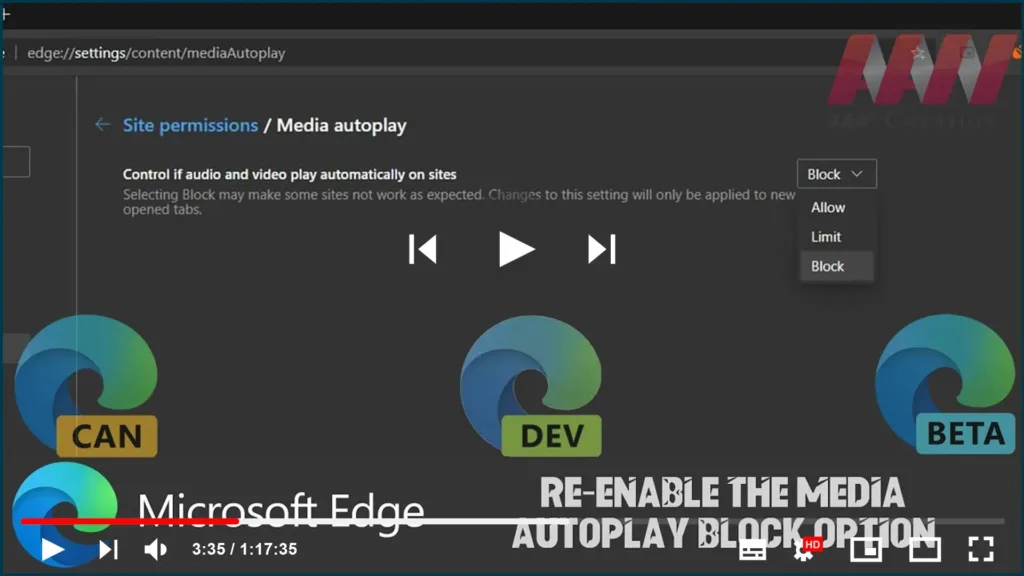
How To Re-enable the Media AutoPlay Block Option in Chromium Version of Microsft Edge

The latest update of the Chromium-based Microsoft Edge browser brought a change to the Media AutoPlay Blocking feature. Previously, the user could choose between Allow, Limit, and Block. Now the Block option is removed from the GUI and is hidden behind a flag. In this guide, you’ll learn the steps to To re-enable the Media

How To Re-enable the Media AutoPlay Block Option in Chromium Version of Microsft Edge Read More »

How to Enable Dark Mode for All Sites in Chromium Version of Microsoft Edge

As you may already know, Microsoft is now using Chromium and its Blink engine as the core technology for its Edge browser. With this change, Edge has got a new option to force enable dark mode on any web page. In this guide, you’ll learn the steps to Enable Dark Mode for All Sites in

How to Enable Dark Mode for All Sites in Chromium Version of Microsoft Edge Read More »

How to Export Favorites to HTML File in Chromium Version of Microsoft Edge

If you have a bunch of bookmarks in the Microsoft Edge Chromium browser, you might be interested in exporting them to an HTML file. This is extremely useful because it allows you to keep a backup of your bookmarks. Also, you can open that file later on some other PC or mobile device where Google

How to Export Favorites to HTML File in Chromium Version of Microsoft Edge Read More »

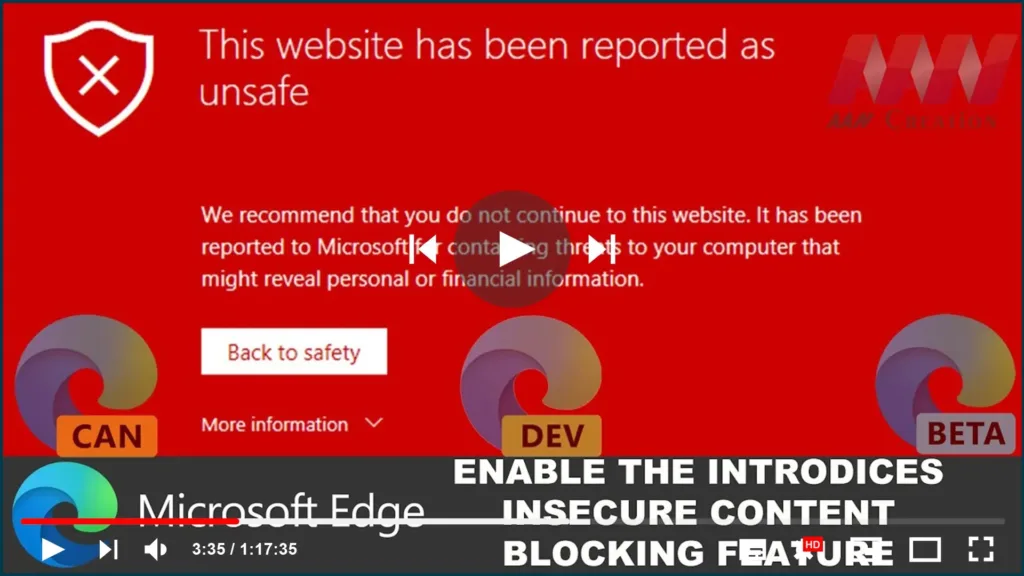
How to Enable the Introduces Insecure Content Blocking Feature on Chromium Version of Microsoft Edge

Microsoft Edge Chromium has received a new feature. A new site’s permission can be enabled to block mixed (typically insecure HTTP) content on a website you browse. The feature can also be globally enabled for all websites in Settings. the new flag that enables the “Insecure content” site permission option in Settings. When enabled, it

How to Enable the Introduces Insecure Content Blocking Feature on Chromium Version of Microsoft Edge Read More »

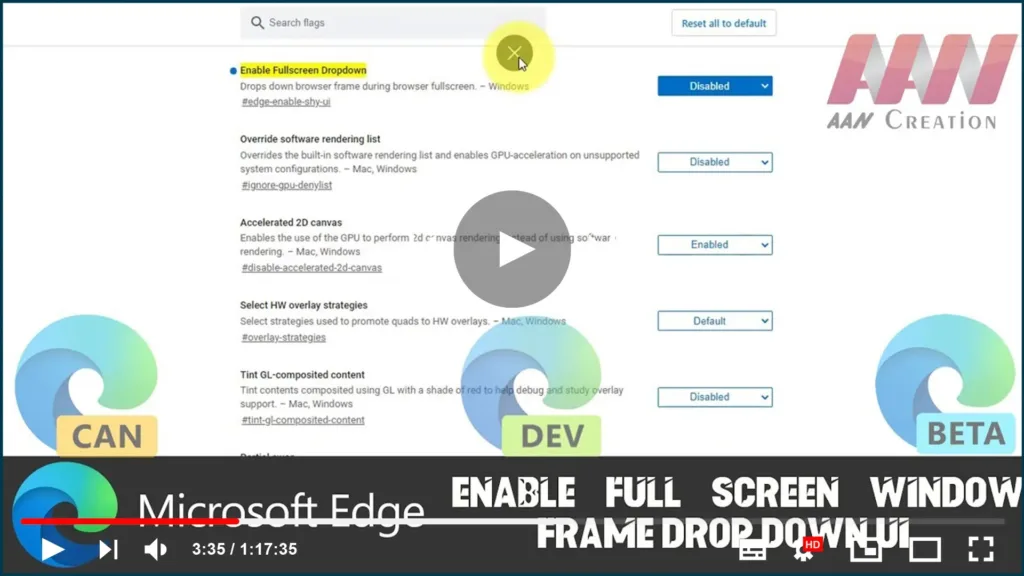
How To Enable Full Screen Window Frame Drop Down UI on Chromium Version of Microsoft Edge

Microsoft has silently added a new feature to the modern Chromium-based Microsoft Edge app. When enabled, it adds a drop-down window frame when in full-screen mode. One of the new flags adds a drop-down window frame to the browser when in full screen. Currently, if you move your mouse pointer to the top of the

How To Enable Full Screen Window Frame Drop Down UI on Chromium Version of Microsoft Edge Read More »

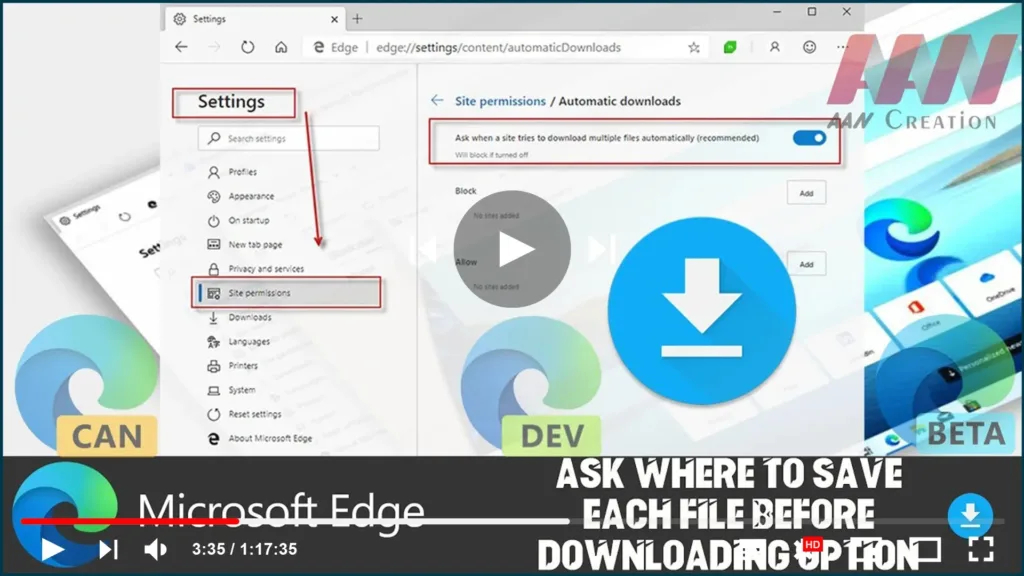
How to Make the Edge Chromium Browser Always Ask Where to Save Each File Before Downloading

Microsoft Edge saves the files you download by default to your downloads folder, which is usually set to C:Usersyou user nameDownloads. You might want to change its behavior so that it prompts you for a location to save each file you download. In this guide, you’ll learn the steps to how to make the Edge

How to Make the Edge Chromium Browser Always Ask Where to Save Each File Before Downloading Read More »

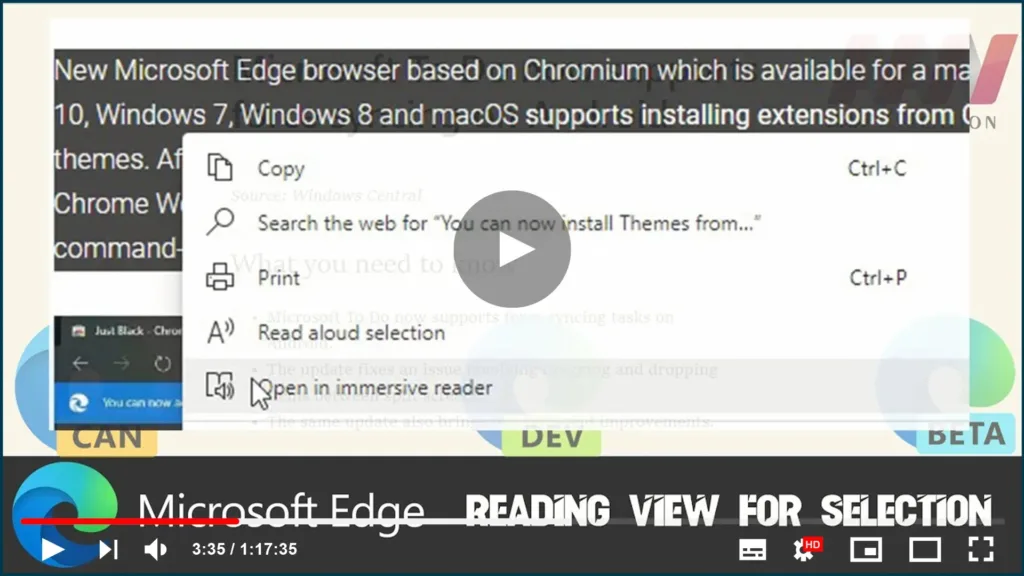
How to Enable & Use Reading View for Selection on Chromium Version of Microsoft Edge

Yet another interesting option made its appearance in the Dev and Canary version of Microsoft Edge Chromium. With the latest build, you can now select a text and send it to an ‘immersive reader’. This feature is quite useful when you are reading a paragraph on a website with a design that makes it hard

How to Enable & Use Reading View for Selection on Chromium Version of Microsoft Edge Read More »

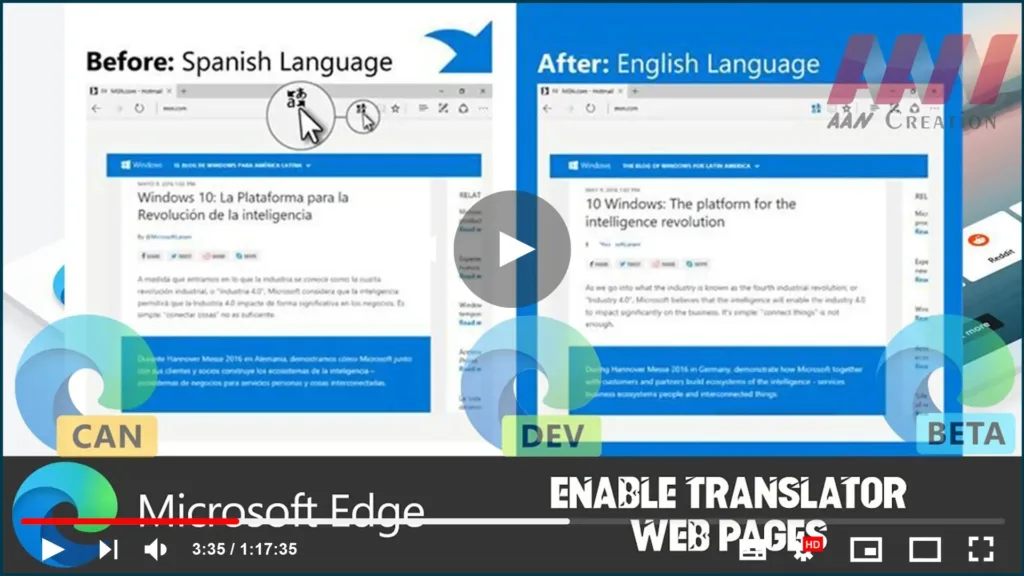
How to Enable Translator on Chromium Version of Microsoft Edge

Earlier versions of Edge (primarily old ones) don’t have any native option to translate web pages. In those days, the company had brought a separate extension that integrates the Translator with the web browser. When you load a web page in a language other than the default, this built-in translation service works quite well. Just

How to Enable Translator on Chromium Version of Microsoft Edge Read More »

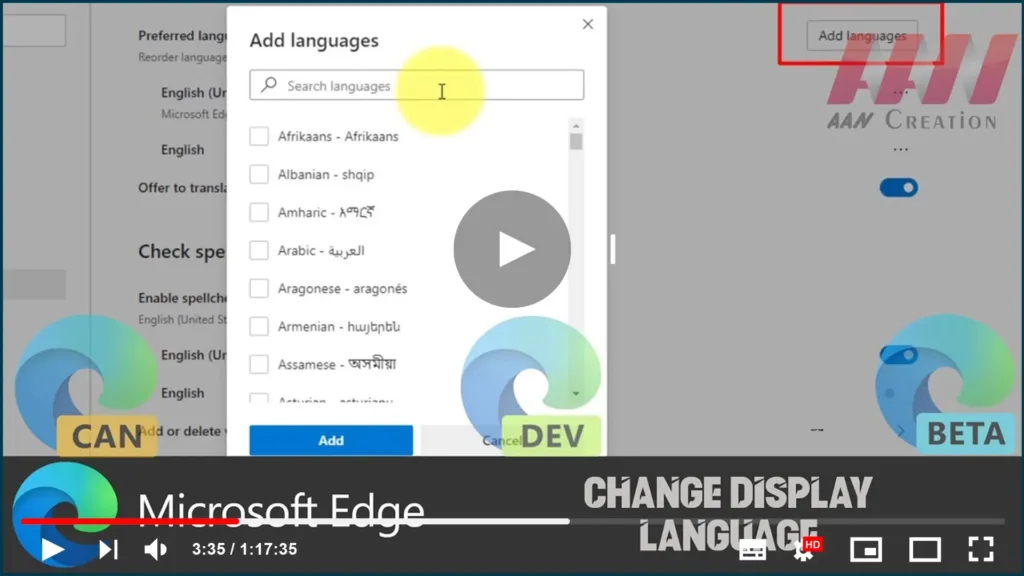
How to Change Display Language on Chromium Version of Microsoft Edge

On Windows 10, the new Microsoft Edge based on Google’s Chromium engine allows you to install additional languages to change the default display language across the experience (including settings and messages) to match the language you understand. The ability to add additional language packages also allows the browser to check spelling in multiple languages. In

How to Change Display Language on Chromium Version of Microsoft Edge Read More »

How to import Chrome Bookmarks & Settings on Chromium Version of Microsoft Edge

If you’ve been a Chrome user for a long time, and now, you want to switch, or at least you want to give Microsoft’s web browser a chance, Edge includes an option that makes it super easy to import Chrome bookmarks, browsing history, cookies, passwords, and other settings. In this guide, you’ll learn the steps

How to import Chrome Bookmarks & Settings on Chromium Version of Microsoft Edge Read More »