nakvy88@gmail.com

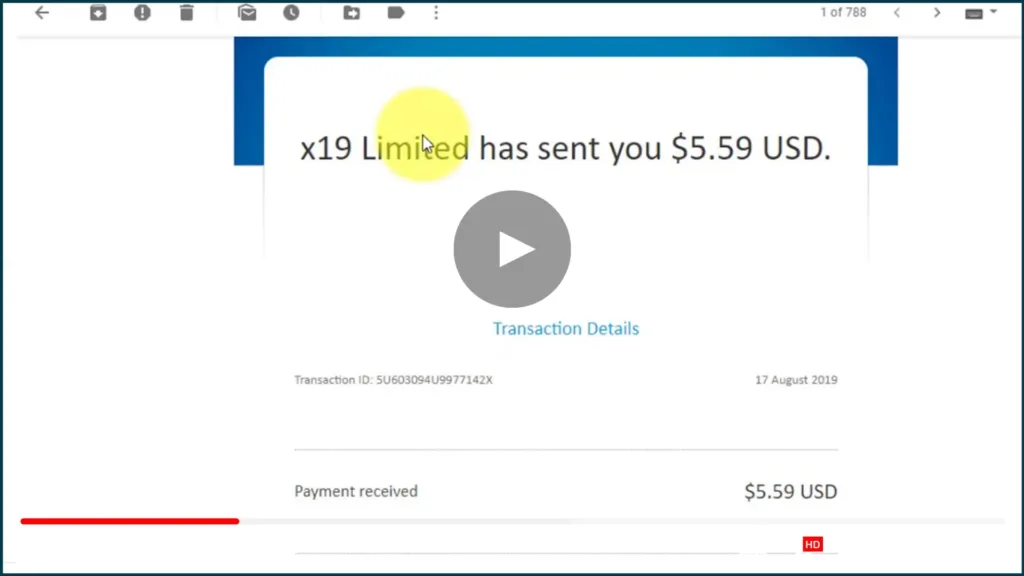
Crypto Tab Browser | Earn 8x Times Faster Bitcoin Mining Without Investment Earn 1 Bitcoin – Payment Proof

Cry CryptoTab — the world’s first browser with mining features. quite 5 million users across the earth already earn with CryptoTab Browser! Get Bonus: https://get.cryptobrowser.site/237288 Special Bonus Links: https://bit.ly/3IqPdsV How do I exploit the plugin? Why use the CryptoTab browser? We have created a quick and lightweight browser with built-in mining functionality. Import your bookmarks, […]
Crypto Tab Browser | Earn 8x Times Faster Bitcoin Mining Without Investment Earn 1 Bitcoin – Payment Proof Read More »

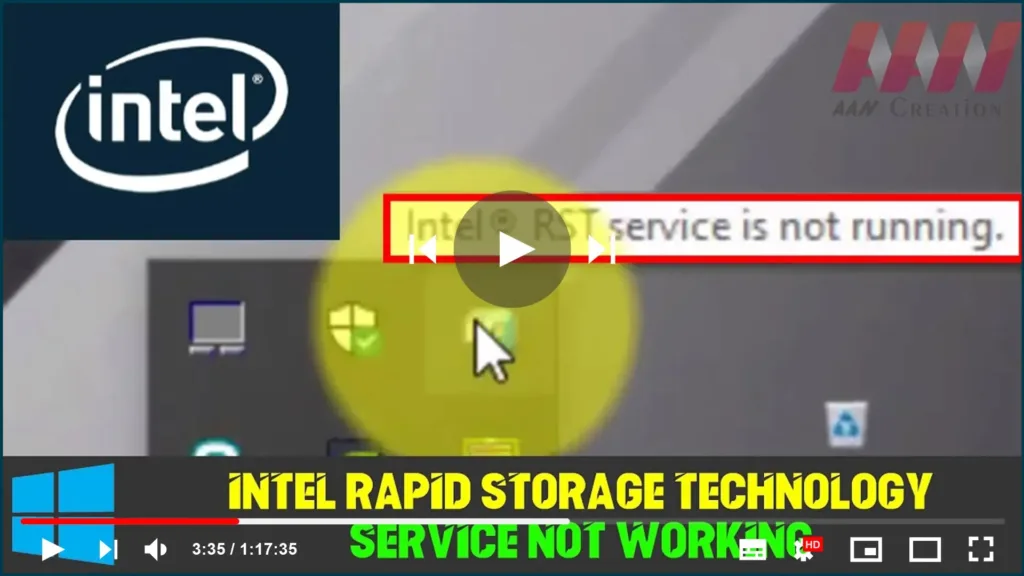
Intel Rapid Storage Technology Service not Working on Windows 10

Intel Rapid Storage Technology. It can improve the reliability & performance of systems where attached disks are SATA disks because it’s a Windows-based application. When using one or more SATA disks, you can make use of enhanced performance & lower power consumption. Likewise, when you use multiple SATA disks, you can enhance protection against data

Intel Rapid Storage Technology Service not Working on Windows 10 Read More »

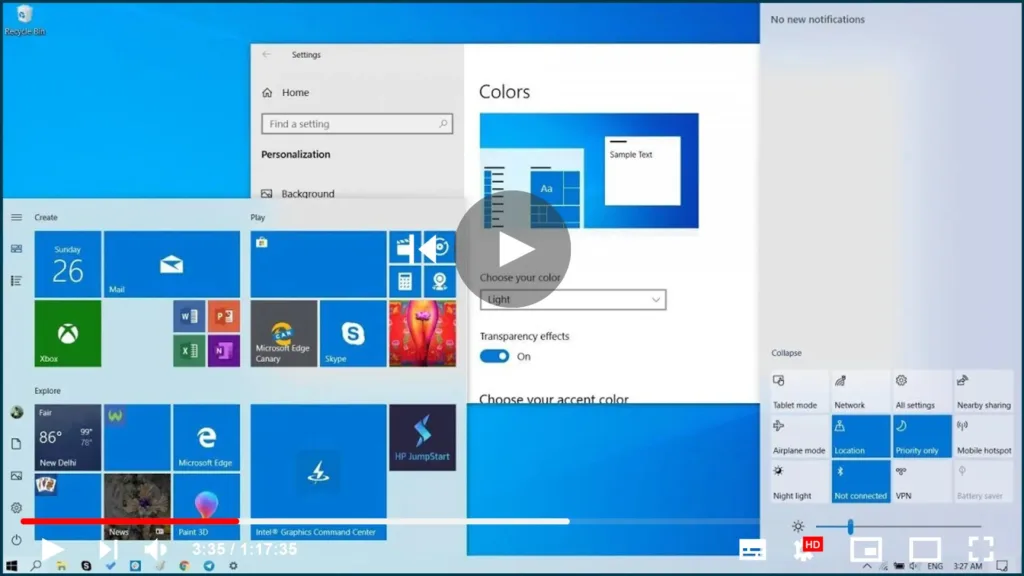
How to Enable New Light Theme Feature in Windows 10 1903

Windows 10 already ships with a light theme, it was never consistent as many elements, such as the Action Center, taskbar, start menu, & other modern elements use a dark color scheme. Starting with version 1903, Windows 10 introduces a system light theme that brings lighter colors for all the visual elements, & the result

How to Enable New Light Theme Feature in Windows 10 1903 Read More »

How to Fix Game DVR Error “PC doesn’t meet the hardware requirements for recording clips”

Windows 10 supports a nifty built-in feature that enables the recording of video games and other apps. The Game DVR as it’s called is readily accessible via a keyboard shortcut (Windows key + G). However, when attempting to record a game or app, the user sometimes experiences trouble. They see the following message appearing out

How to Fix Game DVR Error “PC doesn’t meet the hardware requirements for recording clips” Read More »

Windows 10 1903 version (May 2019 Update) 10 Best New Features

Windows 10 version 1903, May 2019 Update, an official with the 10 best new features, including Light mode, Windows Sandbox, Reserved Storage, Recommended Troubleshooting, automatic Active hours, disabled Windows updates for Windows 10 Home users, quick access to symbols, Windows Search, mouse pointer color & sizes, quick brightness control. Important: Windows 10 1903 version (May

Windows 10 1903 version (May 2019 Update) 10 Best New Features Read More »

How to Remove Maranhesduve.club pop up ads (Removal Guide)

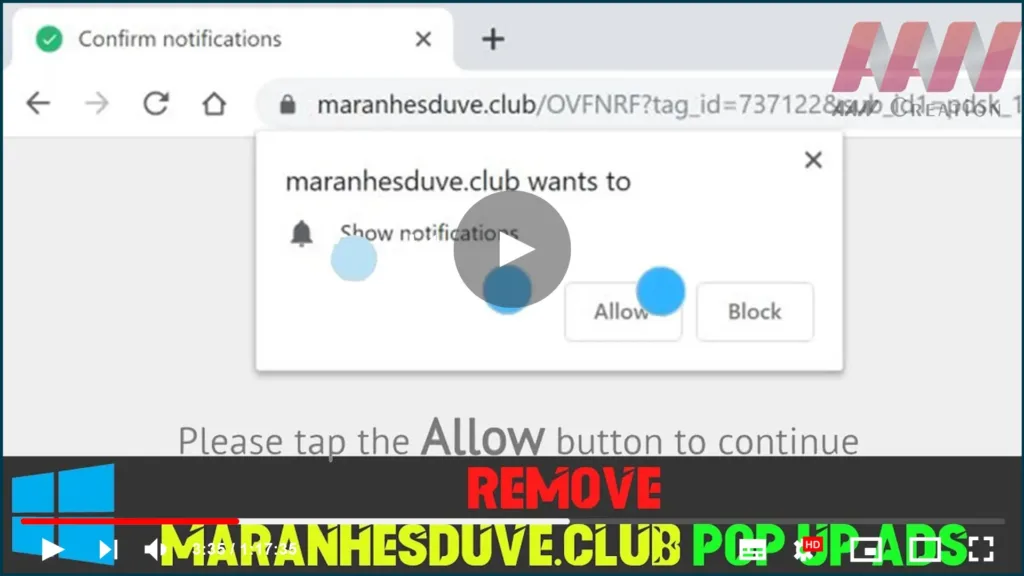
The Maranhesduve.club pop-ups are a social engineering attack that tries to trick users into subscribing to its push notifications so that they can send unwanted advertisements directly to your desktop. The Maranhesduve.club site will display a “Confirm notifications” message, asking you … The Maranhesduve.club pop-ups are a social engineering attack that tries to trick users

How to Remove Maranhesduve.club pop up ads (Removal Guide) Read More »

NVIDIA GFORCE EXPERIENCE (0x0001/0x0003) Something went wrong. Try rebooting your PC

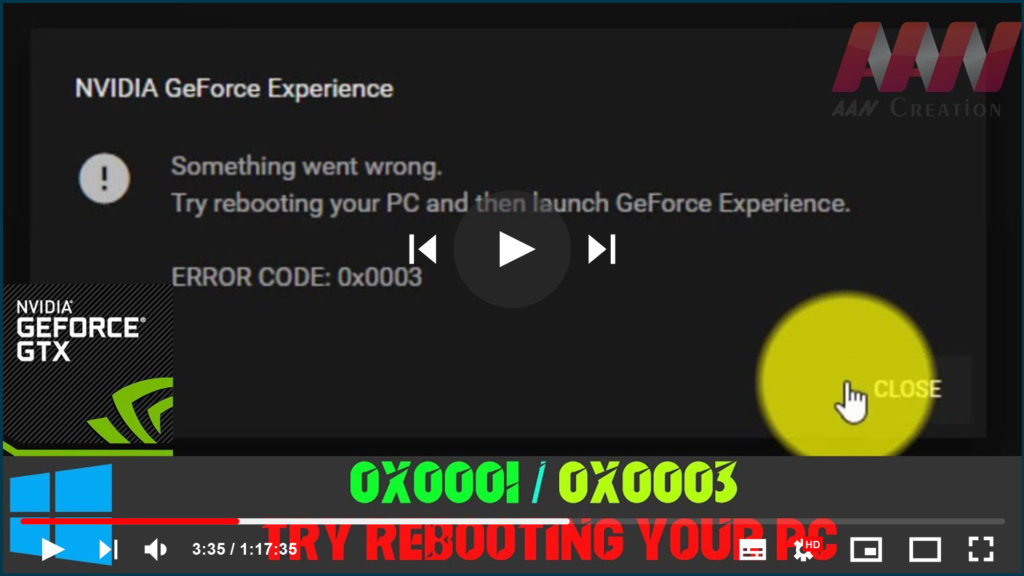
If you’re trying to open GeForce Experience on your Windows but it fails, and you’re seeing the error saying one of the followings: * Something went wrong. Try restarting GeForce Experience. * Something went wrong. Try rebooting your PC and then launch GeForce Experience. ERROR CODE: 0x0001 * Something went wrong. Try rebooting your PC

NVIDIA GFORCE EXPERIENCE (0x0001/0x0003) Something went wrong. Try rebooting your PC Read More »

TubeBuddy Tutorial – How To Use TubeBuddy for YouTube

What is TubeBuddy? TubeBuddy is a collection of browser extensions and tools for YouTube. It simplifies your life as a YouTube creator by making everyday tasks faster and more convenient. Trim silence, replace noisy or corrupted audio tracks and automatically fix hums, background noise, and other video issues. With a few clicks, you can adjust

TubeBuddy Tutorial – How To Use TubeBuddy for YouTube Read More »