nakvy88@gmail.com

How to Fix Game DVR Error “PC doesn’t meet the hardware requirements for recording clips”

Windows 10 supports a nifty built-in feature that enables the recording of video games and other apps. The Game DVR as it’s called is readily accessible via a keyboard shortcut (Windows key + G). However, when attempting to record a game or app, the user sometimes experiences trouble. They see the following message appearing out

How to Fix Game DVR Error “PC doesn’t meet the hardware requirements for recording clips” Read More »

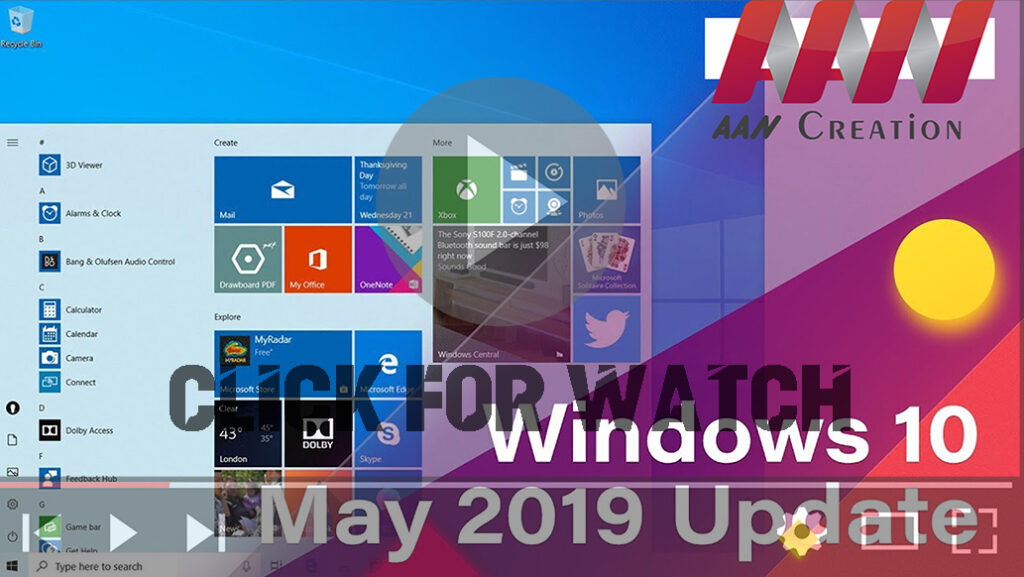
Windows 10 1903 version (May 2019 Update) 10 Best New Features

Windows 10 version 1903, May 2019 Update, an official with the 10 best new features, including Light mode, Windows Sandbox, Reserved Storage, Recommended Troubleshooting, automatic Active hours, disabled Windows updates for Windows 10 Home users, quick access to symbols, Windows Search, mouse pointer color & sizes, quick brightness control. Important: Windows 10 1903 version (May

Windows 10 1903 version (May 2019 Update) 10 Best New Features Read More »

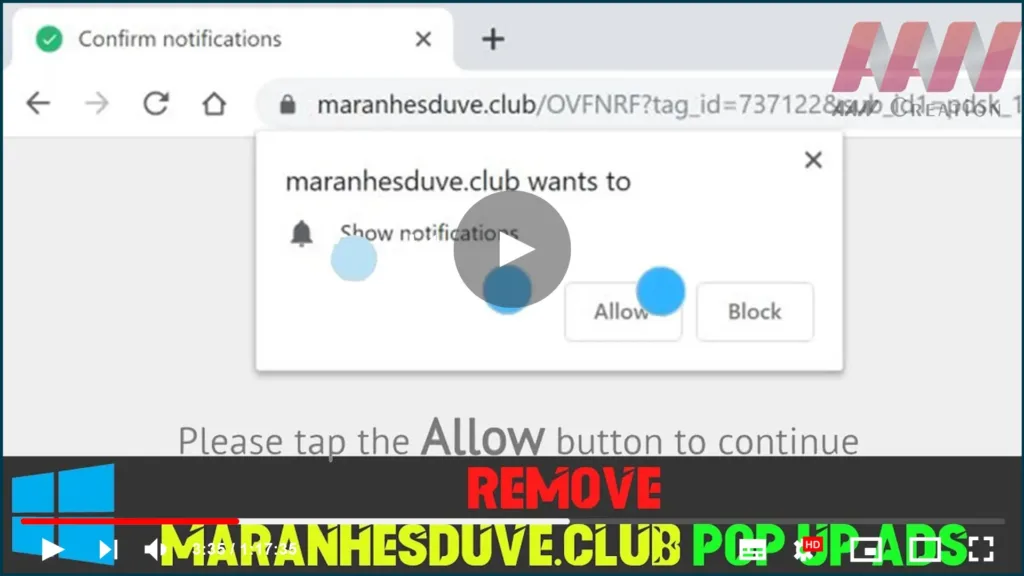
How to Remove Maranhesduve.club pop up ads (Removal Guide)

The Maranhesduve.club pop-ups are a social engineering attack that tries to trick users into subscribing to its push notifications so that they can send unwanted advertisements directly to your desktop. The Maranhesduve.club site will display a “Confirm notifications” message, asking you … The Maranhesduve.club pop-ups are a social engineering attack that tries to trick users

How to Remove Maranhesduve.club pop up ads (Removal Guide) Read More »

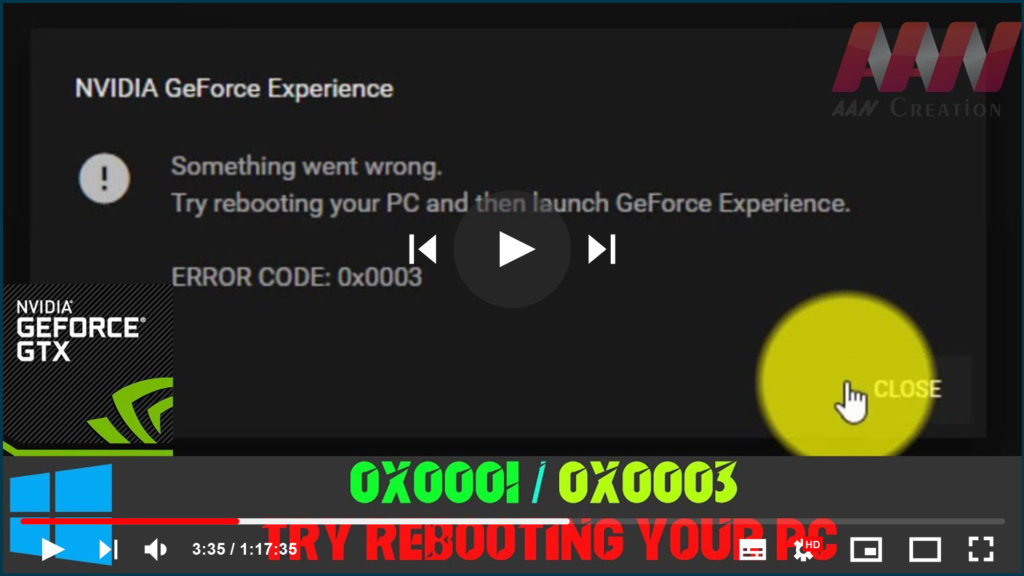
NVIDIA GFORCE EXPERIENCE (0x0001/0x0003) Something went wrong. Try rebooting your PC

If you’re trying to open GeForce Experience on your Windows but it fails, and you’re seeing the error saying one of the followings: * Something went wrong. Try restarting GeForce Experience. * Something went wrong. Try rebooting your PC and then launch GeForce Experience. ERROR CODE: 0x0001 * Something went wrong. Try rebooting your PC

NVIDIA GFORCE EXPERIENCE (0x0001/0x0003) Something went wrong. Try rebooting your PC Read More »

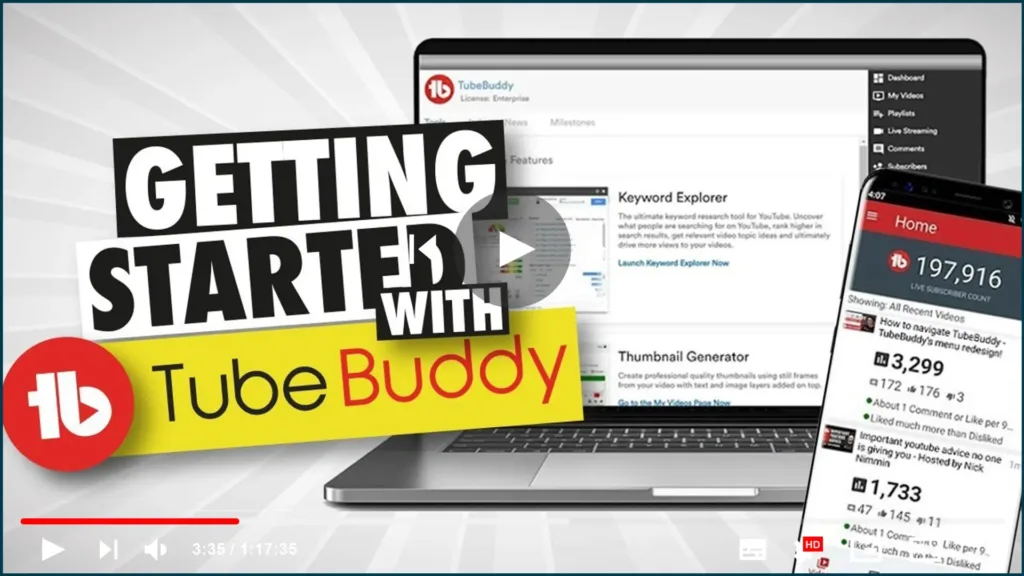
TubeBuddy Tutorial – How To Use TubeBuddy for YouTube

What is TubeBuddy? TubeBuddy is a collection of browser extensions and tools for YouTube. It simplifies your life as a YouTube creator by making everyday tasks faster and more convenient. Trim silence, replace noisy or corrupted audio tracks and automatically fix hums, background noise, and other video issues. With a few clicks, you can adjust

TubeBuddy Tutorial – How To Use TubeBuddy for YouTube Read More »

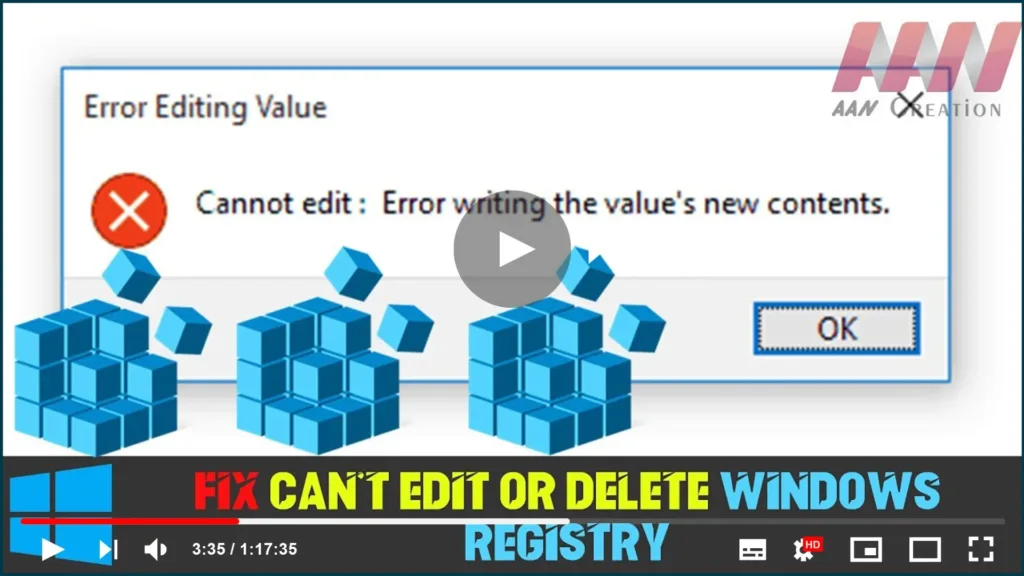
How to Fix Can’t Edit or Delete Windows Registry

The Registry is a database that stores Windows working framework and application settings. Here and there, you have to change those qualities physically. ‘Can’t alter Registry’ is a blunder you’ll confront when you attempt to alter a key in Registry however you don’t have the fundamental consents to do it. Instructions to alter any Registry

How to Fix Can’t Edit or Delete Windows Registry Read More »

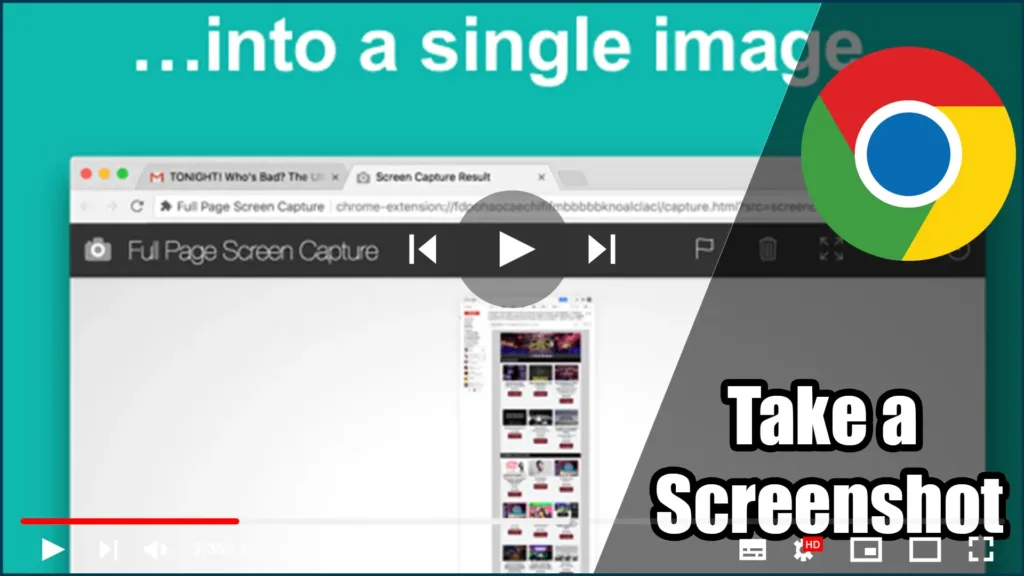
How to Take a Screenshot on Google Chrome Using Dev Tools

Taking screenshots using Google Chrome’s Developer Tools offers a more efficient way to capture the content of a webpage without including browser elements like toolbars and borders, unlike using the Print Screen key. The Chrome screenshot tool focuses solely on the webpage’s content, eliminating the need for post-capture editing. Steps to Take a Full-Page Screenshot

How to Take a Screenshot on Google Chrome Using Dev Tools Read More »

8 ways to start System Configuration in Windows (all versions)

The System Configuration tool is also known by its msconfig.exe executable file. This app is useful to people who want to manage the Windows startup and the boot options, as well as troubleshoot stability and performance issues. You can do all that from this handy little tool, but before that, you first have to open it. In this article, we

8 ways to start System Configuration in Windows (all versions) Read More »