nakvy88@gmail.com

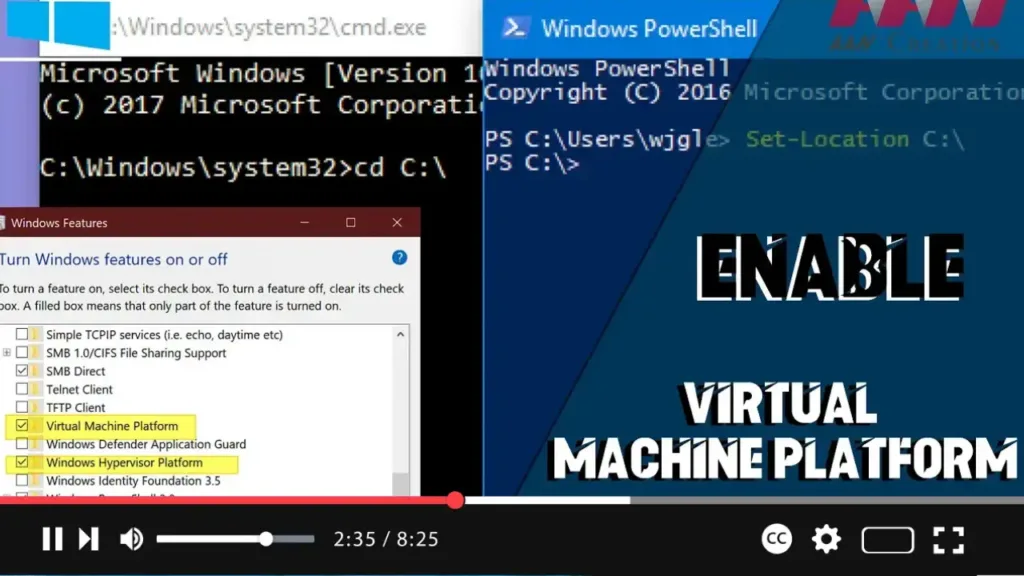
How to Enable Virtual Machine Platform on Windows 10

The Virtual Machine Platform is a feature introduced by Microsoft on Windows 10. While Hyper-V is available for virtualization and is highly effective, the Virtual Machine Platform can be used to handle MSIX package tools on Windows 10. Follow these steps to enable this feature. Introduction Enabling the Virtual Machine Platform on Windows 10 enhances […]

How to Enable Virtual Machine Platform on Windows 10 Read More »
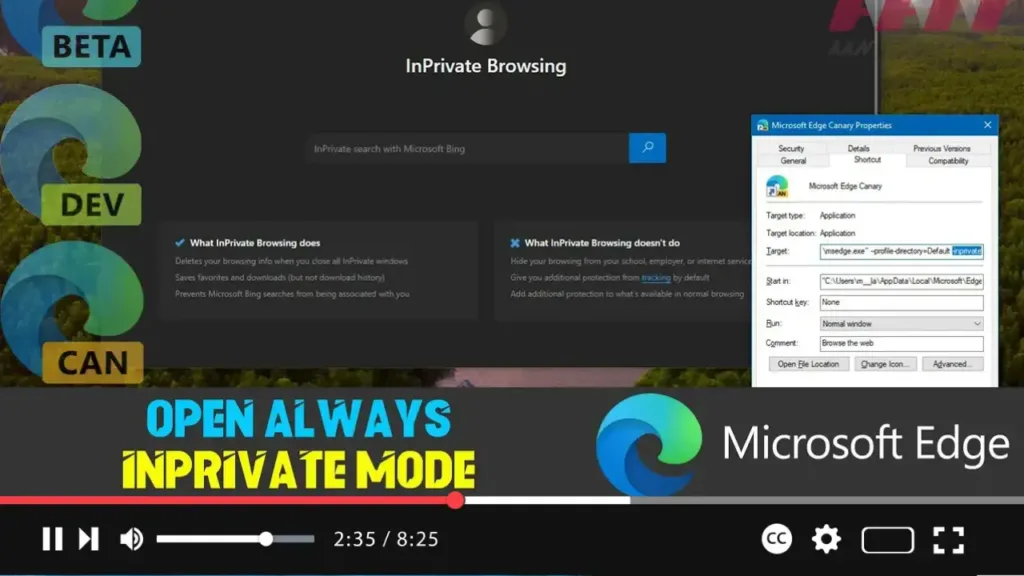
How to Open Microsoft Edge Always InPrivate Mode on Windows 10

  To enhance your online privacy, you can set Microsoft Edge to always start in InPrivate mode. This feature prevents Edge from saving your browsing history, cookies, site data, passwords, addresses, and form data during a session. When you close an InPrivate session, Edge deletes all your browsing information from that session, reducing the amount

How to Open Microsoft Edge Always InPrivate Mode on Windows 10 Read More »

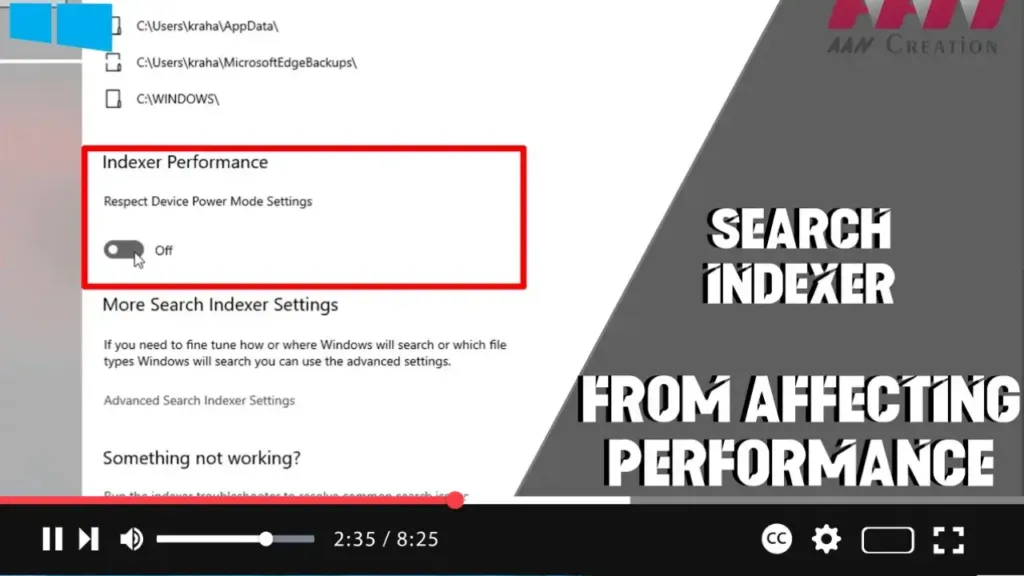
How to Prevent Search Indexer from Affecting Performance on Windows 10

  Windows 10 includes an essential feature called the Windows Search indexer, which helps speed up searches by indexing all the contents stored on your device. This includes metadata, text, filenames, and extensions. However, the indexing process can sometimes lead to performance issues, prompting many users to disable the feature entirely. To address this, Microsoft

How to Prevent Search Indexer from Affecting Performance on Windows 10 Read More »

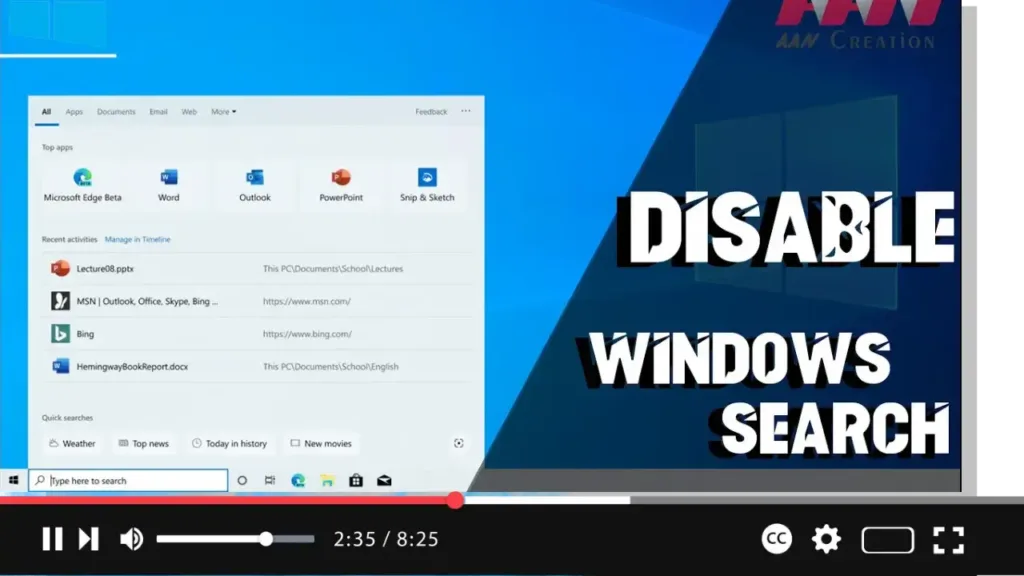
How To Disable Windows Search in Windows 10

  Windows Search is a crucial tool for finding files and applications on your Windows PC. It uses indexing to create a table of contents for the files stored on your computer, allowing for faster search results. However, indexing can consume significant system resources, prompting some users to consider disabling Windows Search. Introduction Disabling Windows

How To Disable Windows Search in Windows 10 Read More »

How to Enable or Disable Indexing of Network Locations in Photos in Windows 10

  Windows 10 includes a built-in Photos app that has replaced the older Windows Photo Viewer and Photo Gallery. The Photos app is integrated with Microsoft’s OneDrive cloud solution, allowing you to view and perform basic editing on your images. With recent updates, the Photos app has gained the ability to index network locations for

How to Enable or Disable Indexing of Network Locations in Photos in Windows 10 Read More »

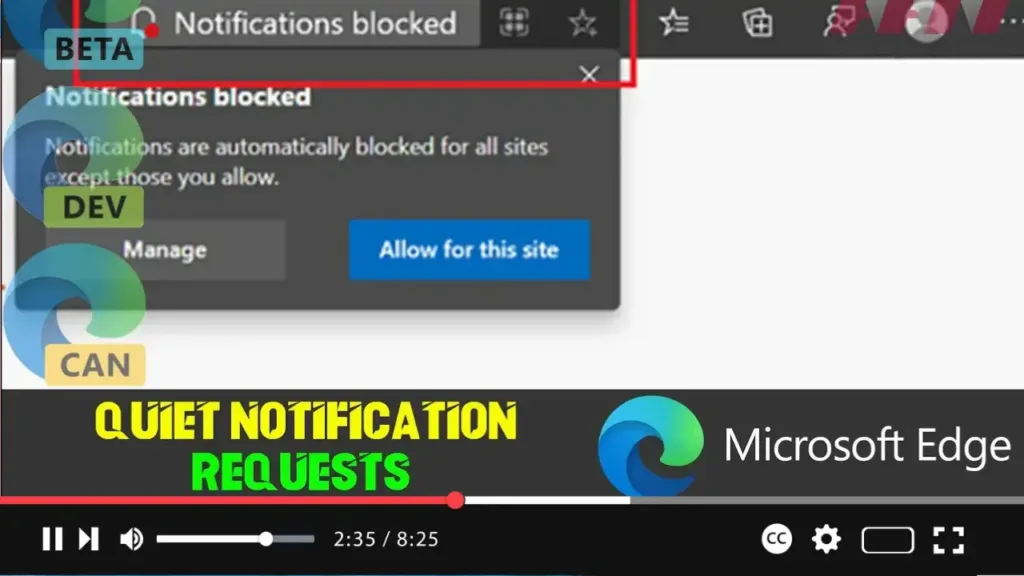
How to Enable or Disable Quiet Notification Requests on Microsoft Edge Chromium

  Microsoft Edge now allows users to stop notification requests from websites to reduce distractions while browsing the web. While some notifications, such as meeting alerts or updates from media subscriptions, can be valuable, constant requests can be distracting. To address this, the Chromium version of Microsoft Edge includes the quiet notification requests feature, which

How to Enable or Disable Quiet Notification Requests on Microsoft Edge Chromium Read More »

How to Block Potentially Unwanted Applications in Microsoft Defender Antivirus on Windows 10

  In Windows 10, Microsoft Defender Antivirus offers robust protection against viruses, ransomware, spyware, and other forms of malware. Starting with the May 2020 Update (version 2004), Windows Security introduced a feature to protect your system against potentially unwanted applications (PUAs). PUAs are low-reputation apps that may cause unexpected behaviors on Windows 10, such as

How to Block Potentially Unwanted Applications in Microsoft Defender Antivirus on Windows 10 Read More »

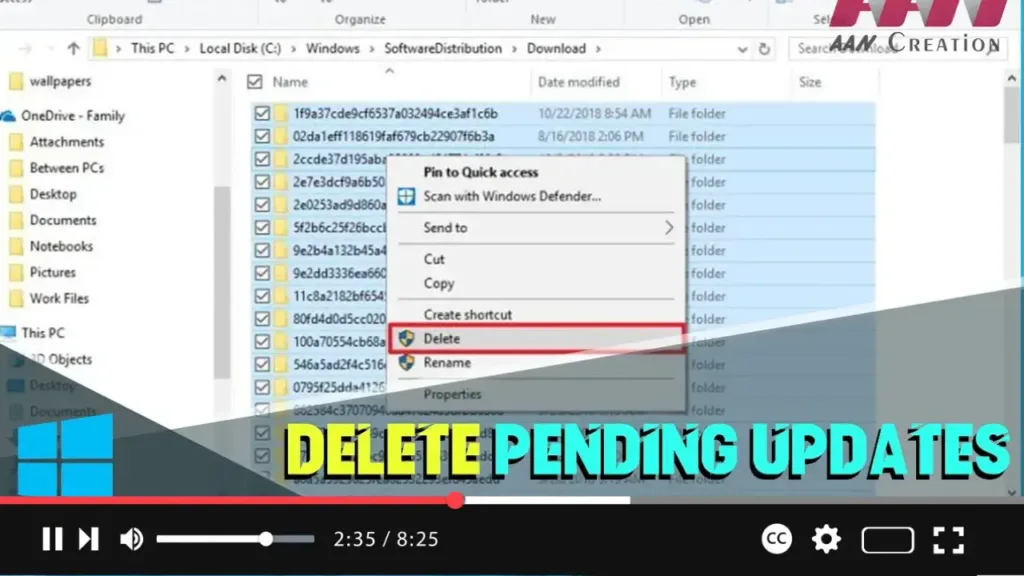
How to Delete Pending Updates on Windows 10

  Windows 10 updates are essential for system stability, security, and performance improvements. However, sometimes the installation of cumulative updates can cause problems due to file corruption, compatibility issues, or unknown bugs. If you’re having trouble installing a Windows update or want to avoid a problematic patch, you can delete the pending updates. This process

How to Delete Pending Updates on Windows 10 Read More »

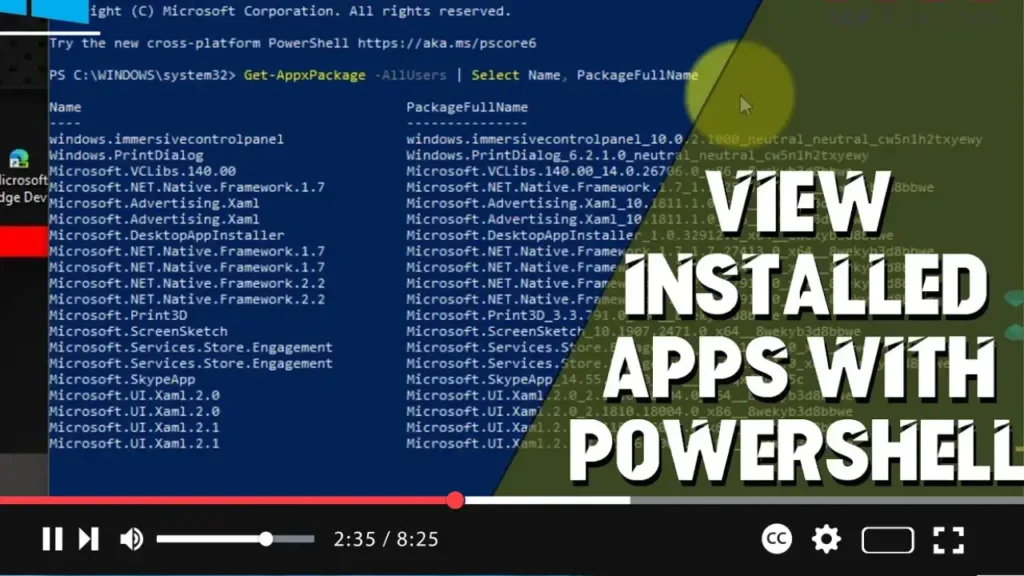
How to View Installed Apps with PowerShell on Windows 10

  PowerShell is a powerful command-line tool that allows you to manage and automate various system tasks on Windows 10. One useful capability of PowerShell is to list all installed applications on your computer. This guide will show you how to use PowerShell to view installed apps on Windows 10. Introduction Using PowerShell to view

How to View Installed Apps with PowerShell on Windows 10 Read More »