Google Chrome Web browser

How to Enable QR Code Generator For Page URL in Google Chrome

 Google Chrome includes a handy QR code generator that allows you to create a QR code for any page URL. This can be useful for quickly sharing links with mobile devices or other users. Here’s how to enable and use the QR code generator in Google Chrome. Introduction The QR code generator in Google Chrome […]

How to Enable QR Code Generator For Page URL in Google Chrome Read More »
How to Enable Destroy Profile on Browser Close in Google Chrome

 Enabling the “Destroy Profile on Browser Close” feature in Google Chrome ensures that all browsing data, including cookies, history, and cache, is automatically deleted when you close the browser. This can be useful for maintaining privacy and freeing up disk space. This guide will show you how to enable this feature. Introduction By default, Google

How to Enable Destroy Profile on Browser Close in Google Chrome Read More »

How to Create Desktop Shortcut of Google, YouTube, Facebook, Twitter or Any Websites

 While this may sound very basic to a few users, others may find it helpful. So in this article, we will see how to create a desktop shortcut in Windows 10, for your favorite application, program, website, etc, & place it on your Desktop or any other folder, for easy access. Create a desktop shortcut

How to Create Desktop Shortcut of Google, YouTube, Facebook, Twitter or Any Websites Read More »

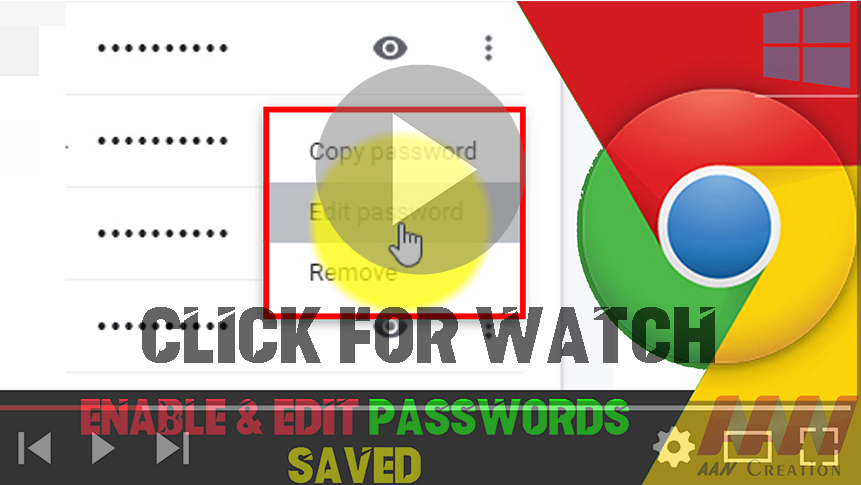
How to Enable & Edit Passwords Saved in Chrome Browser

Google Chrome Browser can automatically detect when you are entering a new password for saved credentials of a website & offers you to update it, the web browser now incorporates an option to edit saved passwords manually. The ability to update passwords is currently in development, but anyone can enable the feature through the experimental

How to Enable & Edit Passwords Saved in Chrome Browser Read More »

How to Enable DNS over HTTPS in Google Chrome Browser

How to Enable DNS over HTTPS in Google Chrome Browser Most of the internet has already moved to the HTTPS (Hypertext Transfer Protocol Secure) to secure the communication when using the websites, the Domain Name System (DNS) queries to resolve domain names to IP addresses are still being transmitted in (General)plain text. Even so, the

How to Enable DNS over HTTPS in Google Chrome Browser Read More »

How to Enable Scrollable Tabs in Chrome Browser

One of the biggest problems with web browsers is that we tend to open a lot of tabs making things unmanageable very quickly. Google has been introducing many improvements for Chrome to help users manage tabs more efficiently, such as with tab previews and tab groups, and recently the company has been working on a

How to Enable Scrollable Tabs in Chrome Browser Read More »

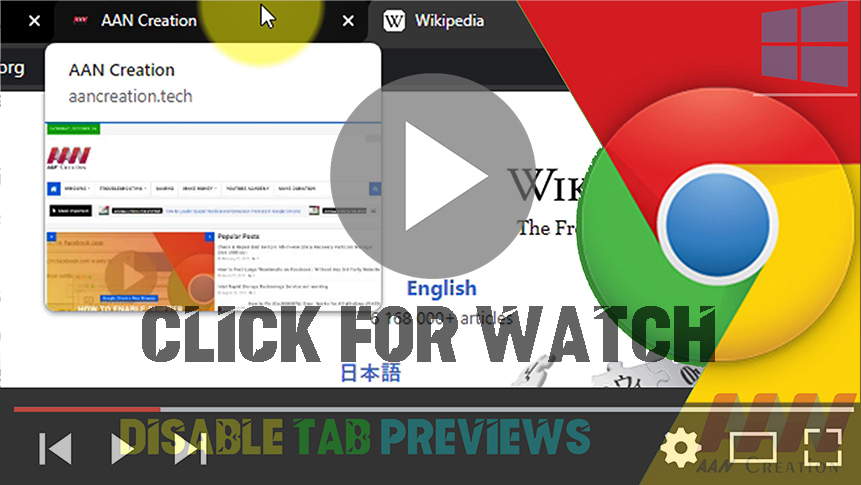
How to Disable Tab Previews in Google Chrome Browser

Google Chrome version 78 update introduces “Tab Hover Cards,” a new feature that allows getting a small preview of other open pages, hovering over the tab without having to leave the current page. Although it can be a useful feature, it’s not something that everybody wants to use. If you’re in the type that would

How to Disable Tab Previews in Google Chrome Browser Read More »

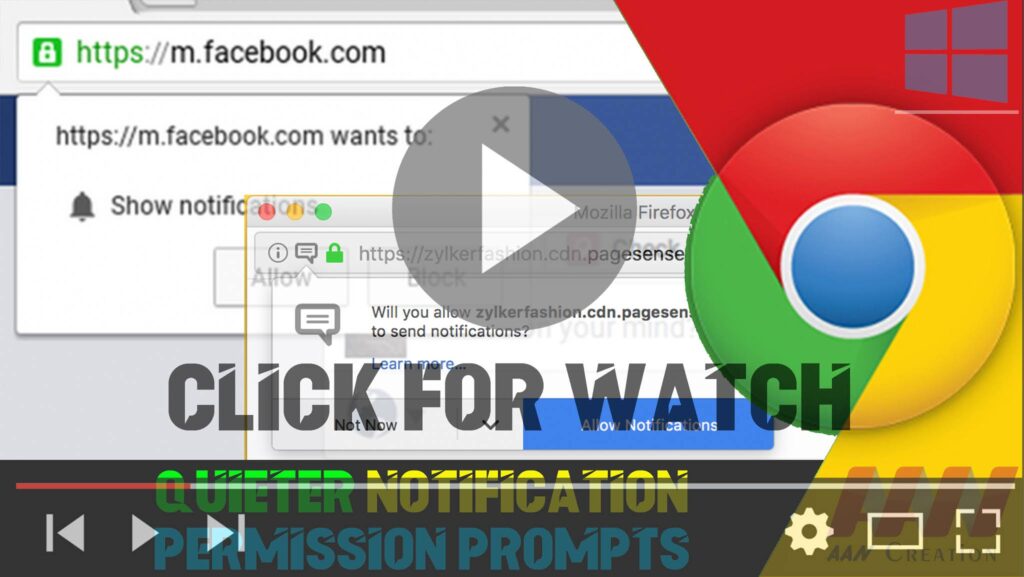
How to Enable Quieter Notification Permission Prompts in Google Chrome

  Google Chrome Browser has a new “Quieter notification permission prompts” option in the advanced settings page, starting version 80, which has been designed to minimize the number of notification interruptions from websites. The option does not eliminate notification requests completely. Instead, when enabled, you will now see a “quieter” prompt on the right side

How to Enable Quieter Notification Permission Prompts in Google Chrome Read More »

How to Enable Heavy Ad Intervention Feature in Google Chrome

Google is unlikely to ever all advertisements from the Chrome browser, as it’s still the main source of revenue, the company is making changes to make ads less annoying. Starting with version 80, Chrome is now introducing a new “Heavy Ad Intervention” option designed to block advertisements known to use too many system resources, which

How to Enable Heavy Ad Intervention Feature in Google Chrome Read More »