Microsoft Edge Web Browser

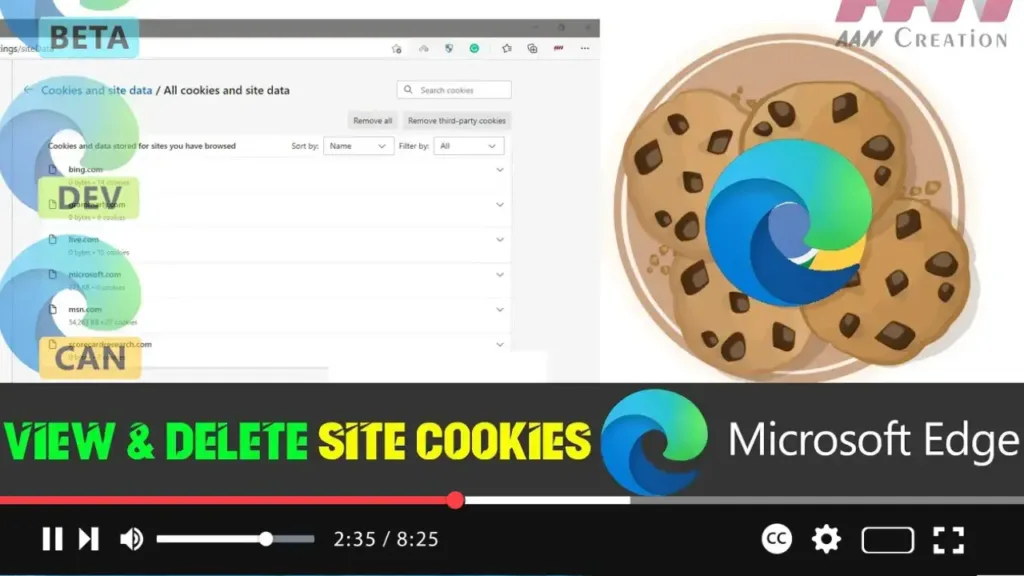
How to View and Delete Site Cookies on Microsoft Edge

 Cookies are small files stored on your computer by websites to remember information about your visit. While cookies can enhance your browsing experience by keeping you logged in and remembering your preferences, you may want to view or delete them for privacy or troubleshooting purposes. This guide will show you how to view and delete […]

How to View and Delete Site Cookies on Microsoft Edge Read More »
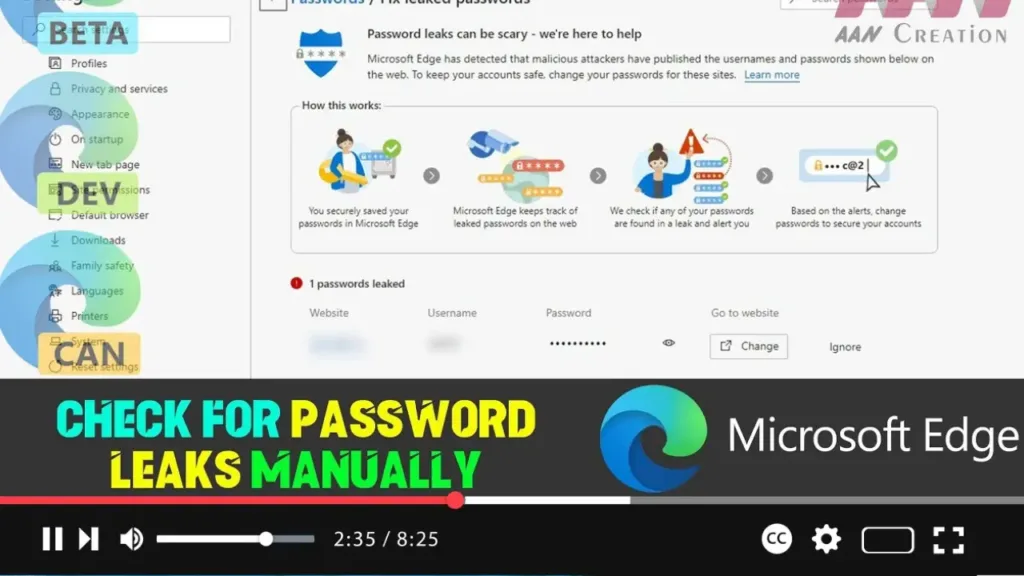
How to Check for Password Leaks Manually on Microsoft Edge

Microsoft Edge includes a built-in feature that helps you check if any of your saved passwords have been compromised in a data breach. By manually checking for password leaks, you can ensure your accounts remain secure. This guide will show you how to perform this check. Introduction Regularly checking your passwords for leaks is crucial

How to Check for Password Leaks Manually on Microsoft Edge Read More »

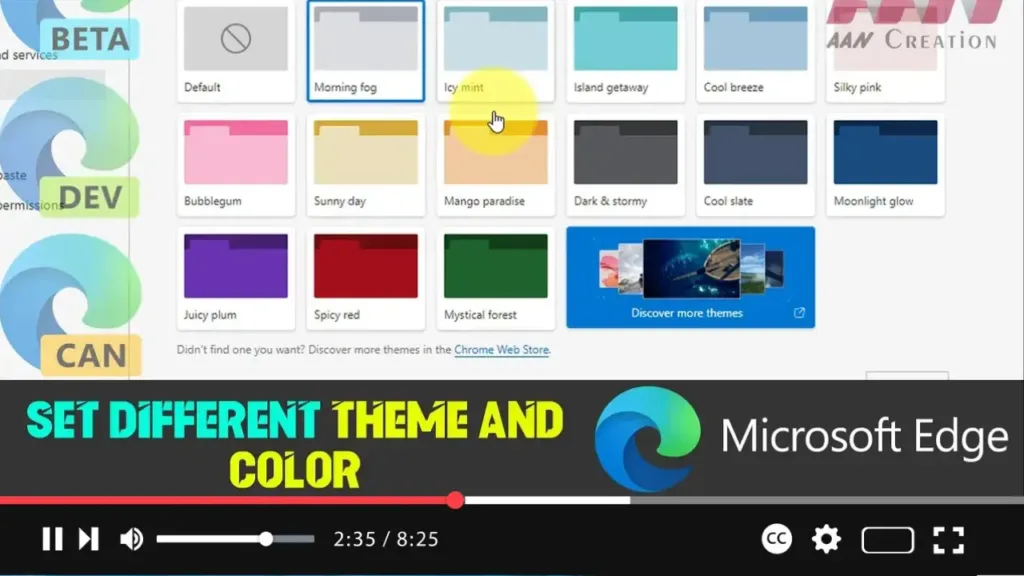
How to Set Different Theme and Color on Microsoft Edge

 Customizing the theme and color of your Microsoft Edge browser can enhance your browsing experience and make it more personalized. This guide will show you how to set different themes and colors in Microsoft Edge. Introduction Microsoft Edge offers various customization options, including the ability to change themes and colors. Whether you prefer a light

How to Set Different Theme and Color on Microsoft Edge Read More »

How to Stop Microsoft Edge from Saving History in Windows 10

  Microsoft Edge, like other browsers, saves your browsing history to help improve your web experience. However, if you prefer to keep your browsing activities private, you can configure Edge to stop saving your history. Here’s how to do it: Introduction Microsoft Edge saves browsing history to enhance your browsing experience by remembering frequently visited

How to Stop Microsoft Edge from Saving History in Windows 10 Read More »

How to Add or Remove Favorites Bar in Microsoft Edge

 The Favorites Bar in Microsoft Edge allows you to quickly access your most frequently visited websites. This feature can be customized to show or hide according to your preference. Here’s a step-by-step guide to adding or removing the Favorites Bar in Microsoft Edge. Introduction The Favorites Bar in Microsoft Edge provides a convenient way to

How to Add or Remove Favorites Bar in Microsoft Edge Read More »

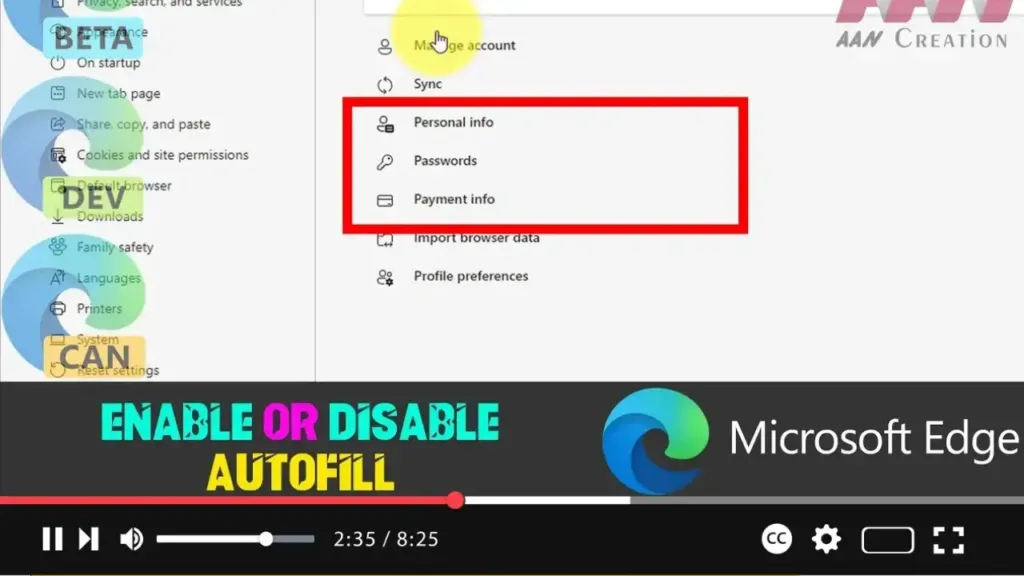
How to Enable or Disable Autofill in Microsoft Edge

Autofill in Microsoft Edge can be a useful feature that saves time by automatically entering saved information such as passwords, addresses, and payment details into forms on websites. However, if you prefer not to use this feature, you can easily disable it. Here’s a step-by-step guide to enabling or disabling autofill in Microsoft Edge. Introduction

How to Enable or Disable Autofill in Microsoft Edge Read More »

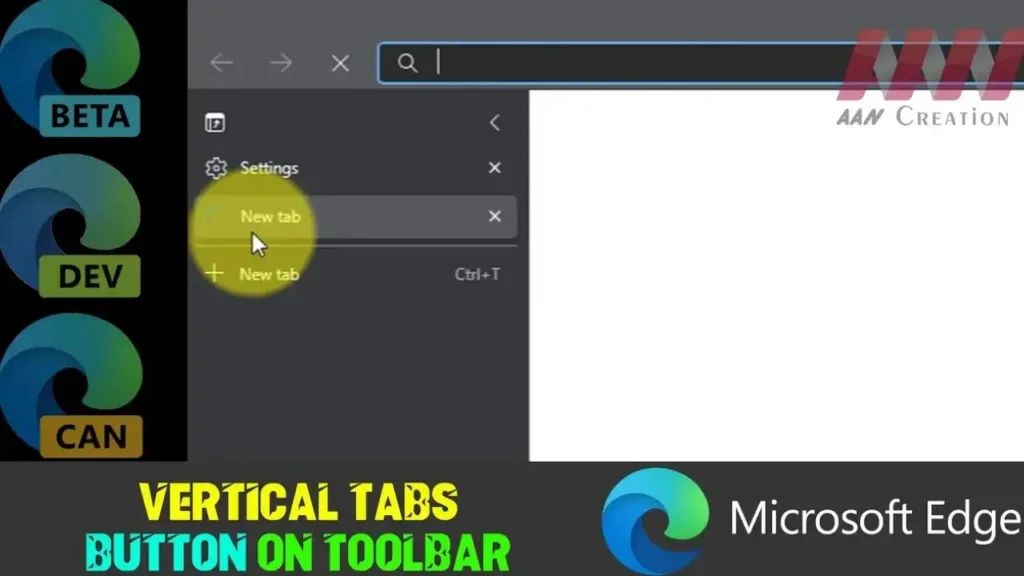
Add or Remove Vertical Tabs Button on Toolbar in Microsoft Edge

 Microsoft Edge provides a vertical tabs feature that allows users to view and manage their tabs on the side of the browser. This can be particularly useful for users who have many tabs open at once. You can add or remove the vertical tabs button on the toolbar to customize your browsing experience. Here’s how

Add or Remove Vertical Tabs Button on Toolbar in Microsoft Edge Read More »

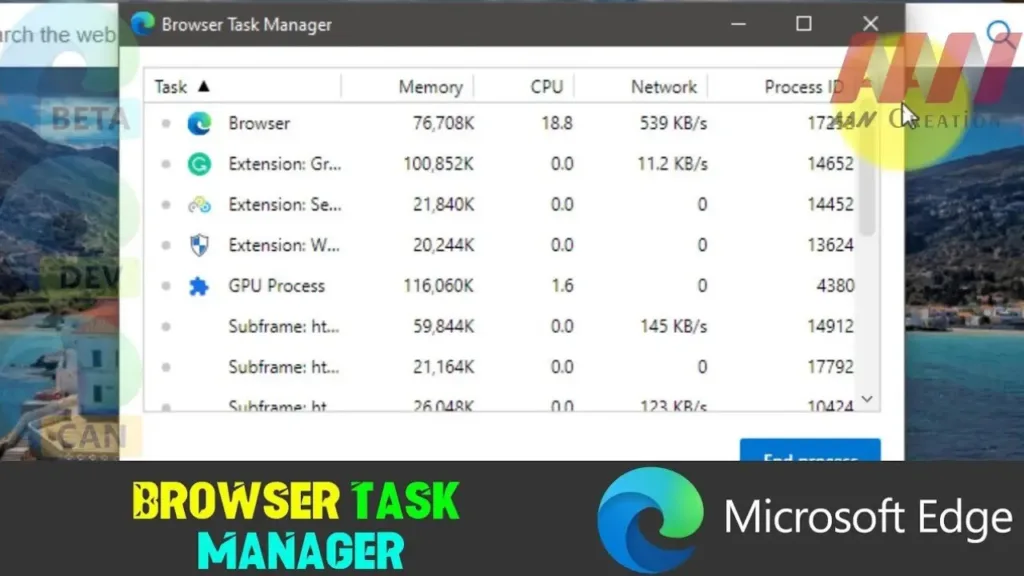
How to Open Browser Task Manager in Microsoft Edge

 Microsoft Edge, the sleek and powerful web browser from Microsoft, offers users a built-in Task Manager akin to the one found in Windows. This feature allows users to monitor and manage system resources consumed by individual tabs and extensions, making it easier to identify and resolve performance bottlenecks. Below, we’ll guide you through the steps

How to Open Browser Task Manager in Microsoft Edge Read More »

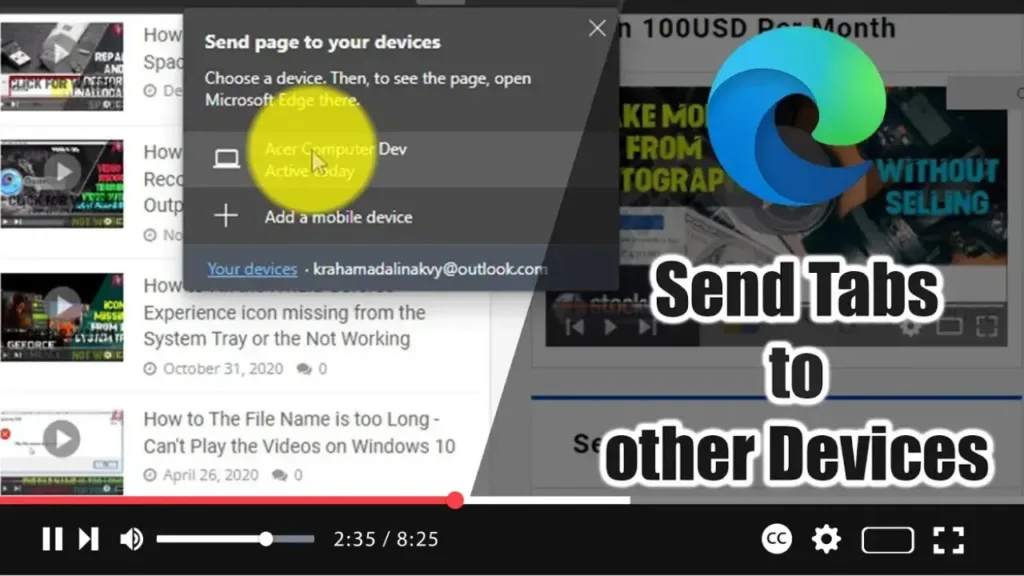
How to Send Tabs to other Devices with Microsoft Edge

Microsoft Edge now includes a feature that allows you to send open tabs to another computer running Windows 10 or macOS, or to mobile devices, including Android and iOS. This eliminates the need to email or text links to yourself, making it more convenient to continue your browsing experience across multiple devices. Here’s how to

How to Send Tabs to other Devices with Microsoft Edge Read More »

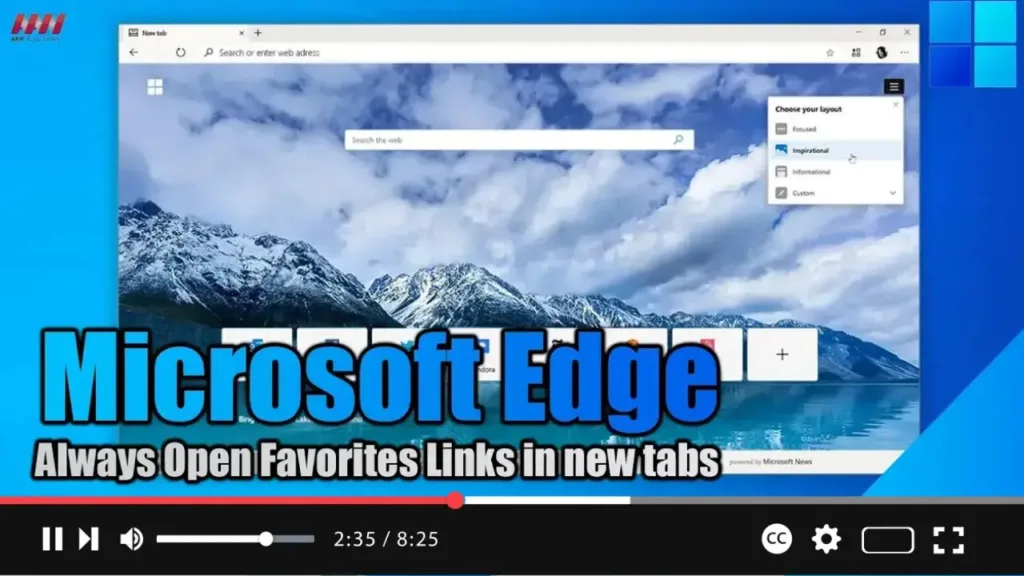
How to Always Open Favorites Links in new tabs on Microsoft Edge

 Exciting news for Microsoft Edge users! With the latest version 110 update, you can now tweak your browser settings to ensure that links saved in your Favorites list open in new tabs. This seemingly minor tweak can actually make a big difference in your browsing experience, especially if you tend to save important pages to

How to Always Open Favorites Links in new tabs on Microsoft Edge Read More »