Software or Tools

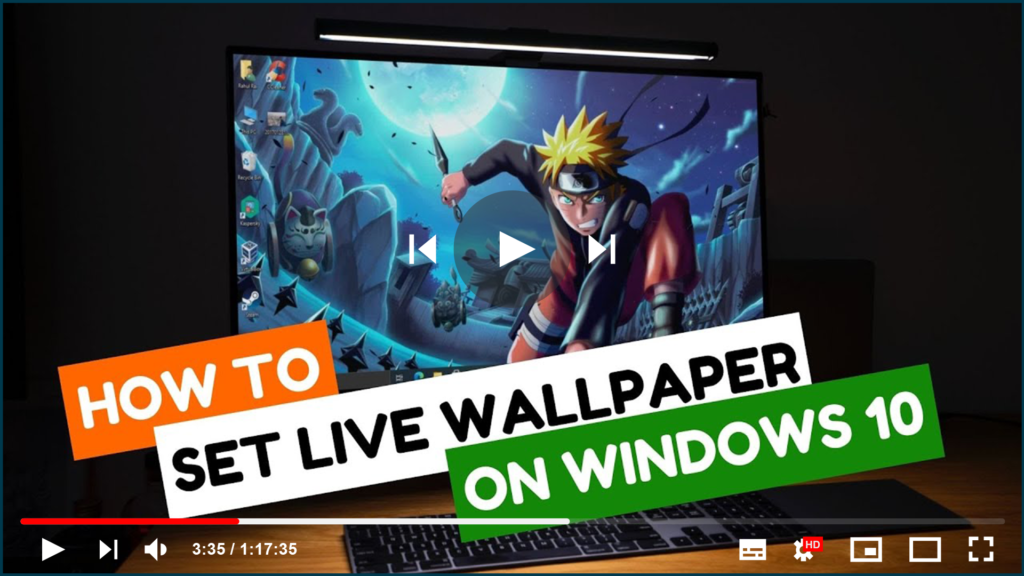
How to Set Live Wallpaper as an Animated Desktop Background in Windows 10

Windows 10 does not natively support live wallpapers, but with a third-party tool like DesktopHut, you can easily set a video as your desktop’s animated background. This tool is fantastic for customizing your desktop with a moving, dynamic background. The steps are simple, and the tool is portable, meaning it doesn’t require installation and can […]

How to Set Live Wallpaper as an Animated Desktop Background in Windows 10 Read More »
How to Convert Video Files For FREE Using VLC Media Player | Convert MKV, MP4, AVI, MP3

VLC Media Player is more than just a great tool for playing videos; it can also convert videos between different formats. The player allows you to convert between a variety of supported video files. It works great for most formats and codecs, but there are a few issues, and the conversion feature isn’t the best, but

How to Convert Video Files For FREE Using VLC Media Player | Convert MKV, MP4, AVI, MP3 Read More »

How to Install SoftEther VPN Client on Windows 10

You may have heard the term “security protocol” while using a VPN network. This is essentially what protects you when you use a VPN to browse the web. The protocol you use will determine what sort of security and speeds you get when you’re on the internet, affecting both your download and upload speeds There

How to Install SoftEther VPN Client on Windows 10 Read More »

How to Play YouTube Videos in VLC Media Player

VLC Media Player is a free and open-source media player that can be used on a variety of devices, including mobile phones and computers. It supports a wide range of audio and video formats, including DVD, Video CD, and AVI. Its most recent updates enable users to stream videos from YouTube. Having said that, you

How to Play YouTube Videos in VLC Media Player Read More »

How to Install Tor on Windows, Mac, Linux, and Android

The Tor browser is one of the best privacy solutions for anonymous web browsing. The Onion Router (its full name) routes your traffic through at least three Tor relays (servers) located around the world. This makes tracing your data traffic back to you nearly impossible, greatly increasing your privacy. Of course, it’s also the primary

How to Install Tor on Windows, Mac, Linux, and Android Read More »

How to Fix Missing Minimize, Maximize, and Close Buttons in VLC Player

If you’re using the VLC Media Player and the usual minimize, maximize, and close buttons are missing from the top bar, this issue can be fixed quickly. It’s usually caused by the player being in fullscreen interface mode. When in this mode, the top bar with the window controls is hidden, causing the minimize, maximize,

How to Fix Missing Minimize, Maximize, and Close Buttons in VLC Player Read More »

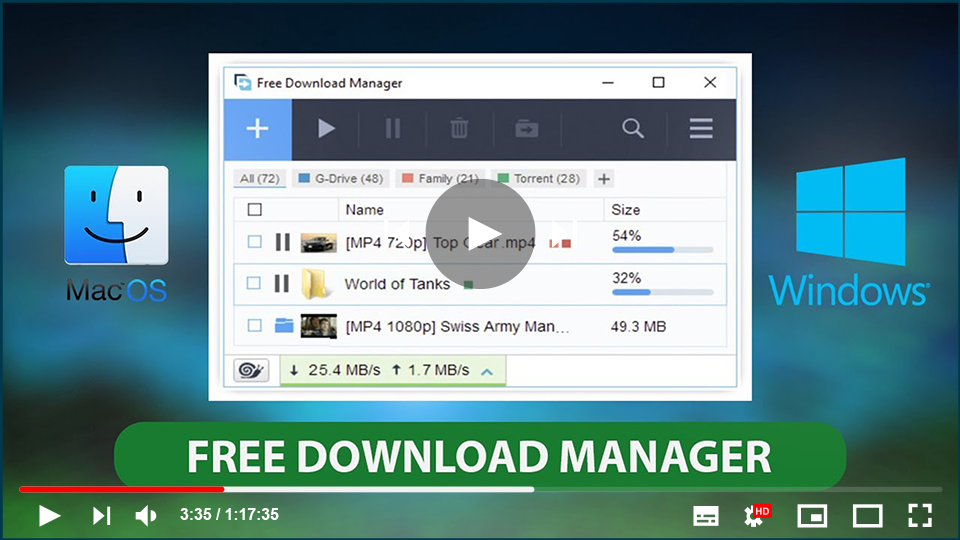
Free Download Manager (FDM) for Windows: A Powerful, Free Tool for Managing Downloads

Free Download Manager (FDM) is an essential application designed to help you organize, manage, and accelerate your download tasks. While most web browsers come with built-in download managers, they often lack advanced functionalities like the ability to pause, resume, or accelerate downloads. FDM addresses these issues by offering robust capabilities to ensure your downloads are

Free Download Manager (FDM) for Windows: A Powerful, Free Tool for Managing Downloads Read More »

How to Post Large Thumbnails on Facebook Without Any Third-Party Website

Posting large thumbnails on Facebook can significantly enhance your content’s visibility and engagement. While many people turn to third-party websites to achieve this, Facebook offers built-in tools to ensure your thumbnails appear prominently. This guide will walk you through the process of posting large thumbnails effectively. Understanding Facebook’s Thumbnail System When you share content on

How to Post Large Thumbnails on Facebook Without Any Third-Party Website Read More »

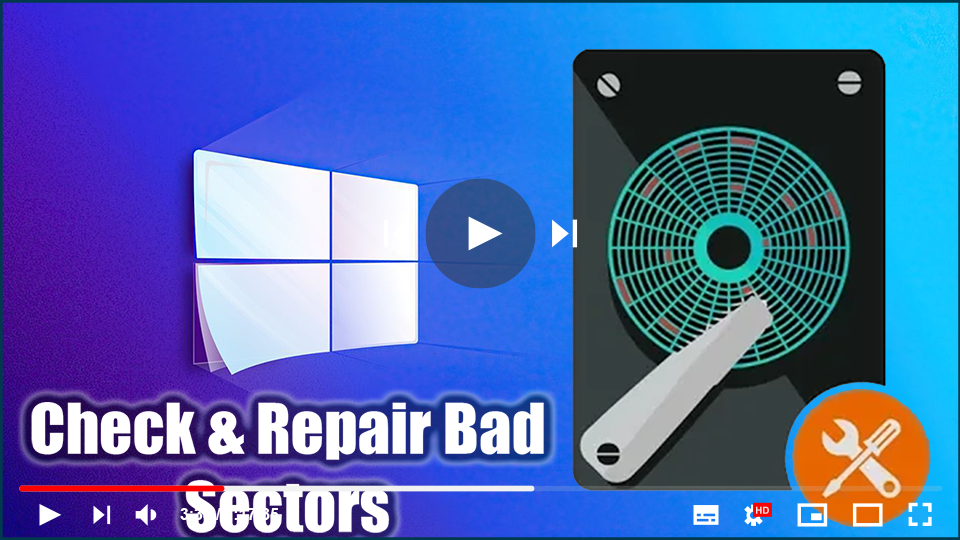
Check & Repair Bad Sectors All-in-one (Data Recovery Partition Manager Disk Utilities)

Bad sectors on hard drives or other storage devices are not accessible or writeable due to damage to the disk. If you suspect there are bad sectors on your disk, you can use the DiskGenius app to check or repair bad sectors. Terrible parts on hard drives or other stockpiling gadgets are not open or

Check & Repair Bad Sectors All-in-one (Data Recovery Partition Manager Disk Utilities) Read More »

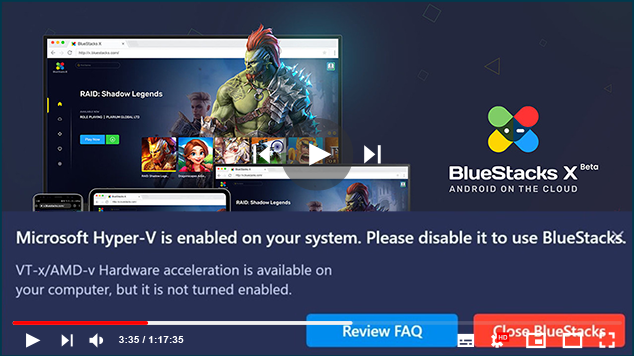
Hyper-V is enabled on your system. Please Disable it to use BlueStacks

This article will show you how to disable Hyper-V on Windows so that you can install BlueStacks 5 Nougat 32-bit on your computer. NOTE: If you do not wish to disable Hyper-V, you can simply install the latest BlueStack 5 Nougat 64-bit version that can be run even when Hyper-V is enabled on your PC.

Hyper-V is enabled on your system. Please Disable it to use BlueStacks Read More »