Windows 10

How to Make Full Screen Start Menu in Windows 10

If you prefer a larger Start Menu experience in Windows 10, this guide will show you how to enable a full-screen Start Menu on your desktop. This feature can enhance usability, especially for touch devices, and allows for better organization and accessibility of your apps and programs. Step 01: Open Settings Begin by clicking on […]

How to Make Full Screen Start Menu in Windows 10 Read More »
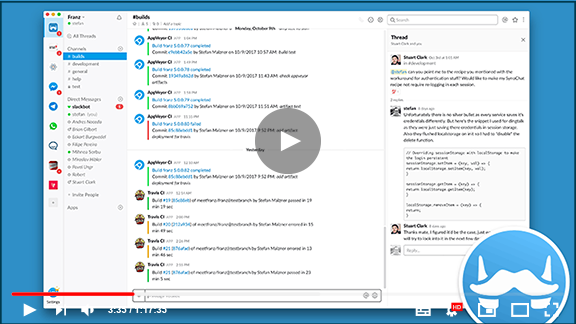
One App for WhatsApp, FB, Messenger, Skype, Hangou,t WeChat & Many more

(adsbygoogle = window.adsbygoogle || []).push({}); Simply login into your Franz account on as many devices as you like and you’re good to go. Franz presently supports Facebook Messenger, Telegram, WhatsApp, Skype, and a number of other messaging apps. Unlimited accounts You may add each service as many times as you like with Franz. Franz is

One App for WhatsApp, FB, Messenger, Skype, Hangou,t WeChat & Many more Read More »

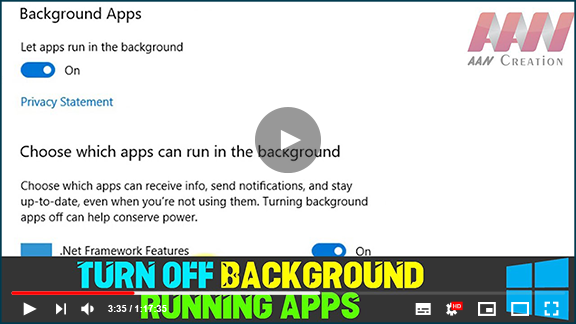
How to Turn off Background Running Apps in Windows 10

Windows 10, many programs you download from the Microsoft Store will continue to run in the background to take advantage of extra features, such as the capacity to download data, update Live Tiles, and show notifications. These features can be helpful in a number of scenarios, programs running in the background (even when you did

How to Turn off Background Running Apps in Windows 10 Read More »

How to Stop or Disable Windows 10 Feedback’s & All Notification

Windows 10 has some special built-in applications, some of its built-in applications can sometimes become annoying. So in this article, we will show you how to disable the Feedback app in Windows 10. What is Feedback app, & How To Disable It in Windows 10? Windows 10 is always developing, the reason why Microsoft is

How to Stop or Disable Windows 10 Feedback’s & All Notification Read More »

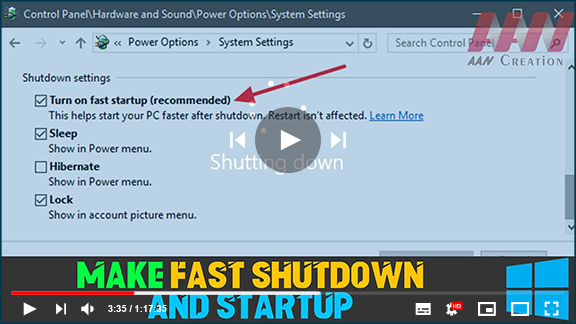
How to Make Fast Shutdown and Startup in Windows 10

Follow these tips, you can make Windows startup & shutdown faster as well as boost Windows 10 Performance. Note: I recommend you create a system restore point first before change your system. I also recommend you don’t make too many changes at one time or in a day. (adsbygoogle = window.adsbygoogle || []).push({}); Restrict the

How to Make Fast Shutdown and Startup in Windows 10 Read More »

Keeping Your Computer Drivers Up-to-Date: A Comprehensive Guide

Device drivers play a critical role in the functionality of computers. They serve as the communication bridge between the operating system and hardware components, ensuring everything operates seamlessly. It’s crucial to keep these drivers updated and functioning properly to maintain system stability and performance. Understanding the Importance of Device Drivers Drivers are essential for your

Keeping Your Computer Drivers Up-to-Date: A Comprehensive Guide Read More »

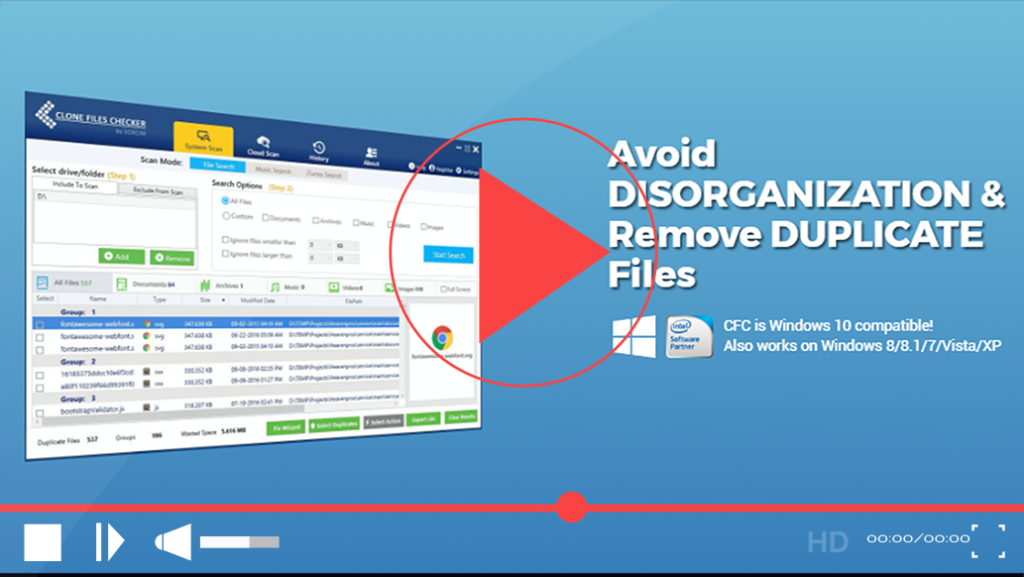
How to Find And Delete Duplicate Image, Video, Audio, Files in Windows

How much duplicate data is there in your PC, Mac, USB Drive, or Cloud Drive? You won’t trust it, it can be a hell of a lot of Gigabytes especially if you haven’t cleaned the system or cloud drive for long! We all know that over time duplicate clutter gets collected wherever data is stored.

How to Find And Delete Duplicate Image, Video, Audio, Files in Windows Read More »

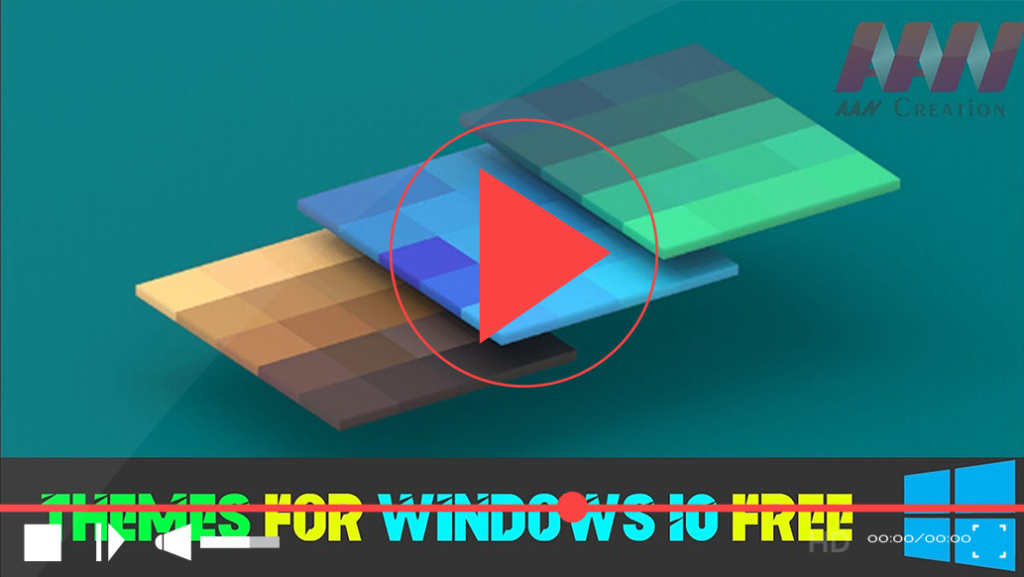
How to Download Themes for Windows 10 Free

  Customizing your Windows 10 experience with themes can enhance your computer’s aesthetic and reflect your personal style. Themes consist of wallpapers, colors, and sounds, providing a cohesive look for your desktop. Here’s how to download free themes for Windows 10. Step 01: Access Windows Settings Click on the Start button. Select Settings (the gear

How to Download Themes for Windows 10 Free Read More »

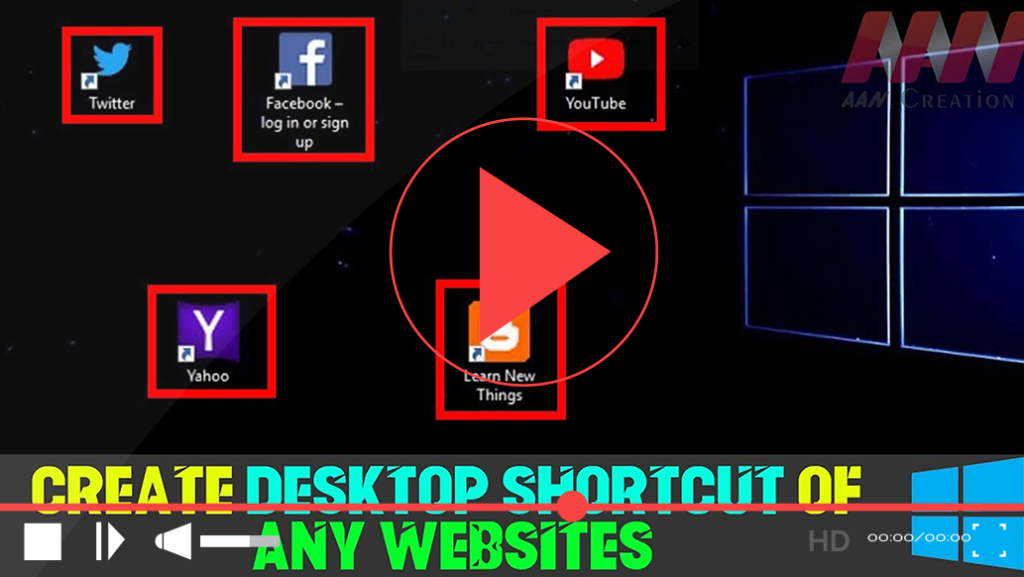
How to Create Desktop Shortcut of Google, YouTube, Facebook, Twitter or Any Websites

 While this may sound very basic to a few users, others may find it helpful. So in this article, we will see how to create a desktop shortcut in Windows 10, for your favorite application, program, website, etc, & place it on your Desktop or any other folder, for easy access. Create a desktop shortcut

How to Create Desktop Shortcut of Google, YouTube, Facebook, Twitter or Any Websites Read More »

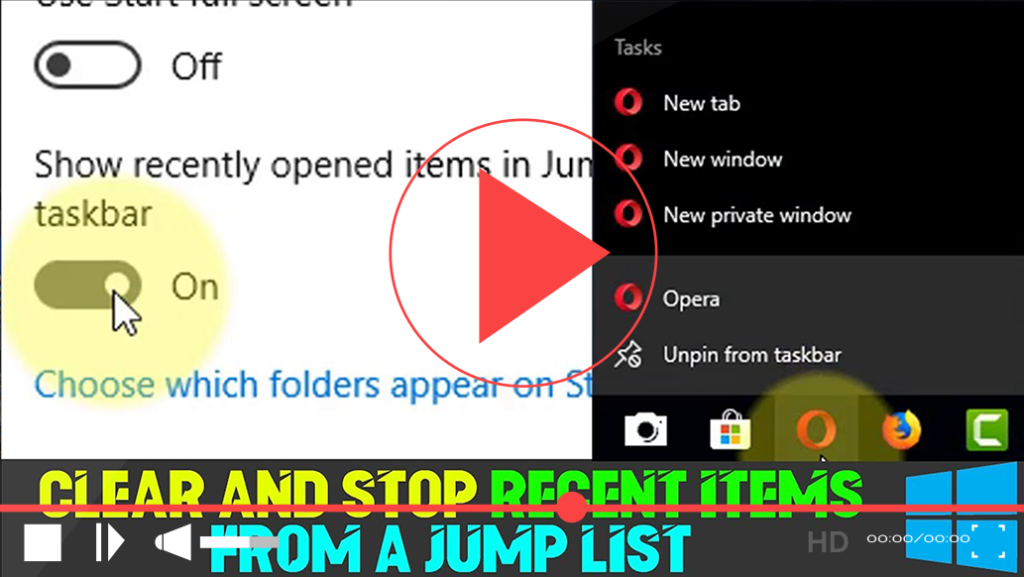
How to Clear And Stop Recent Items from a Jump List in Windows 10

The Jump List feature in Windows 10 enhances productivity by providing quick access to recent documents, frequent folders, and specific actions associated with applications directly from the taskbar, Start menu, and Quick Access in File Explorer. While this feature can significantly streamline your workflow, it may also raise privacy concerns. Recent activities and frequently accessed

How to Clear And Stop Recent Items from a Jump List in Windows 10 Read More »