
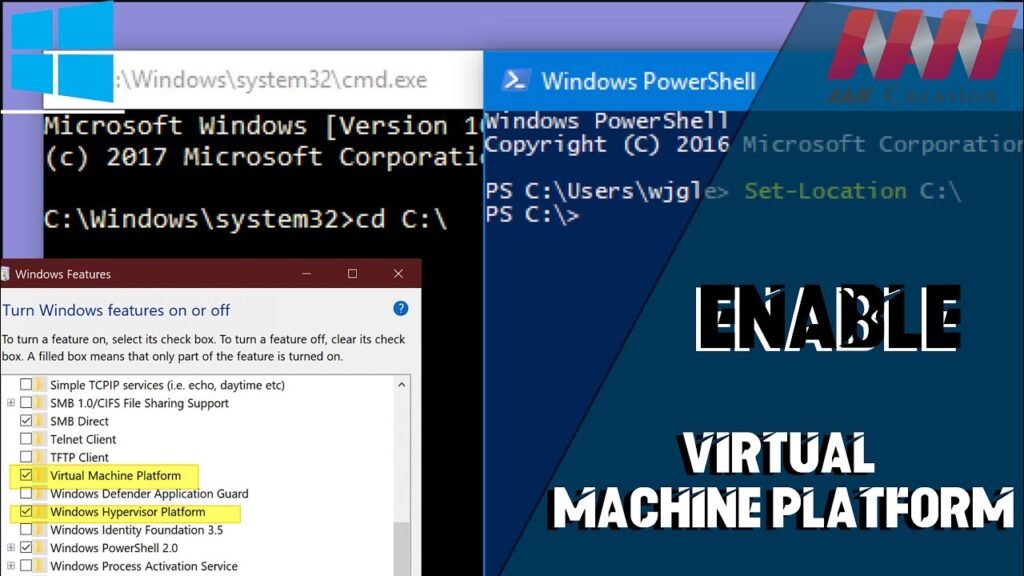

Virtual Machine Platform is an optional Windows feature. It’s required for WSL 2 (Windows Subsystem for Linux) and some emulators and developer tools. It’s off by default, but turning it on takes a minute.
The steps are the same on Windows 11 and Windows 10.
Check that virtualization is enabled
- Press Ctrl + Shift + Esc to open Task Manager.
- Go to Performance > CPU.
- Look for Virtualization: Enabled on the right side.
If it says Disabled, turn on Intel VT-x or AMD-V (often called SVM Mode) in your BIOS or UEFI settings first. The menu name depends on your motherboard. Note your current BIOS settings before changing anything.
Turn on Virtual Machine Platform with Windows Features
- Press Windows + R, type
optionalfeaturesand press Enter. This opens Turn Windows features on or off. - Scroll down and tick Virtual Machine Platform.
- Click OK and wait while Windows installs the files.
- Click Restart now.
You can also reach this window from Control Panel > Programs > Turn Windows features on or off.
Turn it on with a command
- Right-click the Start button and choose Terminal (Admin) (on Windows 10: Windows PowerShell (Admin)).
- Run this command:
dism.exe /online /enable-feature /featurename:VirtualMachinePlatform /all /norestartRestart your PC when it finishes.
Turn it off again
Open Turn Windows features on or off, untick Virtual Machine Platform, click OK and restart. Some older versions of VirtualBox or VMware run faster or only work with it off.
Useful tips
- For WSL, running
wsl --installin an admin terminal turns on the needed features for you. - Virtual Machine Platform is different from Hyper-V. Hyper-V is a full virtual machine manager and is only in Pro, Enterprise and Education editions.
- If the option is missing, install the latest Windows updates.
Frequently asked questions
Does it slow down my PC?
For normal use, most people notice no difference. Some games and older virtualization apps can run a little slower while it’s on.
Is it available on Windows Home?
Yes. Virtual Machine Platform works on Home, Pro and other editions of Windows 10 and 11.
