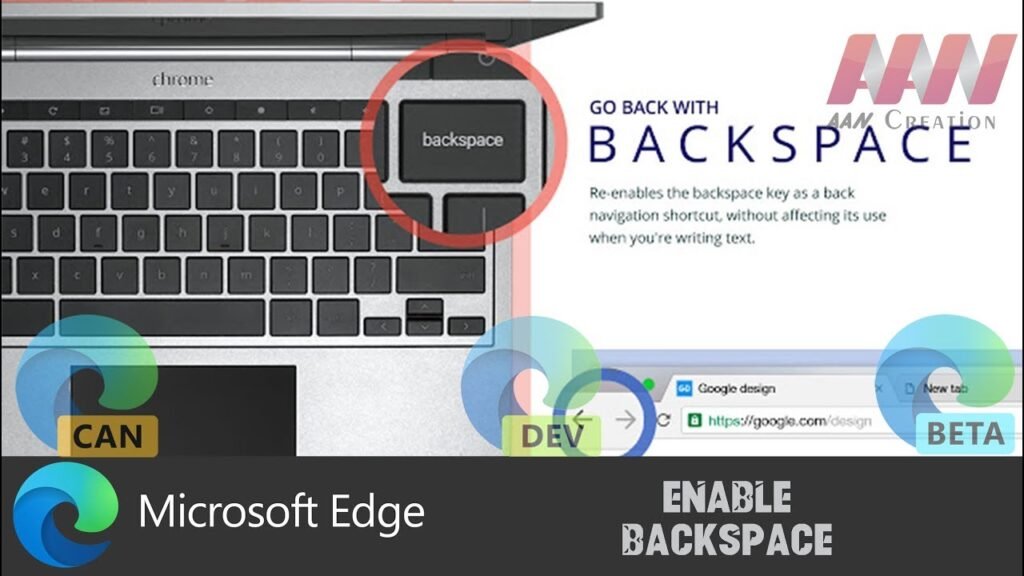

In old browsers, pressing Backspace took you back to the previous page. Chrome and the new Microsoft Edge removed this because people lost text they had typed in forms by pressing Backspace at the wrong moment. For a while, Edge had a hidden setting (a flag) to bring it back, but that flag no longer exists in current versions.
The good news is there are quick replacements that work the same way.
Keyboard shortcuts to go back and forward
- Alt + Left arrow: go back one page.
- Alt + Right arrow: go forward one page.
- Alt + Home: open your home page.
Alt + Left arrow is the closest thing to the old Backspace behaviour and works on every website.
Use your mouse or touchpad
- Many mice have a back button on the side. Press it to go back a page.
- On a laptop touchpad, swipe with two fingers to the right to go back. Edge shows an arrow while you swipe.
- Right-click the Back arrow next to the address bar to see a list of recent pages and jump straight to one.
Use an extension
If you really want the Backspace key, look in the Microsoft Edge Add-ons store (three dots (…) > Extensions > Get extensions for Microsoft Edge) for an extension that adds Backspace navigation. Check the reviews, the number of users and the permissions it asks for before installing. Extensions that ask to “read and change all your data on all websites” should be from a trusted developer.
Useful tips
- Press Ctrl + Shift + T to reopen a tab you closed by accident.
- Open History with Ctrl + H to find a page you visited earlier.
- Press Ctrl + Shift + Delete to open Clear browsing data quickly when you need it.
Frequently asked questions
Why did Edge remove Backspace navigation?
To stop people losing form text. Pressing Backspace outside a text box sometimes left the page and cleared everything typed.
Does Backspace go back in Firefox?
Not by default either. Firefox also uses Alt + Left arrow to go back.