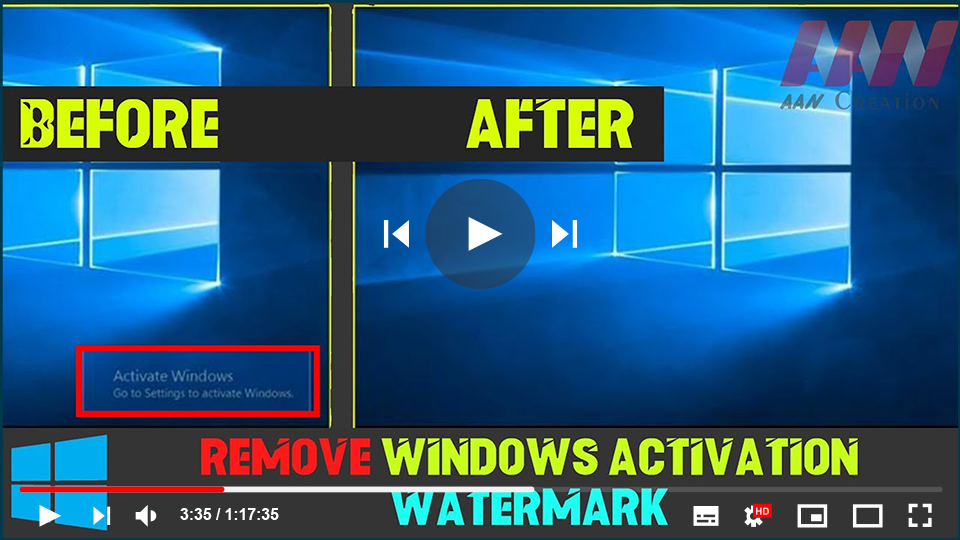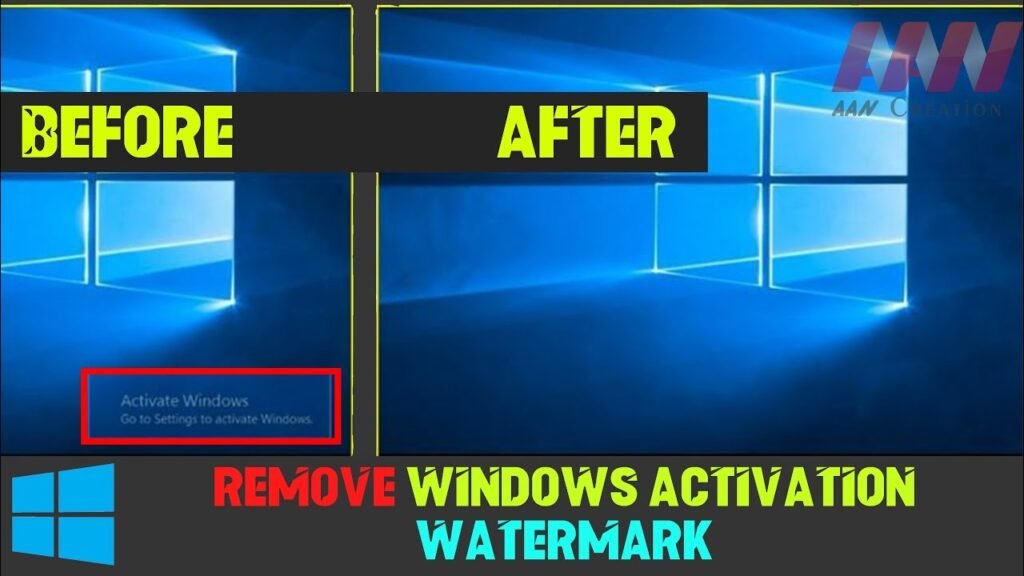

The text “Activate Windows. Go to Settings to activate Windows” in the bottom-right corner means your copy of Windows is not activated. The only reliable and legal way to remove it is to activate Windows. Hacks that hide the watermark don’t fix the problem, and unofficial activators often contain malware.
Often your PC already has a valid license and just needs to be linked again.
Step 1: Check your activation status
- Open Settings > System > Activation on Windows 11, or Settings > Update & Security > Activation on Windows 10.
- Look at the Activation state and any error code shown.
Step 2: Use the Activation troubleshooter
If you recently changed hardware such as the motherboard, or reinstalled Windows, your digital license may need to be reconnected.
- On the Activation page, click Troubleshoot. You need to be signed in as an administrator.
- If you changed hardware, choose I changed hardware on this device recently.
- Sign in with the Microsoft account that was linked to the license and select your device.
Step 3: Enter a product key
- On the Activation page, click Change product key.
- Type the 25-character key from your purchase email, sticker or retail box.
- Click Next and follow the prompts.
If you don’t have a key, you can buy a license from the Microsoft Store using the link on the Activation page.
Common reasons for the watermark
- You installed a different edition, such as Pro on a PC licensed for Home. Install the matching edition.
- A work PC lost contact with the company’s activation server. Connect to the work network or VPN.
- A key bought from a cheap reseller was blocked. Contact the seller or buy from an official store.
Frequently asked questions
Can I use Windows without activating it?
Windows still works, but you can’t change personalization settings and the watermark stays. Activation is required by the license terms.
Will reinstalling Windows remove activation?
No. If the PC had a digital license, Windows activates automatically after a reinstall of the same edition when you go online.