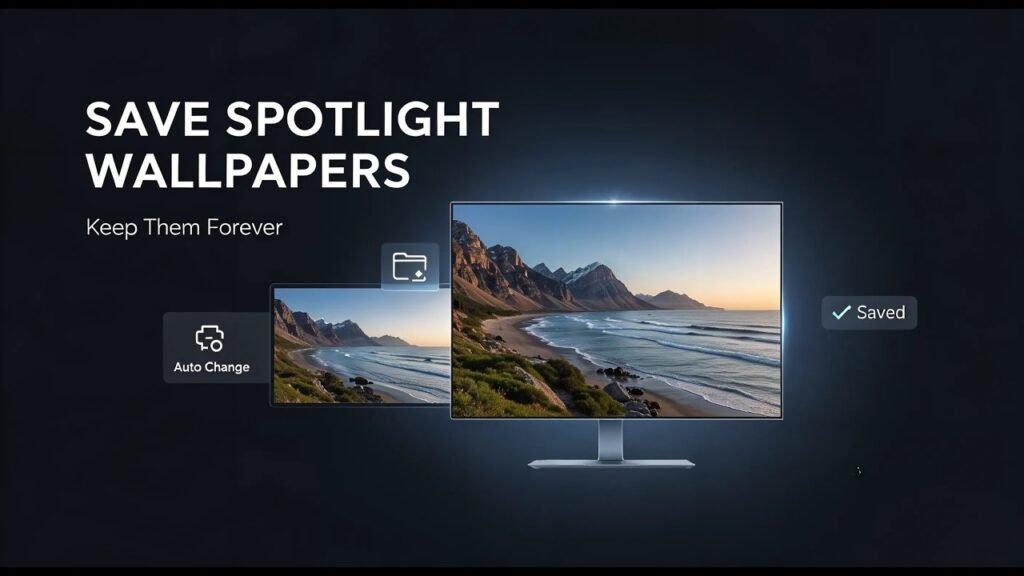

Windows Spotlight shows a new photo on your lock screen and desktop every day. When a great one disappears, it’s gone. Windows doesn’t offer a “save” button, but the images are stored on your PC. With a few steps you can copy them and keep them as normal JPG files.
Save Spotlight lock screen images
- Press Windows + R, paste this path and press Enter:
%LocalAppData%\Packages\Microsoft.Windows.ContentDeliveryManager_cw5n1h2txyewy\LocalState\Assets - You’ll see files with long names and no file extension. Select them all with Ctrl + A and copy them with Ctrl + C.
- Create a new folder, for example Pictures > Spotlight, and paste the files there with Ctrl + V. Always work on the copies, not the originals.
- In the new folder, rename each file and add
.jpgat the end. File Explorer may warn about changing the extension. Click Yes.
Rename all copies at once
- Open the new Spotlight folder in File Explorer.
- Right-click an empty area and choose Open in Terminal.
- Run this PowerShell command. It only affects files in this folder:
Get-ChildItem -File | Rename-Item -NewName { $_.Name + ".jpg" }
Switch to Large icons view. The big landscape images (usually over 200 KB) are the wallpapers. Small files are icons and can be deleted. You’ll also find portrait versions for phones.
Save the current Spotlight desktop wallpaper
If you use Spotlight as your desktop background, the current picture is saved as a single file:
- Press Windows + R, type
%AppData%\Microsoft\Windows\Themesand press Enter. - Copy the file named TranscodedWallpaper to another folder.
- Rename the copy to
TranscodedWallpaper.jpg.
Tips
- Spotlight images change often, so check the folder now and then to collect new ones.
- To learn where a photo was taken, click the Learn about this picture icon on the desktop.
- Spotlight images are for personal use as wallpapers. Don’t sell or republish them.
Frequently asked questions
Why is the Assets folder empty?
Spotlight may be turned off for the lock screen. Go to Settings > Personalization > Lock screen and choose Windows spotlight, then wait a day for images to download.
Can I set a saved image as my wallpaper?
Yes. Right-click the JPG file and choose Set as desktop background.