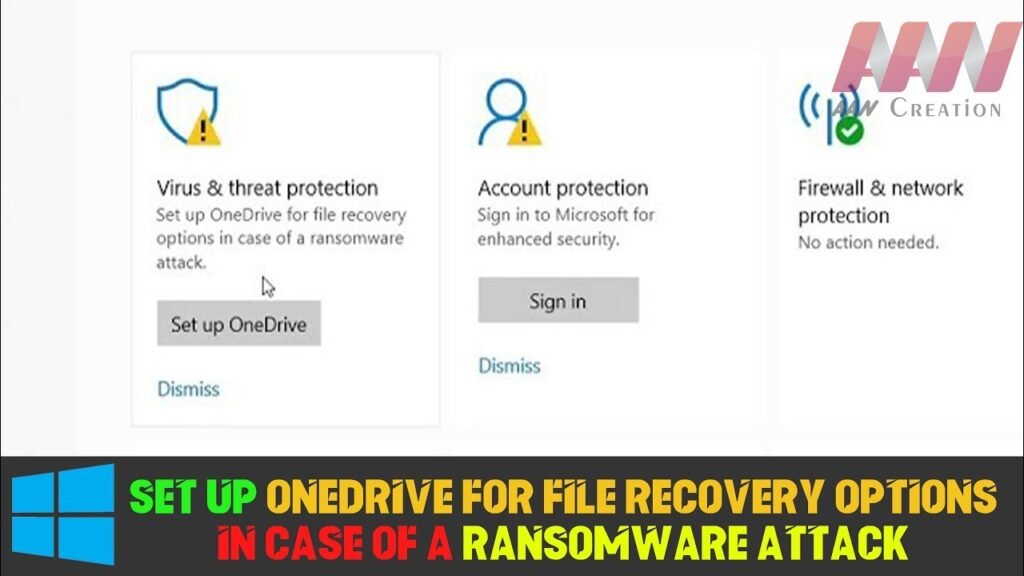
The Security Center service (wscsvc) keeps track of your antivirus, firewall and other protection and shows alerts when something is off. If Windows says “The Security Center service can’t be started” or the service is turned off, you won’t get these alerts. Here’s how to fix it on Windows 11 and Windows 10.
Fix 1: Start the service and set it to automatic
- Press Windows + R, type
services.mscand press Enter. - Scroll down and double-click Security Center.
- Set Startup type to Automatic (Delayed Start), which is the Windows default.
- Click Apply, then click Start if the service isn’t running.
- Click OK.
If the Startup type options are greyed out, continue with the next fixes.
Fix 2: Check the services it depends on
In the Security Center properties, open the Dependencies tab. It lists services that must be running, such as Remote Procedure Call (RPC) and Windows Management Instrumentation. In services.msc, make sure these are running and set to Automatic.
Fix 3: Repair Windows system files
- Open the Start menu, type cmd, right-click Command Prompt and choose Run as administrator.
- Run these commands one at a time:
DISM /Online /Cleanup-Image /RestoreHealth sfc /scannow - Restart the PC and check the service again.
Fix 4: Scan for malware
Some malware turns off Security Center so you don’t notice it. Open Windows Security > Virus & threat protection > Scan options, choose Microsoft Defender Antivirus (offline scan) and click Scan now. The PC restarts and scans before Windows loads.
Fix 5: Check third-party security software
An old or partly removed antivirus can confuse Security Center. Uninstall security apps you no longer use from Settings > Apps > Installed apps. Some antivirus makers offer an official removal tool for leftovers.
Fix 6: Use System Restore or repair Windows
- Search for Create a restore point, click System Restore and pick a point from before the problem started.
- On Windows 11, you can reinstall Windows while keeping files and apps from Settings > System > Recovery > Fix problems using Windows Update, where available.
Frequently asked questions
Is my PC unprotected if Security Center is off?
Your antivirus may still run, but Windows can’t warn you if it stops. Fix the service as soon as possible.
Is Security Center the same as the Windows Security app?
No. Windows Security is the app you open. The Security Center service works in the background to report the status of your protection.