
Typing emails, posts and forms in Google Chrome? A spelling and grammar checker catches mistakes before you click Send. Chrome has a built-in spell checker, and you can add a writing assistant such as Microsoft Editor for grammar and style suggestions.
Turn on Chrome’s spell check
- Open Chrome, click the three dots in the top-right corner and choose Settings.
- Click Languages in the left menu.
- Turn on Spell check.
- Choose Basic spell check (works on your PC) or Enhanced spell check (more accurate, uses the same spell check as Google Search and sends what you type to Google).
- Under your languages, choose which ones to check.
Misspelled words now get a red underline. Right-click a word to see suggestions, or choose Add to dictionary for names and special words.
Using Microsoft Editor
Microsoft Editor checks grammar, punctuation and clarity. Microsoft has been moving Editor features into Microsoft 365 and Copilot, and the stand-alone browser extension may not be offered in every store anymore.
- Open the Chrome Web Store and search for Microsoft Editor.
- Only install it if the publisher is Microsoft Corporation.
- Click Add to Chrome, then sign in with your Microsoft account.
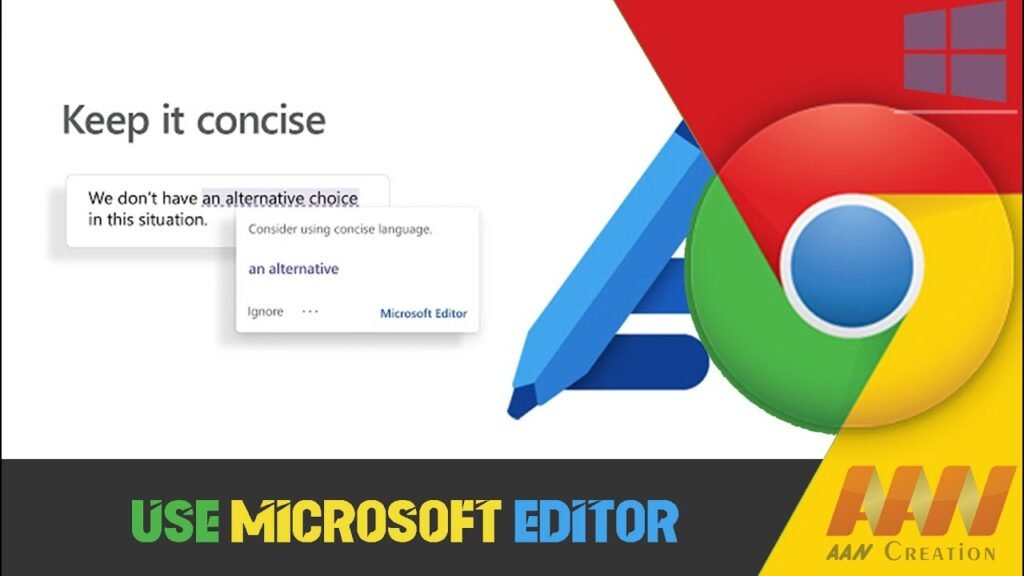
- Type in any text box. Editor underlines spelling in red and grammar in blue. Click an underlined word to see suggestions.
If the official extension isn’t available, Editor is still built into Word, Outlook and Microsoft 365 on the web.
Other writing assistants
Well-known extensions such as Grammarly or LanguageTool offer similar checks. Check the publisher, reviews and permissions before installing, since these tools can read the text you type.
Useful tips
- Don’t use enhanced or cloud-based checkers for passwords or highly private text.
- Add each language you write in under Settings > Languages so words in those languages are not marked as mistakes.
- Turn off a writing extension on specific sites from its toolbar icon if it slows them down.
Frequently asked questions
Does Chrome check grammar on its own?
Chrome mainly checks spelling. Enhanced spell check can catch some grammar issues, but a writing assistant does much more.
Is Microsoft Editor free?
Basic spelling and grammar checks are free with a Microsoft account. Advanced suggestions need Microsoft 365.