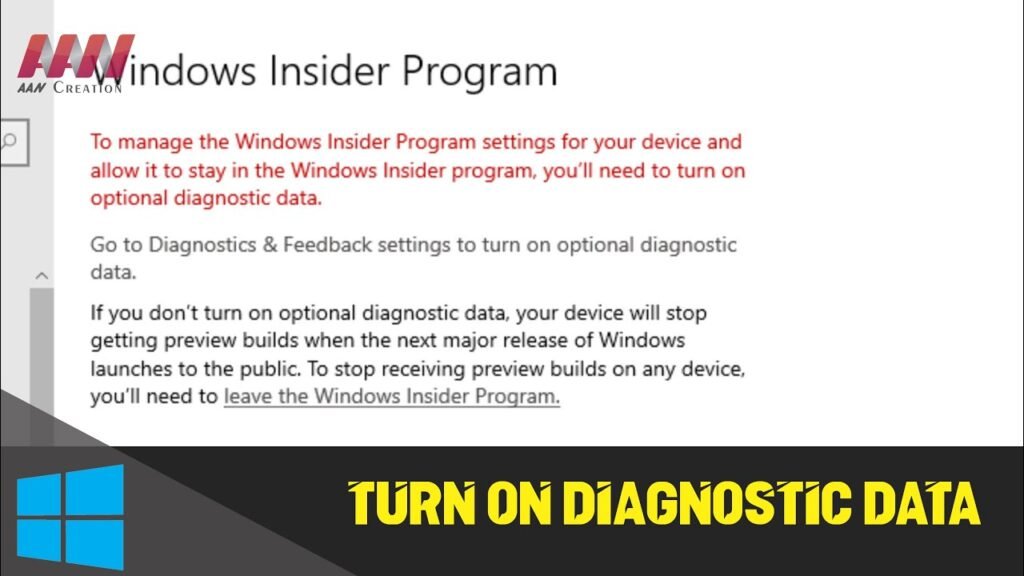

When you try to join the Windows Insider Program, Windows may ask you to turn on optional diagnostic data first. Insider builds are test versions, and Microsoft needs this extra data to find and fix bugs. Here’s how to turn it on, and what it means for your privacy.
Turn on optional diagnostic data (Windows 11)
- Open Settings with Windows + I.
- Go to Privacy & security > Diagnostics & feedback.
- Expand Diagnostic data.
- Turn on Send optional diagnostic data.
On Windows 10
- Open Settings > Privacy > Diagnostics & feedback.
- Under Diagnostic data, select Optional diagnostic data (called Full in older versions).
Join the Windows Insider Program
- Go to Settings > Windows Update > Windows Insider Program.
- Click Get started and link your Microsoft account.
- Choose a channel. Release Preview is the most stable, Beta gets new features earlier, and Dev and Canary are for testers who accept more bugs.
- Restart your PC and check for updates.
Before you join, back up your important files. Insider builds can have bugs, and going back to a normal build may require a clean install, especially from the Dev or Canary channels.
What optional diagnostic data includes
- Information about the websites you browse in Microsoft Edge and how you use apps and features.
- More detailed crash and error reports.
You can view the data with the Diagnostic Data Viewer option on the same Settings page, and remove stored data with Delete diagnostic data.
Leaving the program
In Settings > Windows Update > Windows Insider Program > Stop getting preview builds, you can stop receiving builds. After that, you can switch optional diagnostic data off again.
Frequently asked questions
Why is the diagnostic data option greyed out?
Your PC may be managed by an organisation, or a privacy tool changed the policy. Check Settings > Accounts > Access work or school, and undo changes made by privacy tweaking apps.
Do I need optional data for normal Windows updates?
No. Normal updates work with only the required diagnostic data. Optional data is needed for the Insider Program.