
Microsoft Edge can save your passwords and fill them in automatically. That’s convenient until you need to log in on another device and can’t remember the password. You can view every password Edge has saved, as long as you can confirm your Windows identity.
Open your saved passwords
- Click the three dots in the top-right corner and choose Settings.
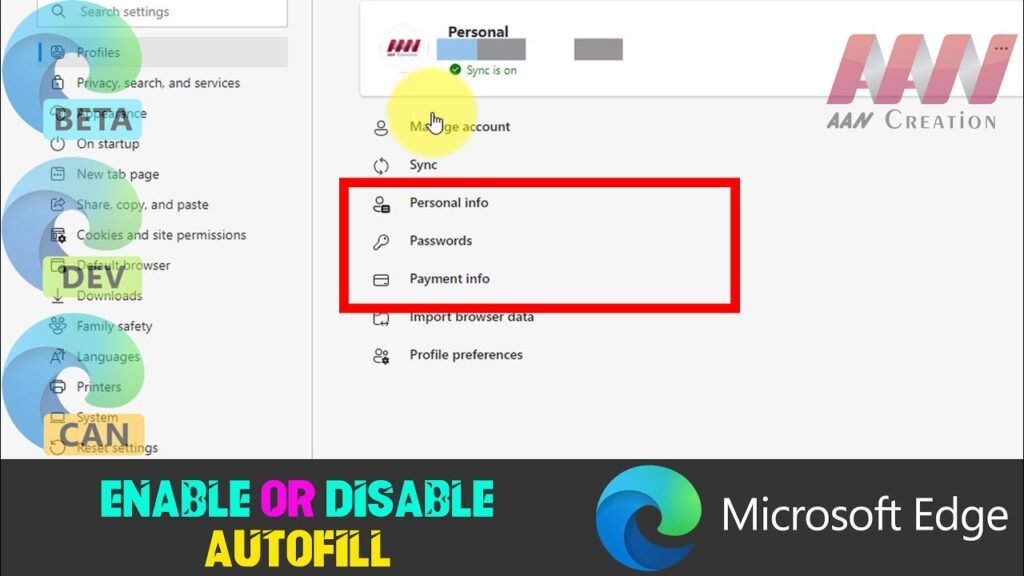
- Go to Profiles > Passwords.
- In recent versions, this opens Microsoft Wallet with a Passwords page listing your saved logins. You can also type
edge://wallet/passwordsin the address bar.
Reveal a password
- Find the website in the list. Use the search box if you have many.
- Click the eye icon next to the hidden password.
- Windows asks you to verify your identity. Enter your PIN, password, or use Windows Hello (face or fingerprint).
- The password is shown. Click the copy icon to copy it.
Edit or delete a password
- Click the website entry or the three dots next to it.
- Choose Edit to update the user name or password after you change it on the website.
- Choose Delete to remove it from Edge.
Check for leaked or weak passwords
The Passwords page shows a password health section. Edge’s Password Monitor warns you if a saved password appears in a known data leak, and flags weak or reused passwords. Change any flagged password on its website first, then update it in Edge.
Keep saved passwords safe
- Protect your Windows account with a PIN or password, because anyone signed in to your account can try to view passwords.
- If others use your PC, look in the password settings for the option that requires your device password before Edge fills in passwords.
- If you sign in with a Microsoft account and sync passwords, they are available in Edge on your phone and other PCs.
Frequently asked questions
Can I export my Edge passwords?
Yes. On the Passwords page, open the settings or three dots menu and choose Export passwords. The CSV file is not encrypted, so delete it after you import it elsewhere.
Why don’t I see any saved passwords?
Check that you’re in the right Edge profile, that Offer to save passwords is on, and that sync is on if the passwords were saved on another device.