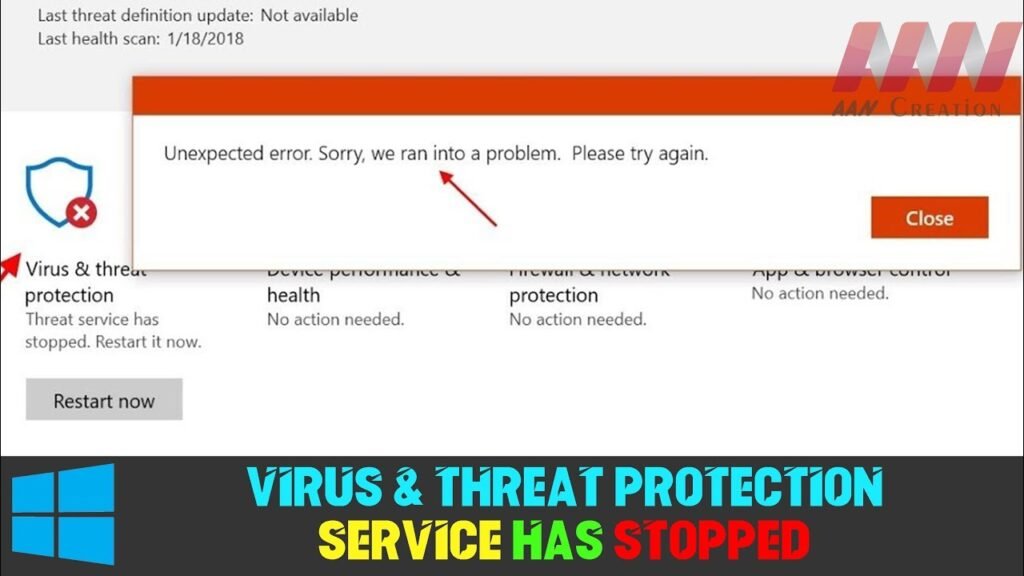

You open Windows Security, click Virus & threat protection and see “Unexpected error. Sorry, we ran into a problem. Please try again.” Sometimes the page is simply blank. This means the app can’t talk to the Microsoft Defender service, so your PC may not be fully protected.
Work through these fixes in order. They apply to Windows 11 and Windows 10.
1. Restart and update
- Restart your PC. A pending update can block Defender until you reboot.
- Go to Settings > Windows Update and install all updates, including Defender security intelligence updates.
2. Remove other antivirus software
A third-party antivirus, or leftovers from one you removed, can turn Defender off. Uninstall it in Settings > Apps > Installed apps. If it still causes problems, use the official removal tool from the antivirus company’s website, then restart.
3. Repair or reset the Windows Security app
- Open Settings > Apps > Installed apps.
- Search for Windows Security, click the three dots and choose Advanced options.
- Click Repair. If the error remains, click Reset.
You can also reset it from PowerShell. Open Terminal (Admin) and run:
Get-AppxPackage Microsoft.SecHealthUI -AllUsers | Reset-AppxPackage4. Repair system files
In Terminal (Admin), run these one at a time and restart afterwards:
DISM /Online /Cleanup-Image /RestoreHealth
sfc /scannow
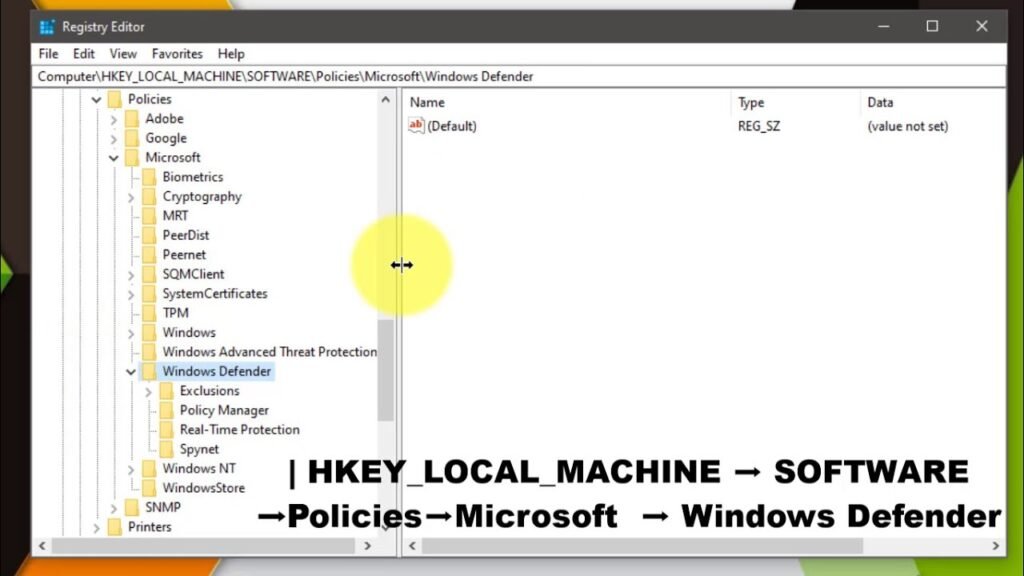
5. Check that the Defender services are running
- Press Windows + R, type
services.mscand press Enter. - Find Microsoft Defender Antivirus Service and Security Center.
- Their status should be Running. If not, restart your PC and check again.
Don’t change these services’ startup settings by force; Windows protects them, and a third-party antivirus or malware is usually the reason they’re stopped.
6. Scan for malware
Some malware disables Defender on purpose. Run Microsoft Defender Offline if you can reach it, or use Microsoft’s free Safety Scanner from the official Microsoft website.
Frequently asked questions
Is my PC unprotected while this error shows?
Possibly. If Defender isn’t running and no other antivirus is active, fix the problem soon and avoid downloading unknown files until then.
What if nothing works?
Do an in-place repair: download the Windows 11 ISO from Microsoft, run setup.exe and choose to keep your files and apps. This reinstalls Windows Security without deleting your data.