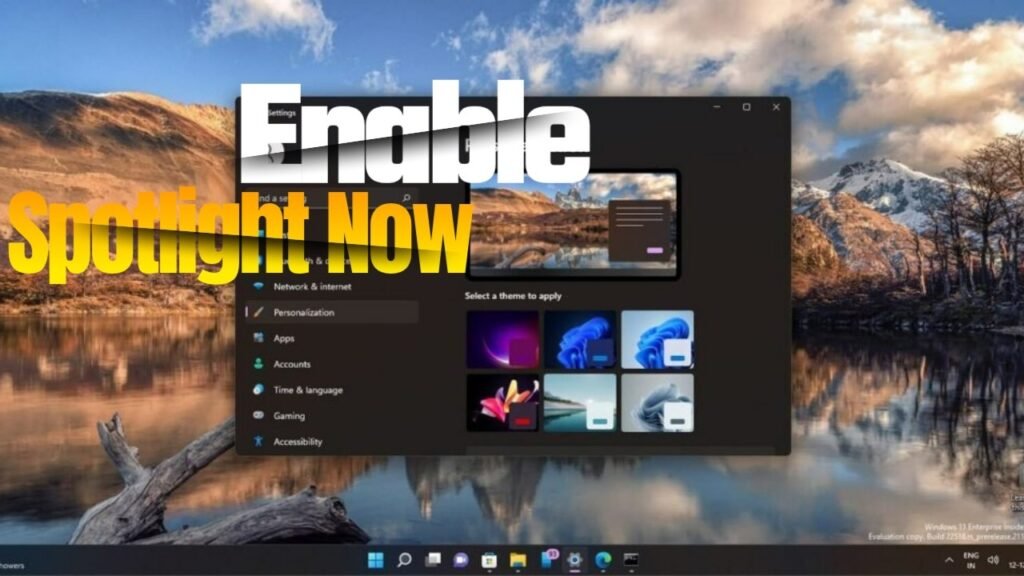

Looking at the same wallpaper every day gets boring. Windows Spotlight is a free feature in Windows 11 that downloads a new high-quality photo from Bing and sets it as your background automatically. It works on the desktop and on the lock screen.
Turn on Windows Spotlight for the desktop
- Right-click an empty area of the desktop and choose Personalize, or go to Settings > Personalization.
- Click Background.
- Next to Personalize your background, open the drop-down menu and choose Windows spotlight.
Your wallpaper changes to a Spotlight image within a few seconds. You need an internet connection for new images to download.
Turn on Windows Spotlight for the lock screen
- Go to Settings > Personalization > Lock screen.
- Next to Personalize your lock screen, choose Windows spotlight.
Press Windows + L to lock the PC and see it.
Switch to the next picture or learn about it
When Spotlight is on, a Learn about this picture icon appears on the desktop. Right-click it, or open it, to see where the photo was taken. Depending on your Windows version, you can also choose Switch to next picture or tell Windows whether you like the image, so it shows more photos like it.
On newer builds, the icon may be removable. If you prefer a clean desktop, right-click the desktop, choose View and check the options, or look in the Background settings for a way to hide it.
Prefer your own photos? Use a slideshow
- Go to Settings > Personalization > Background.
- Choose Slideshow from the drop-down.
- Click Browse and select a folder of your own pictures.
- Set Change picture every to the time you like, for example one day.
Useful tips
- If Spotlight doesn’t change, make sure you’re online and that the date and time on your PC are correct.
- On a laptop, the slideshow can pause on battery power. Check the battery option on the Background page.
- Windows 10 supports Spotlight on the lock screen under Settings > Personalization > Lock screen.
Frequently asked questions
Why is Windows Spotlight missing from the Background list?
Desktop Spotlight arrived in Windows 11 version 22H2. Install the latest updates from Settings > Windows Update. On work PCs it may be blocked by your organisation.
Does Windows Spotlight use a lot of data?
No. It downloads a few images now and then, which uses very little data.