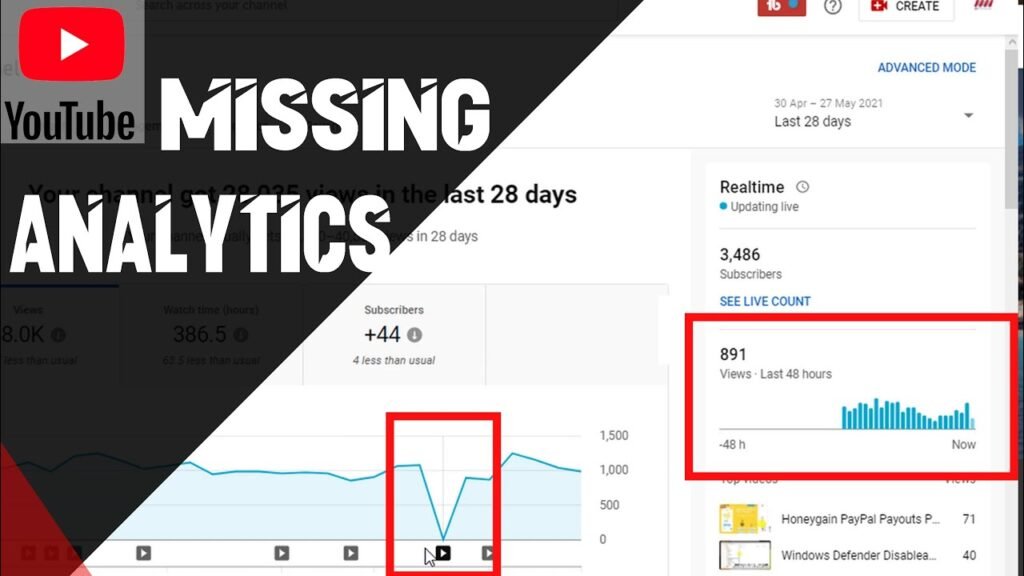
Many creators want to know exactly who unsubscribed from their channel. The honest answer: YouTube does not show the names of people who unsubscribe, and third-party tools that claim to can’t see private data either. What you can see is how many subscribers you lost, when, and which videos were involved. That’s actually more useful.
See subscribers gained and lost in YouTube Studio
- Go to studio.youtube.com and sign in.
- Click Analytics in the left menu.
- Click Advanced mode in the top-right corner.
- Open the metric selector and choose Subscribers gained and Subscribers lost.
- Change the date range at the top right, for example to the last 28 or 90 days.
The chart shows exactly which days you lost subscribers. In the table below, the Content tab shows which videos people were watching when they subscribed or unsubscribed.
See your recent subscribers
- On the Studio Dashboard, find the Recent subscribers card.
- Click See all to view a list.
This only shows people whose subscriptions are public, and only recent ones. It can’t tell you who left.
How to use this data
- Spot a pattern: if losses jump after a certain upload, compare its topic, length or title to your usual videos.
- Stay consistent: viewers often subscribe for one type of content. Big changes in topic can cause unsubscribes.
- Watch the net number: some losses are normal. Focus on whether gains are higher than losses over time.
- Remember cleanup: YouTube regularly removes spam and closed accounts, which can lower your count without anyone actually unsubscribing.
Avoid “who unsubscribed” tools
Sites and extensions that promise names of unsubscribers often ask for access to your Google account. Giving it can put your channel at risk. Only connect apps you fully trust.
See loss for a single video
- In YouTube Studio, open Content and click the video.
- Click Analytics in the left menu, then Advanced mode.
- Add the Subscribers lost metric to see the losses linked to that video.
Frequently asked questions
Is there any official way to see who unsubscribed?
No. YouTube keeps this private to protect viewers. Only total numbers are shown.
Why did my subscriber count drop suddenly?
Large sudden drops are often caused by YouTube removing spam or inactive accounts, not by real viewers leaving.