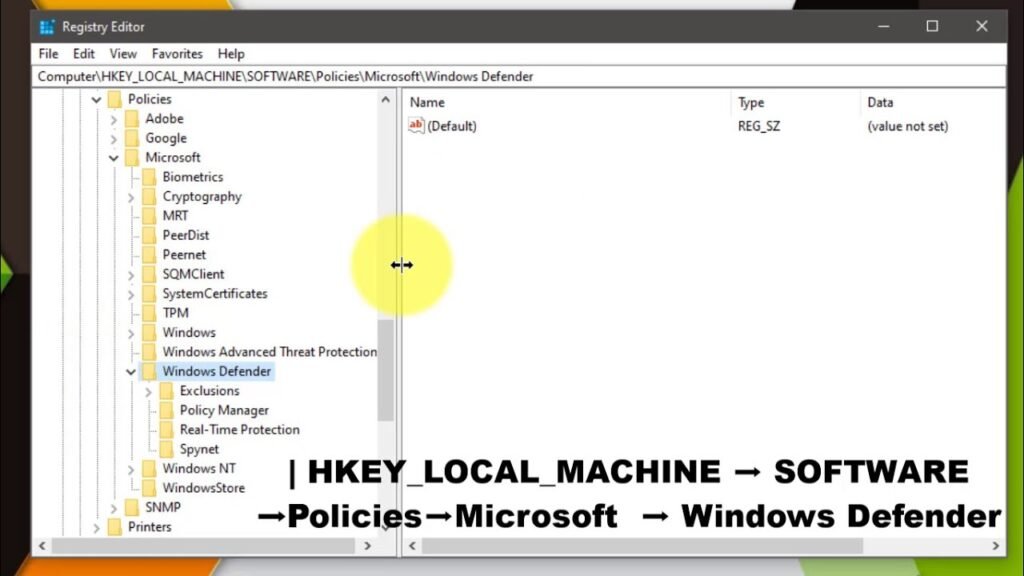

Older guides tell you to create a DisableAntiSpyware value in the registry to switch off Microsoft Defender. If you look for it today, it’s usually not there, and creating it yourself does nothing.
The reason is simple: Microsoft discontinued this setting in 2020. Current versions of Microsoft Defender on Windows 10 and Windows 11 ignore it. This guide explains what to do instead, depending on why you want Defender off.
Why DisableAntiSpyware no longer works
- The value was meant for PC makers and IT admins, not home users.
- Defender updates now ignore it, so adding it by hand has no effect.
- Tamper Protection also blocks programs and scripts from changing Defender settings behind your back. This protects you from malware that tries to disable your antivirus.
There is no need to create the value, and you should avoid tools that claim to “force” it back.
Temporarily turn off real-time protection
If an installer or a trusted file is being blocked, pause protection for a short time:
- Open the Start menu, search for Windows Security and open it.
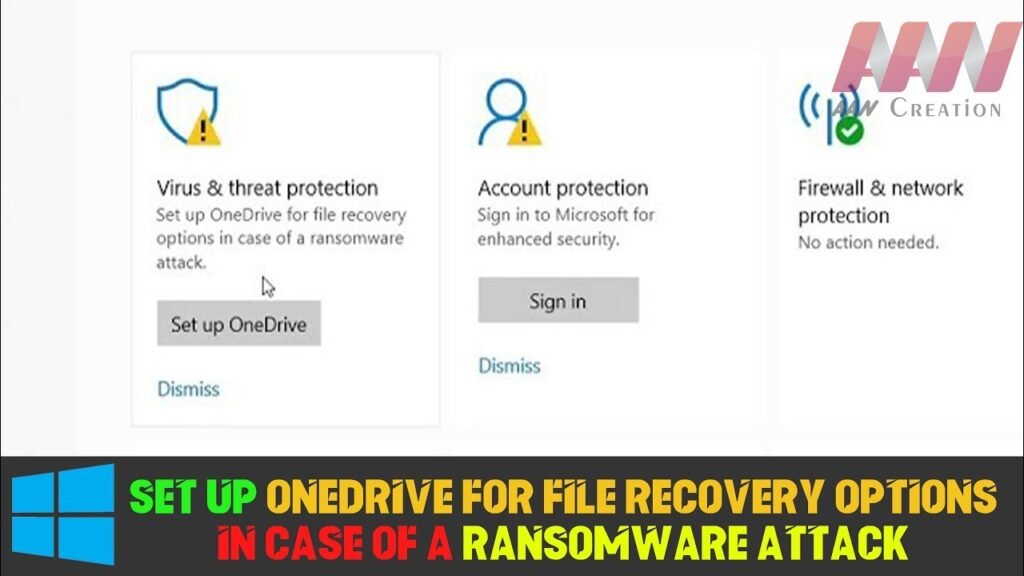
- Go to Virus & threat protection.
- Under Virus & threat protection settings, click Manage settings.
- Turn off Real-time protection and click Yes on the prompt.
Windows turns real-time protection back on automatically after a while, or when you restart. That is by design.
Allow one file or folder instead
A safer option is to keep Defender on and exclude only the item you trust:
- Open Windows Security > Virus & threat protection > Manage settings.
- Scroll to Exclusions and click Add or remove exclusions.
- Click Add an exclusion and choose File, Folder, File type or Process.
Only exclude files you are sure are safe.
Use another antivirus
If you want a different antivirus, just install it. When a third-party antivirus is active, Microsoft Defender switches its real-time protection off by itself. If you uninstall that antivirus later, Defender turns back on.
Useful tips
- Don’t run scripts or “Defender killer” tools from unknown websites. They often weaken security or contain malware.
- If Windows Security says some settings are managed by your organization, a policy is applied on the PC. Work or school PCs should be left as the admin set them.
Frequently asked questions
Can I still turn off Defender permanently?
Not with a simple registry value on a home PC. The supported ways are installing another antivirus, or central management tools used by businesses.
Is it safe to leave real-time protection off?
Only for a few minutes while you do a specific task. Without real-time protection, harmful files can run without being checked.