nakvy88@gmail.com

How to Download Beta Version of Microsoft Edge Chromium Using Insider Channel

The Microsoft Edge preview experience on the Beta channel is the most stable. With major updates every 6 weeks, each release incorporates learnings and improvements from the Dev and Canary builds. In this guide, you’ll learn the steps to Download the Beta Version of Microsoft Edge Chromium Using the Insider Channel on Windows 10. To

How to Download Beta Version of Microsoft Edge Chromium Using Insider Channel Read More »
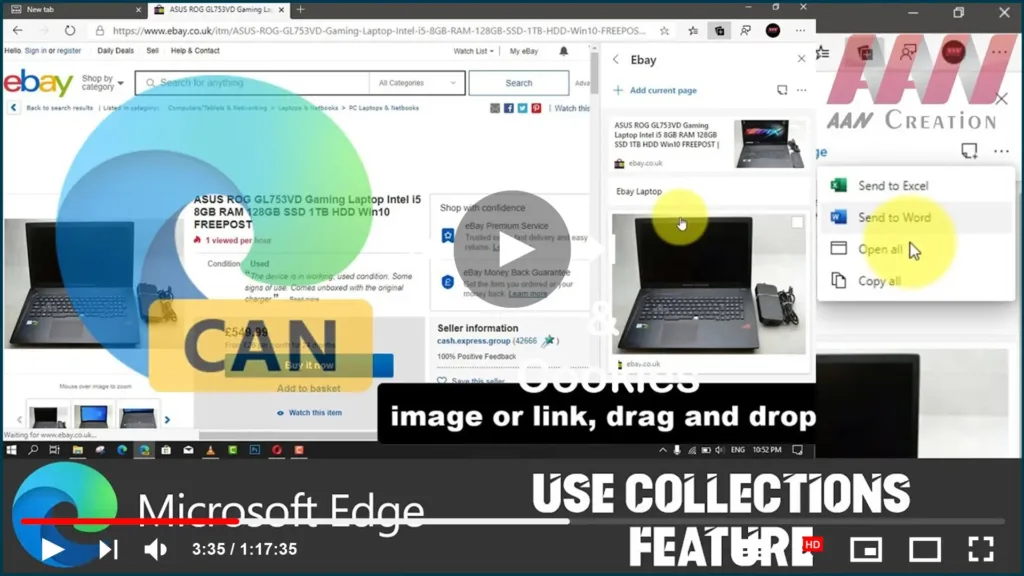
How to Clear Cache & Cookies Data on Microsoft Edge Chromium

Microsoft Edge on Windows 10 downloads and caches web files and images and saves cookies (small files containing data for a specific site) from every website you visit, This allows web pages to load faster, improving your browsing experience when you return to the same sites. The only issue is that caching data and cookies

How to Clear Cache & Cookies Data on Microsoft Edge Chromium Read More »

How to Download Canary version of Microsoft Edge Chromium using Insider Channel

How to download the Canary version of Microsoft Edge Chromium using the Insider channel Alternatively, instead of downloading the stable version, you can install the Canary version of Microsoft Edge. It’s a less stable experience, but it’s the only release that includes the most up-to-date improvements and upcoming features. To download and install the latest

How to Download Canary version of Microsoft Edge Chromium using Insider Channel Read More »
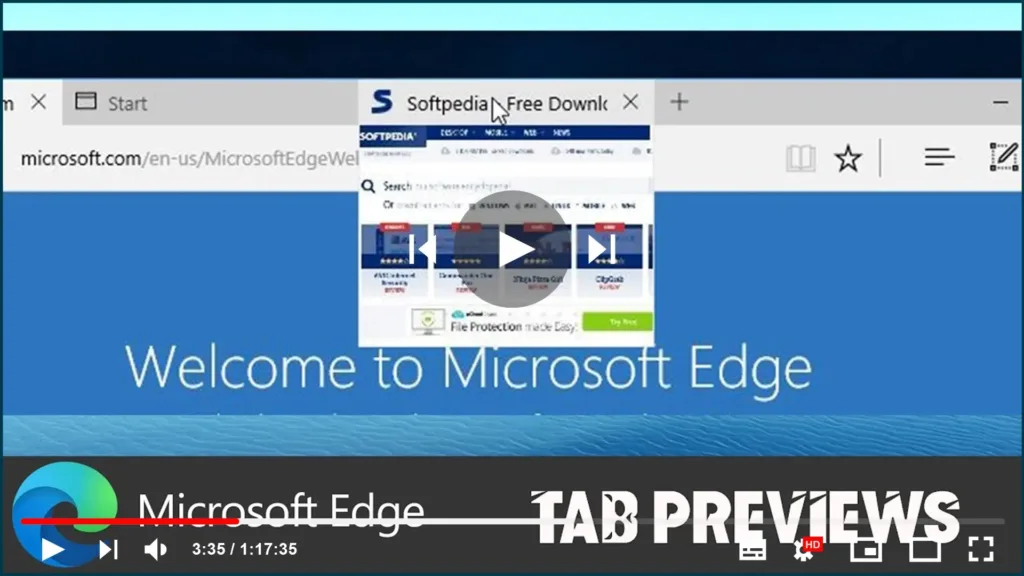
How to Enable Tab Memory Saving Feature on Microsoft Edge Chromium

When you use any web browser, including the Chromium version of Microsoft Edge, every website you open on a new tab consumes a certain amount of memory, and the more tabs you open the more system memory the browser will use. Although you can use Chrome extensions, such as “The Great Suspender,” designed to reduce

How to Enable Tab Memory Saving Feature on Microsoft Edge Chromium Read More »

How to Enable & Disable Tab Previews on Microsoft Edge

The Chromium version of Microsoft Edge also includes tab previews similar to the tab preview bar available in the legacy version, which allows you to hover over your open tabs to switch to the right page more quickly, but it’s still an experimental feature. However, if you’re using the stable release of Microsoft Edge, you

How to Enable & Disable Tab Previews on Microsoft Edge Read More »

How to View Saved Passwords on Microsoft Edge

How to view saved passwords on Microsoft Edge. On Windows 10, the Chromium version of Microsoft Edge can save passwords for most websites and services you visit. When you return, the credentials will fill in automatically for a quicker sign-in experience. However, sometimes you may need to remember the password because you simply forgot it,

How to View Saved Passwords on Microsoft Edge Read More »