nakvy88@gmail.com

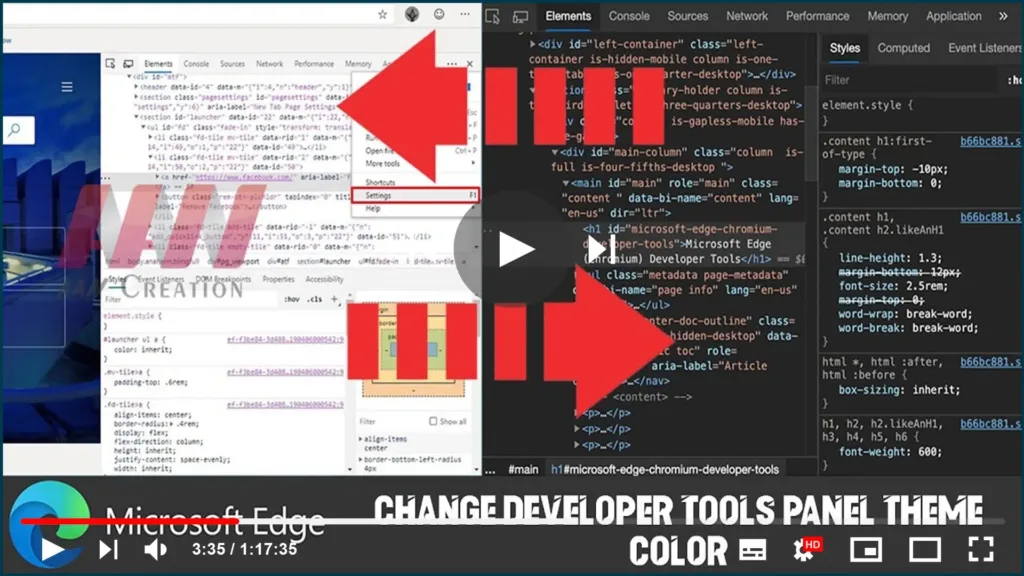
How to Change Developer Tools Panel Theme Color on Microsoft Edge

The new Microsoft Edge browser based on Google’s Chromium comes with the DevTools Elements panel to inspect and live-edit HTML and CSS within the browser. However, it uses the light mode as the default color theme, but if the light isn’t your color, you can change the appearance by switching to the dark mode. In

How to Change Developer Tools Panel Theme Color on Microsoft Edge Read More »
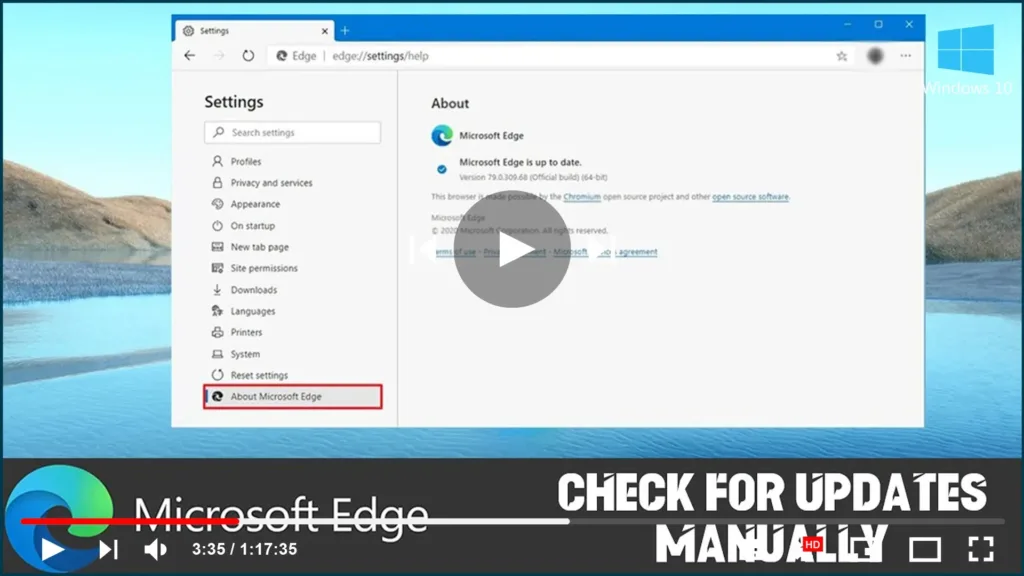
How to Check for Updates Manually on Microsoft Edge

Are you using the most recent version of Microsoft Edge? Here’s how you check for updates. Because the new version of Microsoft Edge based on the Chromium engine is no longer included with Windows 10, Microsoft can update its new browser independently as soon as enhancements and new features are ready. Although updates should be

How to Check for Updates Manually on Microsoft Edge Read More »

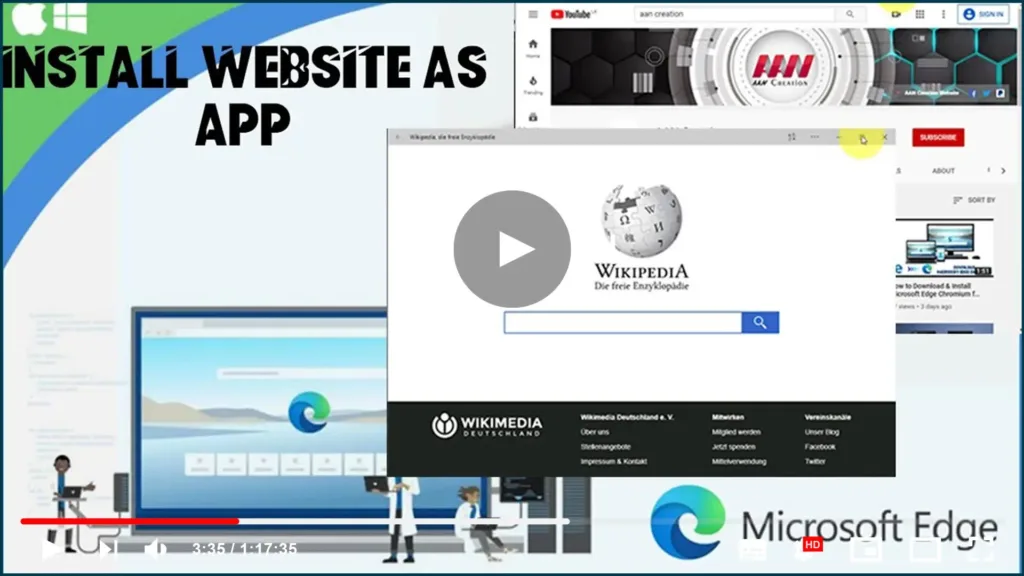
How to Install Website as App on Microsoft Edge

Microsoft Edge Chromium includes Progressive Web Apps (PWAs) support, allowing you to install a website as a native app on Windows 10, enabling additional features, such as push notifications, background data refresh, offline support, and more. If the feature sounds familiar, it’s because, in previous versions, Microsoft Edge had a similar functionality known as pins.

How to Install Website as App on Microsoft Edge Read More »

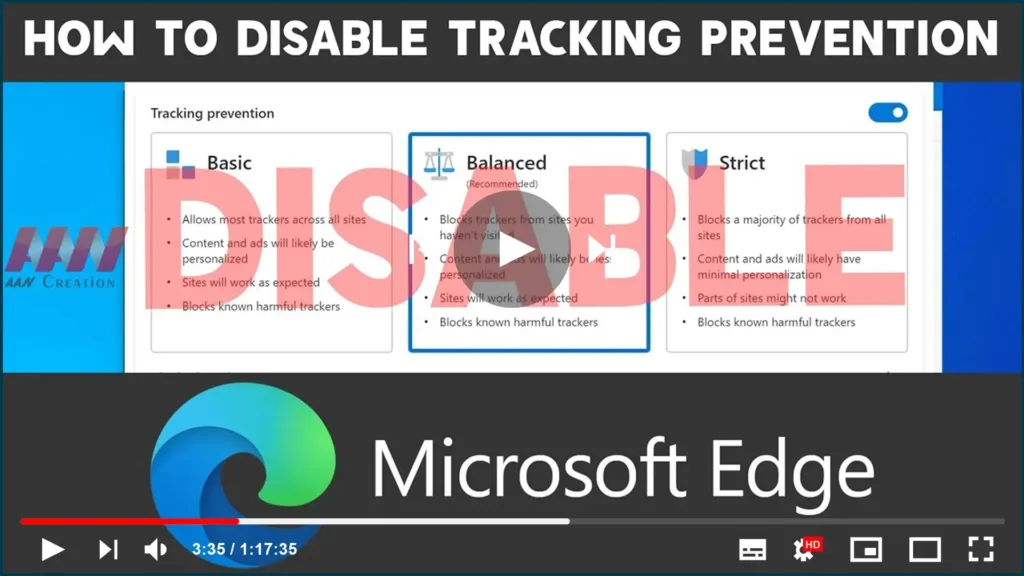
How to Disable Tracking Prevention on Microsoft Edge

Microsoft Edge Chromium now includes “Tracking prevention,” a security feature that allows you to select one of the three-level of privacy (Basic, Balanced, or Strict) to block online trackers from collecting information about you to minimize targeting ads and personalized experience on Windows 10, macOS, and Linux. Although it’s a helpful feature, it’s not for

How to Disable Tracking Prevention on Microsoft Edge Read More »

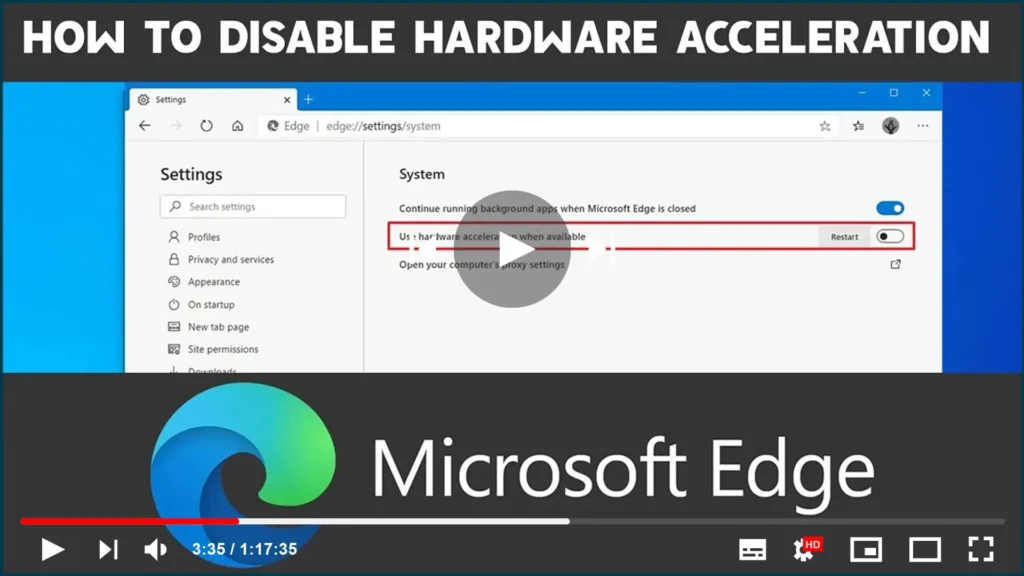
How to Disable Hardware Acceleration on Microsoft Edge Chromium

Microsoft Edge Chromium comes with hardware acceleration, a feature that enables the browser to access the graphics card on the device to speed up certain tasks to improve the overall user experience. However, depending on your computer configuration, hardware acceleration can negatively affect the experience by preventing visual elements from displaying correctly. If you’re seeing

How to Disable Hardware Acceleration on Microsoft Edge Chromium Read More »

How to Download & Install Microsoft Edge Chromium for Windows 10

Microsoft has finally released the first preview of the new Microsoft Edge based on the Chromium engine. UPDATED 1/16/20: Microsoft is finally rolling out the first stable version of the new Microsoft Edge based on the Chromium engine. After many months of testing and releasing previews, the final version of the new cross-platform browser is

How to Download & Install Microsoft Edge Chromium for Windows 10 Read More »

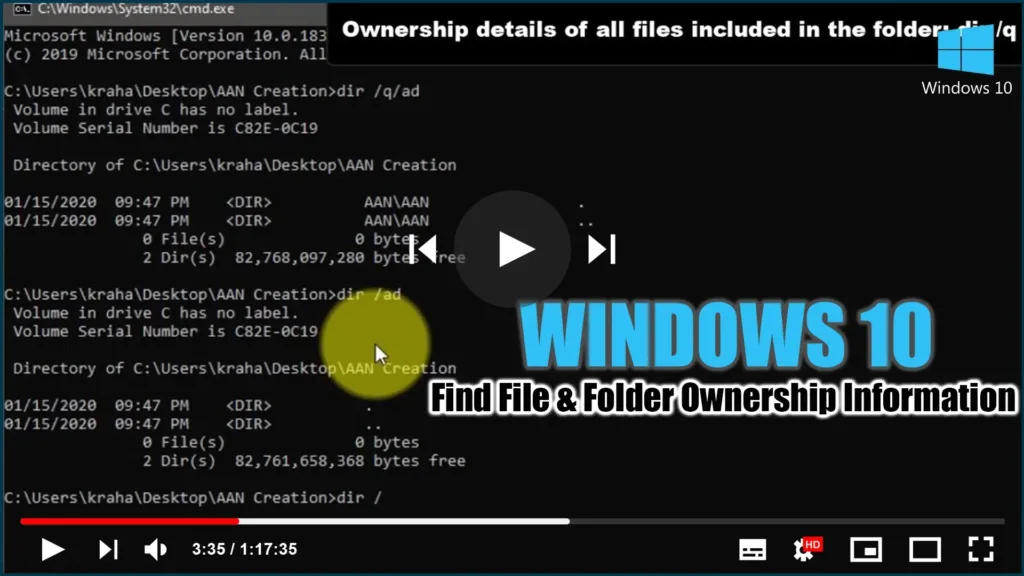
How to Find File & Folder Ownership Information using CMD

This step-by-step guide will show you how to use Command Prompt to find the File & Folder Ownership information. With the help of this guide, you can determine who owns a single directory, all subdirectories, and files. You can use this trick on almost any Windows version, for your information. Follow these steps to find

How to Find File & Folder Ownership Information using CMD Read More »

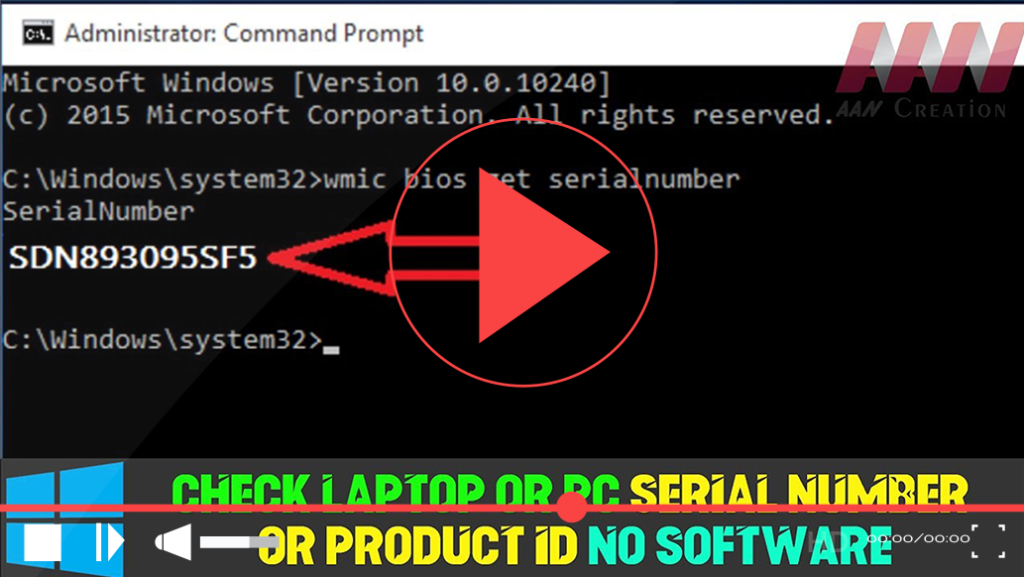
How to Check Laptop or PC Serial Number or Product ID Without Software

Finding your laptop or PC’s serial number or product ID can be essential for warranty claims, technical support, or hardware identification. While Windows does not display this information directly in its interface, you can retrieve it easily using built-in commands, BIOS/UEFI settings, or by inspecting the hardware itself. Here’s a comprehensive guide to help you

How to Check Laptop or PC Serial Number or Product ID Without Software Read More »

How to Enable & Disable Tab Previews with Images in Google Chrome

With Chrome 78, Google adds Tab preview to its browser. The new feature, similar to Microsoft Edge for Windows 10, replaces the tooltip and allows you to see a small preview of the other tabs when you hover over them with the mouse pointer. Chrome refers to the new feature as “Tab Hover Cards,” and

How to Enable & Disable Tab Previews with Images in Google Chrome Read More »