nakvy88@gmail.com

How to Change Folder Icons and Colors in Windows 10

If you’re looking to add a splash of color and personalization to your computer’s folders, Folder Colorizer is a simple and effective tool to do just that. With just a few clicks, you can change the color of your folders, making it easier to organize and identify them at a glance. What is Folder Colorizer?

How to Change Folder Icons and Colors in Windows 10 Read More »
How to Fix “The Security Center Service Can’t Be Started” Error

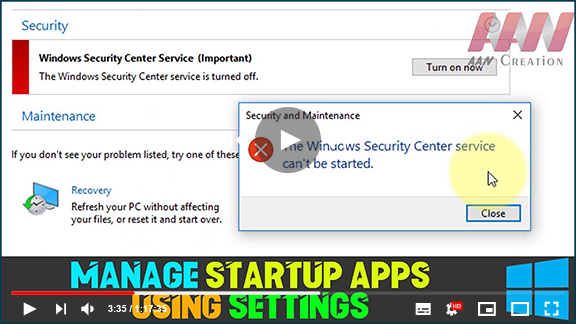
The Windows Security app relies on the Windows Security Service and the Windows Security Center Service (wscsvc) to provide up-to-date protection status. When you encounter the error message “The Security Center service can’t be started,” it can be frustrating. Here are several methods to resolve this issue. Common Causes of the Error Misconfiguration: The Security

How to Fix “The Security Center Service Can’t Be Started” Error Read More »

Speedtest by Ookla: The Global Broadband Speed Test

Speedtest is the definitive tool for assessing your internet connection’s speed and performance. With over 10 million tests conducted daily, users around the world rely on Speedtest to ensure their connectivity meets expectations. Key Features of Speedtest Quick and Easy Testing: Perform a speed test in under 30 seconds with just one click, making it

Speedtest by Ookla: The Global Broadband Speed Test Read More »

How to Increase the Maximum Volume in Windows

(adsbygoogle = window.adsbygoogle || []).push({}); Sometimes all that is required is to turn up the volume to 100. Although, there are times when you require an extra boost. When the volume on Windows is turned all the way up but things are still too quiet, These options may increase the volume of the situation. In

How to Increase the Maximum Volume in Windows Read More »

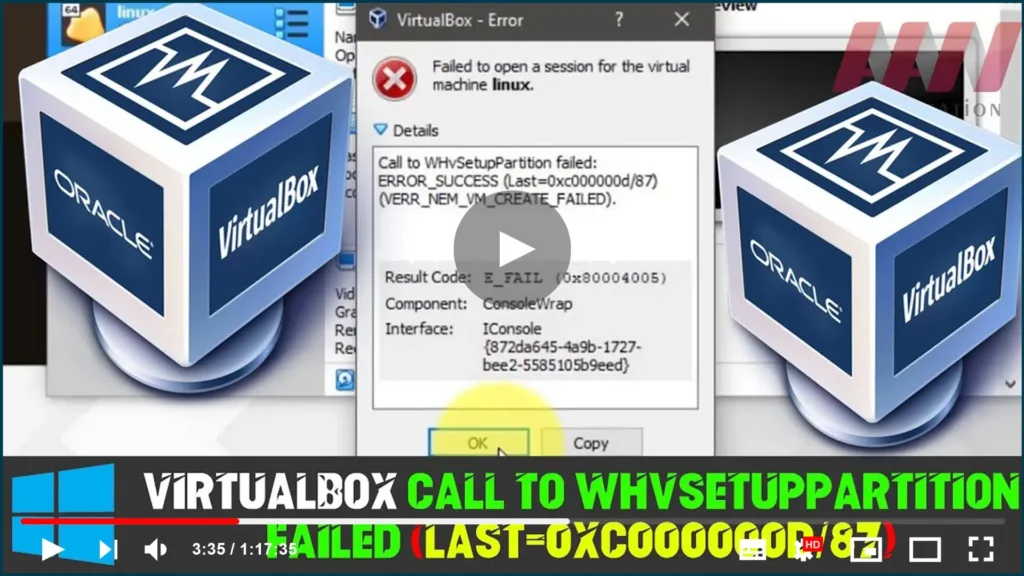
How to Fix VirtualBox Call to WHvSetupPartition failed: ERROR_SUCCESS (Last=0xc000000d/87)

  VirtualBox isn’t starting the guest OS & it displays ‘Failed to open session for the virtual machine’ [virtual-machine-name] Call to WHvSetupPartition failed: ERROR_SUCCESS (Last=0xc000000d/87) (VERR_NEM_VM_CREATE_FAILED). Result Code: E_FAIL (0x80004005) Component: Consolewap Interface: IConsole{872da645-4a9b-1727-bee2-5585105b9eed} In this guide, you’ll learn the steps to Fix VirtualBox failure to open a session for the virtual machine, VirtualBox Call

How to Fix VirtualBox Call to WHvSetupPartition failed: ERROR_SUCCESS (Last=0xc000000d/87) Read More »

Windows 10 tutorial: Enable Windows Sandbox on version 1903

With Windows Sandbox, you can now run untrusted apps in isolation, and here’s how to enable the feature. “Windows Sandbox” is a lightweight isolated environment available in Windows 10 beginning with the May 2019 Update that allows you to test untrusted applications without affecting your device. Sandbox operates in the same way as a virtual

Windows 10 tutorial: Enable Windows Sandbox on version 1903 Read More »

How to Enable or Disable Reserved Storage on Windows 10 Review

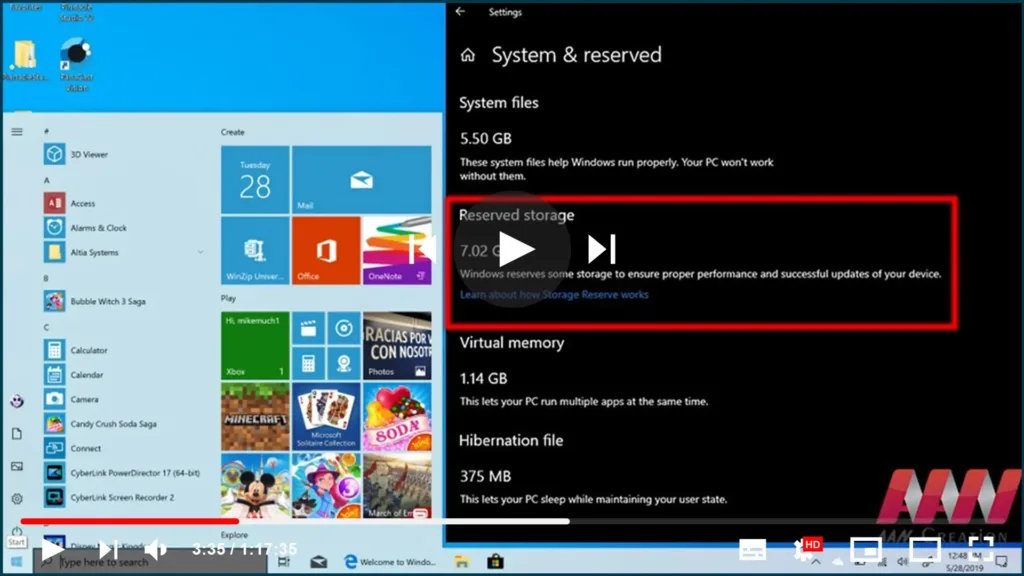
Reserved Storage could even be a replacement feature meant to line aside an area of the available storage to use as temporary storage to scale back problems installing updates. How to disable ‘Reserved Storage’ on Windows 10 use these steps To disable the Reserved Storage feature to reclaim disk space, perform a clean installation of

How to Enable or Disable Reserved Storage on Windows 10 Review Read More »

Crypto Tab Browser | Earn 8x Times Faster Bitcoin Mining Without Investment Earn 1 Bitcoin – Payment Proof

Cry CryptoTab — the world’s first browser with mining features. quite 5 million users across the earth already earn with CryptoTab Browser! Get Bonus: https://get.cryptobrowser.site/237288 Special Bonus Links: https://bit.ly/3IqPdsV How do I exploit the plugin? Why use the CryptoTab browser? We have created a quick and lightweight browser with built-in mining functionality. Import your bookmarks,

Crypto Tab Browser | Earn 8x Times Faster Bitcoin Mining Without Investment Earn 1 Bitcoin – Payment Proof Read More »

Intel Rapid Storage Technology Service not Working on Windows 10

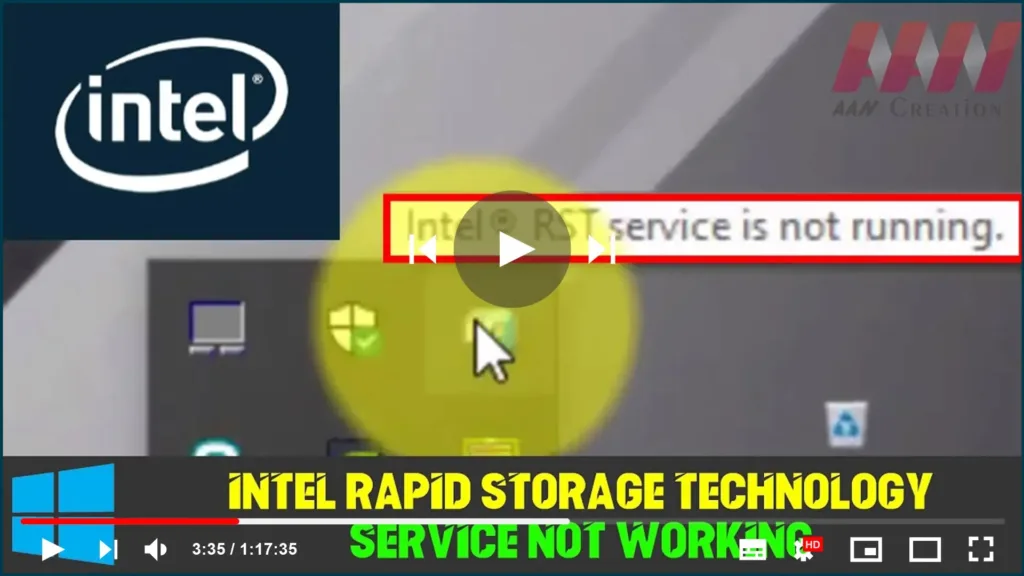
Intel Rapid Storage Technology. It can improve the reliability & performance of systems where attached disks are SATA disks because it’s a Windows-based application. When using one or more SATA disks, you can make use of enhanced performance & lower power consumption. Likewise, when you use multiple SATA disks, you can enhance protection against data

Intel Rapid Storage Technology Service not Working on Windows 10 Read More »

How to Enable New Light Theme Feature in Windows 10 1903

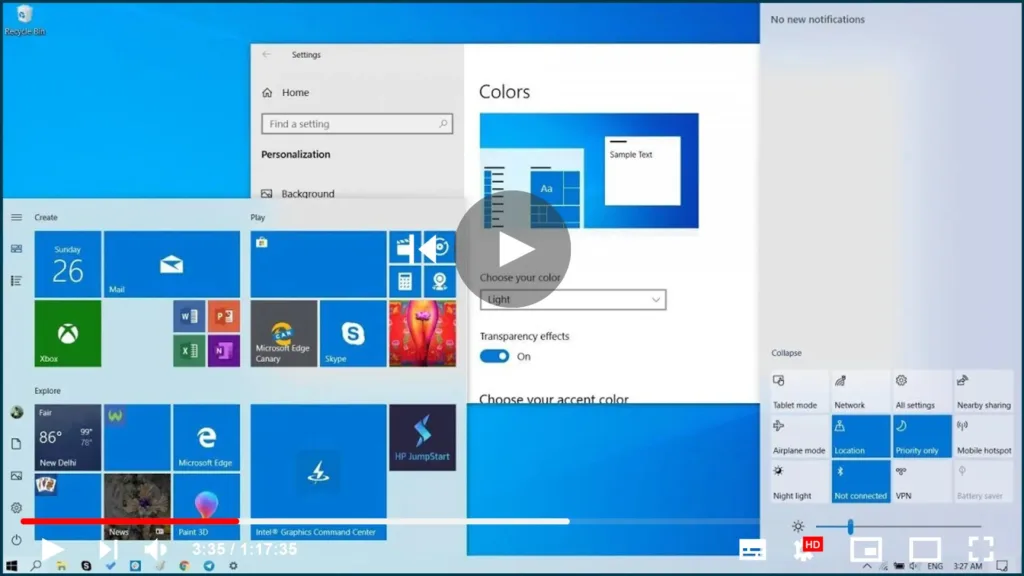
Windows 10 already ships with a light theme, it was never consistent as many elements, such as the Action Center, taskbar, start menu, & other modern elements use a dark color scheme. Starting with version 1903, Windows 10 introduces a system light theme that brings lighter colors for all the visual elements, & the result

How to Enable New Light Theme Feature in Windows 10 1903 Read More »