nakvy88@gmail.com

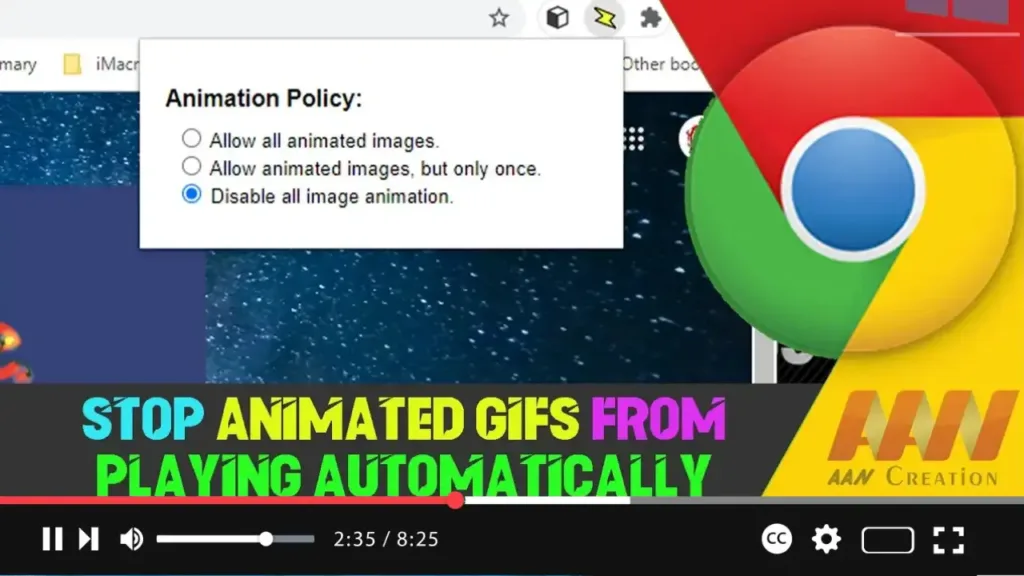
How to Stop Animated GIFS From Playing Automatically on Chrome Browser

Animated GIFs can be entertaining, but they can also be distracting and consume significant bandwidth. If you want to prevent animated GIFs from playing automatically in the Chrome browser, follow the steps outlined in this guide. Introduction Automatically playing animated GIFs can slow down your browsing experience and be visually distracting. Fortunately, there are ways […]

How to Stop Animated GIFS From Playing Automatically on Chrome Browser Read More »
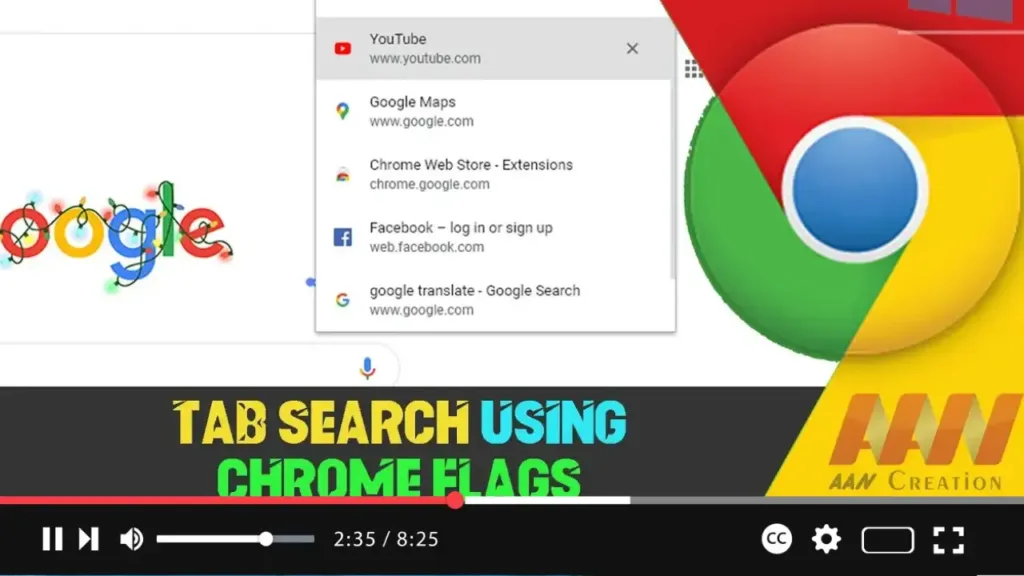
How to Enable Tab Search Using Chrome Beta Browser Flags Settings

null Google Chrome’s Tab Search feature is a powerful tool that helps you manage and navigate through numerous open tabs efficiently. This guide will show you how to enable Tab Search using the Chrome Beta browser’s flags settings. Introduction Tab Search allows users to quickly locate and switch between open tabs, making it easier to handle

How to Enable Tab Search Using Chrome Beta Browser Flags Settings Read More »

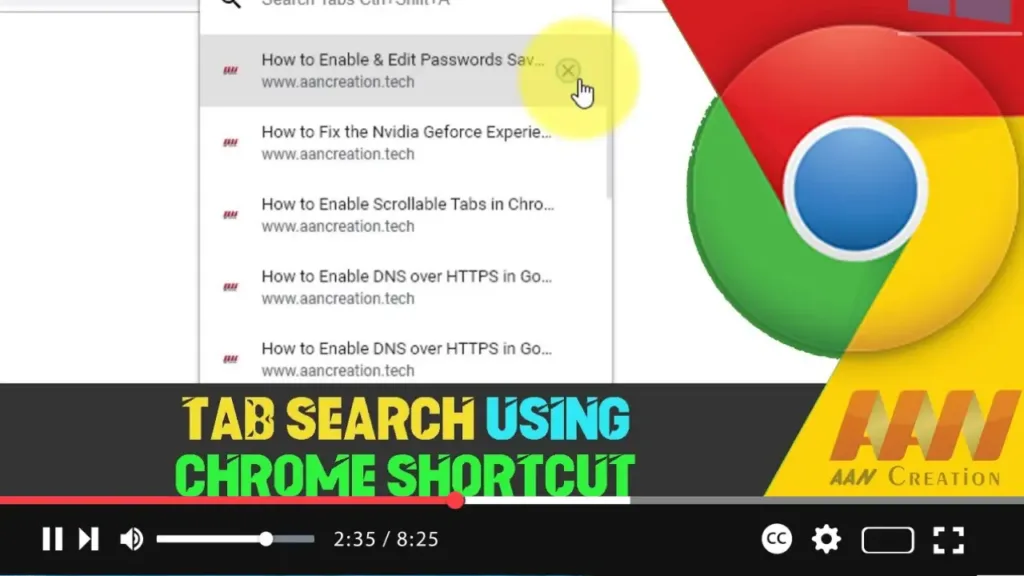
How to Enable Tab Search Using Chrome Browser Shortcut

null  Google Chrome’s Tab Search feature allows you to quickly locate and switch between open tabs, which is especially useful when you have numerous tabs open. This guide will show you how to enable Tab Search and use it effectively with a keyboard shortcut. Introduction Tab Search in Google Chrome provides a convenient way to

How to Enable Tab Search Using Chrome Browser Shortcut Read More »

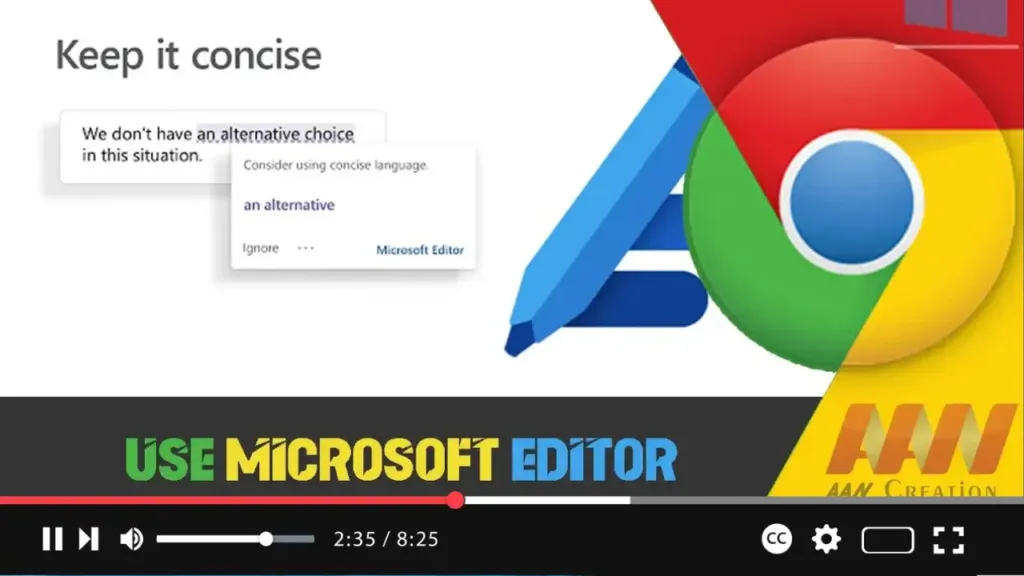
How to Use Microsoft Editor in Google Chrome Browser

nullMicrosoft Editor is a powerful tool that enhances your writing by offering spelling, grammar, and style suggestions. Available as an extension for Google Chrome, it helps you write clearly and concisely across the web. This guide will walk you through the steps to install and use Microsoft Editor in the Chrome browser. Introduction Microsoft Editor

How to Use Microsoft Editor in Google Chrome Browser Read More »

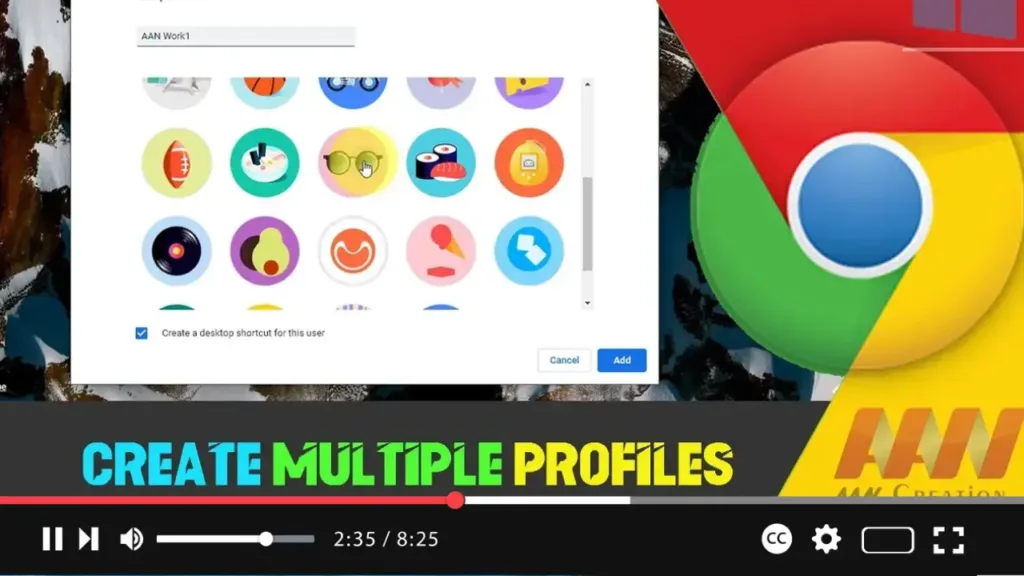
How to Create Multiple Profiles on Google Chrome Browser

  Creating multiple profiles on Google Chrome allows you to separate your browsing data, extensions, and settings. This is particularly useful if you share your computer with others or want to keep your work and personal browsing activities separate. This guide will walk you through the steps to create and manage multiple profiles on the

How to Create Multiple Profiles on Google Chrome Browser Read More »

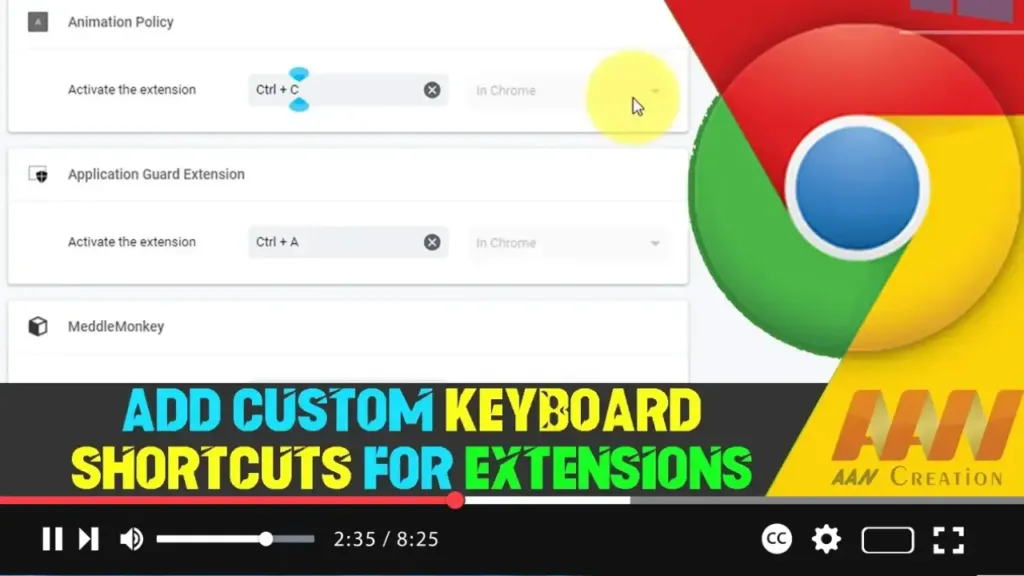
How to Add Custom Keyboard Shortcuts for Extensions on Chrome Browser

null Custom keyboard shortcuts for extensions on the Chrome browser can significantly enhance your productivity by providing quick access to your favorite tools and functionalities. This guide will walk you through the steps to add and manage custom keyboard shortcuts for your Chrome extensions. Introduction Google Chrome allows you to set custom keyboard shortcuts for various

How to Add Custom Keyboard Shortcuts for Extensions on Chrome Browser Read More »

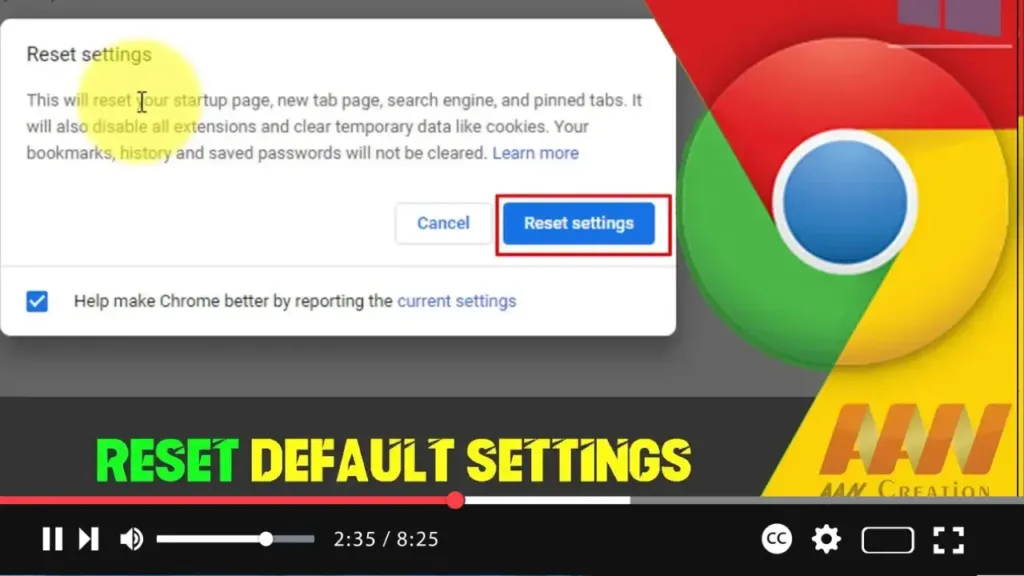
How to Reset Chrome Browser to its Default Settings on Windows 10

null Resetting your Chrome browser to its default settings can help resolve various issues such as slow performance, unexpected behavior, or the presence of unwanted extensions. This guide will walk you through the steps to reset Chrome to its original state. Introduction Over time, Chrome can accumulate a lot of extensions, cookies, and other settings that

How to Reset Chrome Browser to its Default Settings on Windows 10 Read More »

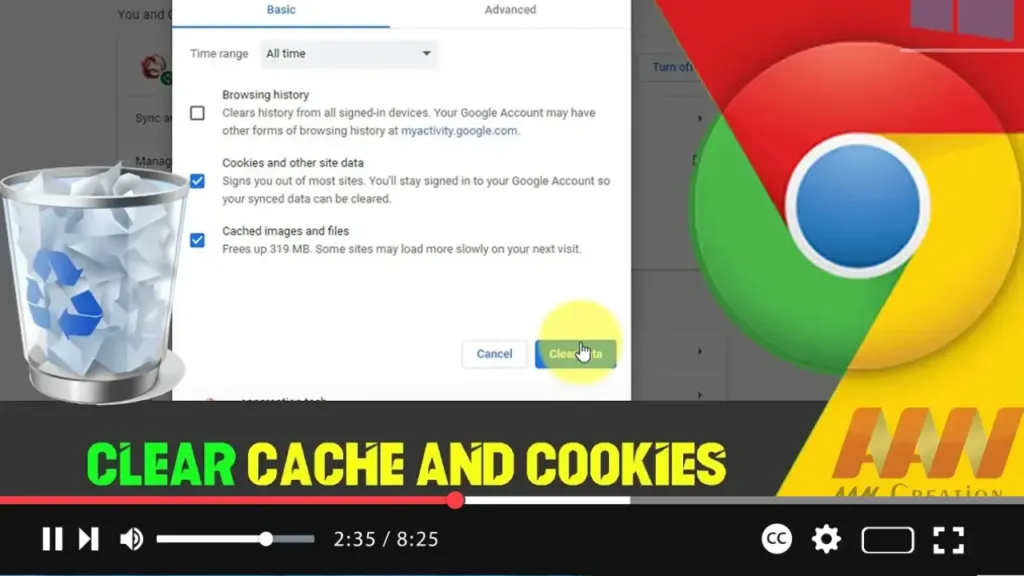
How to Clear Cache and Cookies on Chrome Browser

 Clearing cache and cookies on your Chrome browser can help resolve various browsing issues, enhance performance, and protect your privacy. This guide will walk you through the steps to clear cache and cookies effectively. Introduction Cache and cookies are stored on your browser to improve loading times and retain user preferences. However, over time, they

How to Clear Cache and Cookies on Chrome Browser Read More »