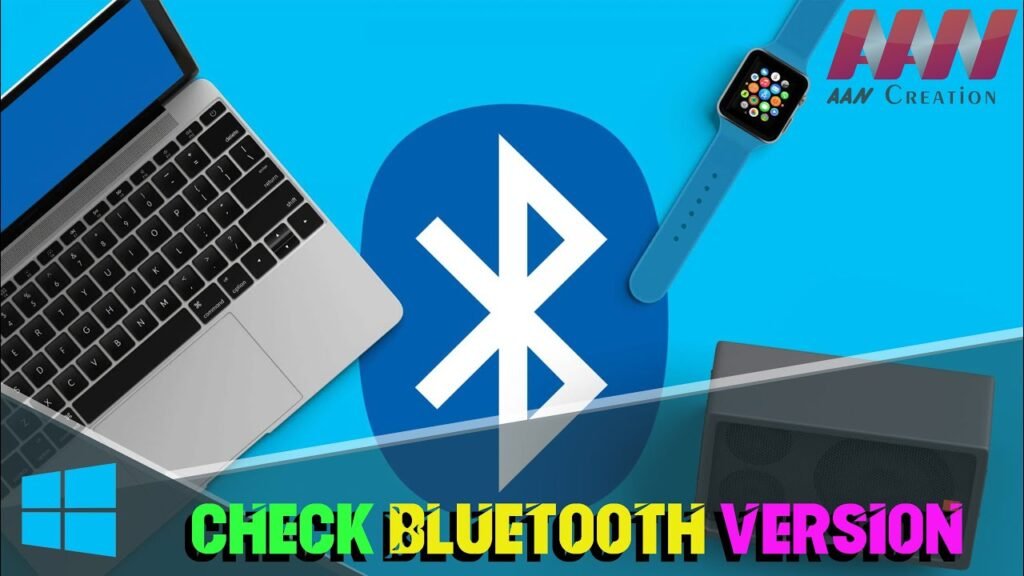

Bluetooth version matters. Newer versions give better range, lower lag and better audio with modern earbuds. Windows doesn’t show the version number directly, but you can find it in Device Manager in less than a minute.
How to find your Bluetooth version
- Right-click the Start button and choose Device Manager.
- Expand Bluetooth.
- Find your Bluetooth adapter. It usually has a brand name like Intel, Realtek, Qualcomm or MediaTek. Ignore entries such as “Bluetooth Device (RFCOMM Protocol TDI)”.
- Right-click the adapter and choose Properties.
- Open the Advanced tab.
- Look at Firmware. You’ll see something like
LMP 12.xxxx. The number after LMP tells you the version.
LMP number to Bluetooth version
- LMP 6 = Bluetooth 4.0
- LMP 7 = Bluetooth 4.1
- LMP 8 = Bluetooth 4.2
- LMP 9 = Bluetooth 5.0
- LMP 10 = Bluetooth 5.1
- LMP 11 = Bluetooth 5.2
- LMP 12 = Bluetooth 5.3
- LMP 13 = Bluetooth 5.4
If you don’t see Bluetooth in Device Manager
- Click View > Show hidden devices.
- Make sure Bluetooth is turned on in Settings > Bluetooth & devices.
- Your PC may not have Bluetooth at all. A small USB Bluetooth adapter adds it cheaply.
Tips
- Both devices need to support a feature for it to work. A Bluetooth 5.3 headset works on a 4.2 PC, but only with 4.2 features.
- Update the Bluetooth driver from your PC maker’s website or Windows Update for better stability.
Frequently asked questions
Can I upgrade my Bluetooth version with a driver update?
No. The version depends on the hardware. To get a newer version, you need a new Bluetooth adapter, such as a USB dongle or a new Wi-Fi/Bluetooth card.
Why is there no Advanced tab?
You may have opened the wrong entry. Choose the adapter with a brand name, not a protocol or service entry. Some drivers also hide the Advanced tab; updating the driver can help.
Is there a faster way to see the firmware number?
In the adapter’s Properties window, open the Details tab and choose a property from the list to see more information. For most people, the Advanced tab with the LMP number is the simplest way to find the version.