
A link in an email, message or comment can lead to a fake login page or a site that tries to install malware. Before you click, you can check the website for free with trusted scanning services. It takes less than a minute.
Step 1: Copy the link without opening it
Right-click the link and choose Copy link (or Copy link address). On a phone, press and hold the link. Don’t open it to "just have a look".
Step 2: Scan it with VirusTotal
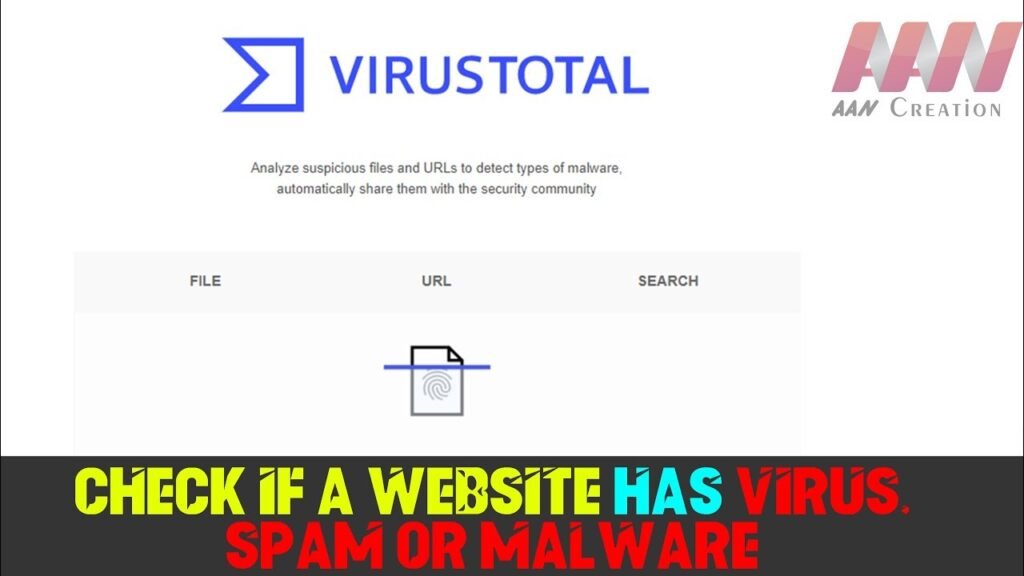
- Open the VirusTotal website, a free service owned by Google.
- Click the URL tab.
- Paste the link and press Enter.
- VirusTotal checks the address against dozens of security vendors and shows how many flag it as malicious, phishing or suspicious.
Zero detections is a good sign, but not a guarantee, especially for brand-new scam sites.
Step 3: Check Google Safe Browsing
Search for Google Transparency Report Safe Browsing site status, open the official Google page and enter the website address. It tells you whether Google currently considers the site dangerous.
Step 4: Look for warning signs yourself
- Misspelled addresses, such as extra letters or numbers in a brand name, or an unusual ending.
- Urgent messages like "Your account will be closed today".
- Requests for passwords, card details or codes after clicking a link.
- Downloads that start by themselves or pop-ups saying your PC is infected.
The padlock icon only means the connection is encrypted. Scam sites can have a padlock too.
Keep protection on in your browser
- Chrome: Settings > Privacy and security > Security, choose Standard or Enhanced protection.
- Edge: Settings > Privacy, search, and services, keep Microsoft Defender SmartScreen on.
Frequently asked questions
What if I already opened a suspicious site?
Close the tab, don’t enter any details, and run a scan with Windows Security. If you typed a password, change it right away and turn on two-step verification.
Can I scan a downloaded file too?
Yes. VirusTotal’s File tab scans files. Avoid uploading private documents, because uploaded files can be shared with security researchers.