
By default, clicking a favorite in Microsoft Edge opens it in the current tab. The page you were reading disappears, which is annoying when you’re filling in a form or reading an article. Here are the quick ways to make favorites open in a new tab instead.
Method 1: Middle-click
Click the favorite with your mouse wheel (middle button). It opens in a new background tab and you stay on the current page. This works on the favorites bar, in the favorites menu and in the favorites panel.
Method 2: Use Ctrl or Shift
- Ctrl + click opens the favorite in a new background tab.
- Ctrl + Shift + click opens it in a new tab and switches to it.
- Shift + click opens it in a new window.
On a laptop touchpad without a middle button, Ctrl + click is the easiest option.
Method 3: The right-click menu
- Right-click the favorite.
- Choose Open in new tab. You’ll also see options to open it in a new window or an InPrivate window.
Open a whole folder of favorites
Right-click a folder on the favorites bar or in the favorites menu and choose Open all. Every site in that folder opens in its own tab. It’s a quick way to start your daily routine, such as email, calendar and news.
Is there a setting to always open favorites in new tabs?
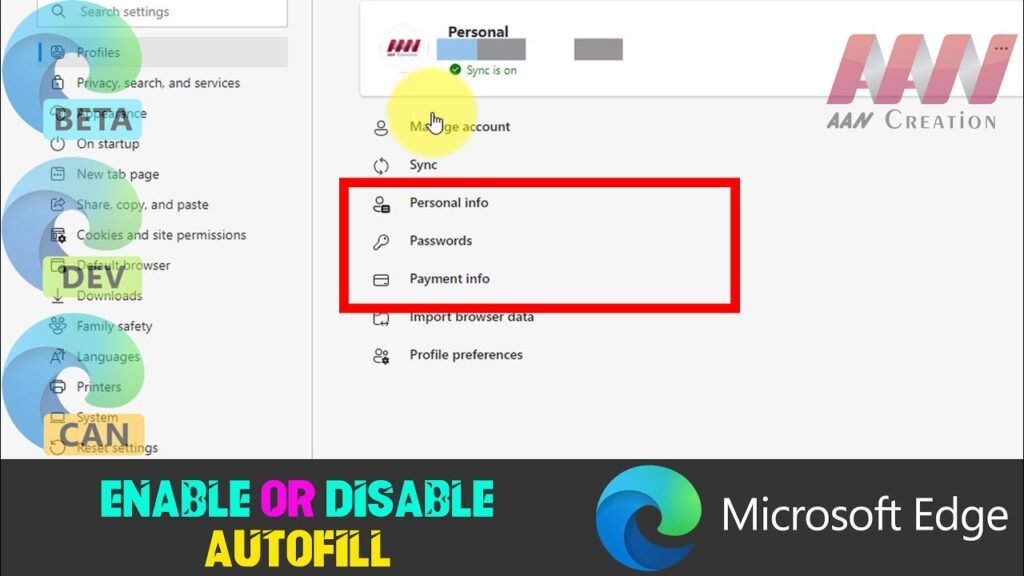
Edge doesn’t have a long-standing, widely available switch for this. Settings change between versions, so open Settings from the three-dot menu and type “favorites” in the Search settings box to see what your version offers. If nothing appears, the mouse and keyboard methods above work everywhere.
Tips
- Show the favorites bar with Ctrl + Shift + B for one-click access.
- Open the favorites panel with Ctrl + Shift + O.
- Reopen a tab you closed by accident with Ctrl + Shift + T.
Frequently asked questions
Does middle-click work in other browsers too?
Yes. Middle-click and Ctrl + click open links and bookmarks in a new tab in Chrome, Firefox and most other browsers.
Why does my middle-click do nothing?
Some mouse or touchpad software changes what the middle button does. Check your mouse settings, or use Ctrl + click instead.