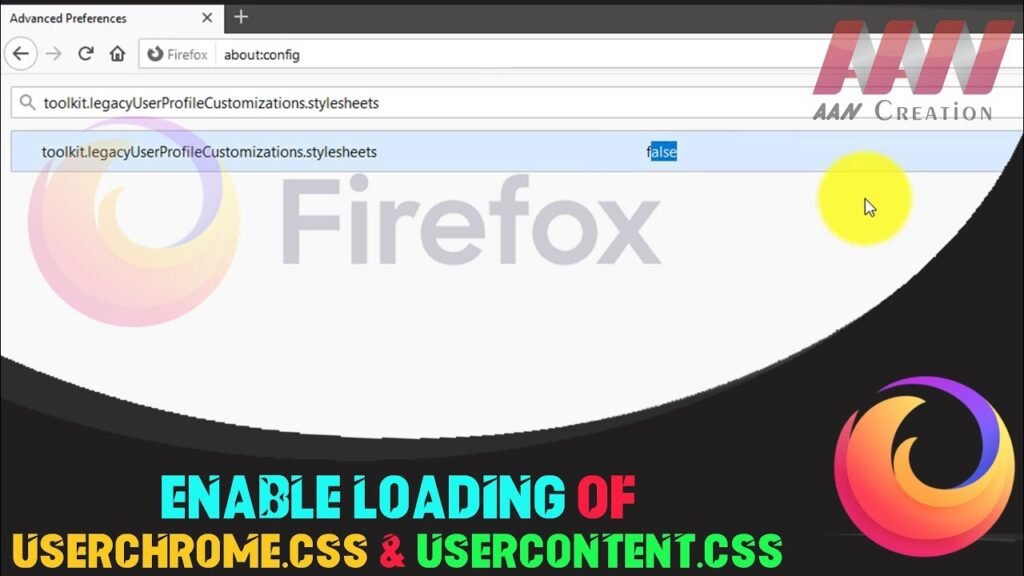

Firefox can load your own CSS files to change how the browser looks. userChrome.css styles the Firefox interface itself (tabs, toolbars, menus), and userContent.css styles web pages. Since Firefox 69, these files are ignored unless you turn on a hidden setting first.
Step 1: Turn on the stylesheet setting
- Type
about:configin the address bar and press Enter. - Click Accept the Risk and Continue.
- In the search box, paste
toolkit.legacyUserProfileCustomizations.stylesheets. - Double-click the result (or click the toggle button) so its value becomes true.
Step 2: Find your profile folder
- Type
about:supportin the address bar and press Enter. - Next to Profile Folder, click Open Folder. File Explorer opens your active profile.
Step 3: Create the chrome folder and CSS files
- In the profile folder, create a new folder named
chrome(all lowercase). - Open the chrome folder, right-click and choose New > Text Document.
- Rename it to
userChrome.css. Make sure it does not end in .txt. Turn on View > Show > File name extensions in File Explorer to check. - Do the same for
userContent.cssif you want to style web pages.
Step 4: Add a test rule
Open userChrome.css in Notepad and add a simple rule to check it works. For example, this hides the tab close buttons on inactive tabs:
.tabbrowser-tab:not([selected]) .tab-close-button {
  display: none !important;
}
Save the file, close Firefox completely and open it again. Changes only load when Firefox starts.
Useful tips
- Firefox updates can rename interface parts, so old CSS snippets from the internet may stop working. Look for snippets made for your Firefox version.
- To undo everything, delete or rename the chrome folder and restart Firefox.
- Use the Browser Toolbox (in More tools after enabling browser chrome debugging in DevTools settings) to inspect interface elements and find their names.
Frequently asked questions
Why are my changes not showing?
Check that the setting is true, the folder is called chrome, the file is not named userChrome.css.txt, and that you fully restarted Firefox.
Is this safe?
Yes. It only changes how things look. A bad rule can hide parts of the interface, but deleting the file fixes it.