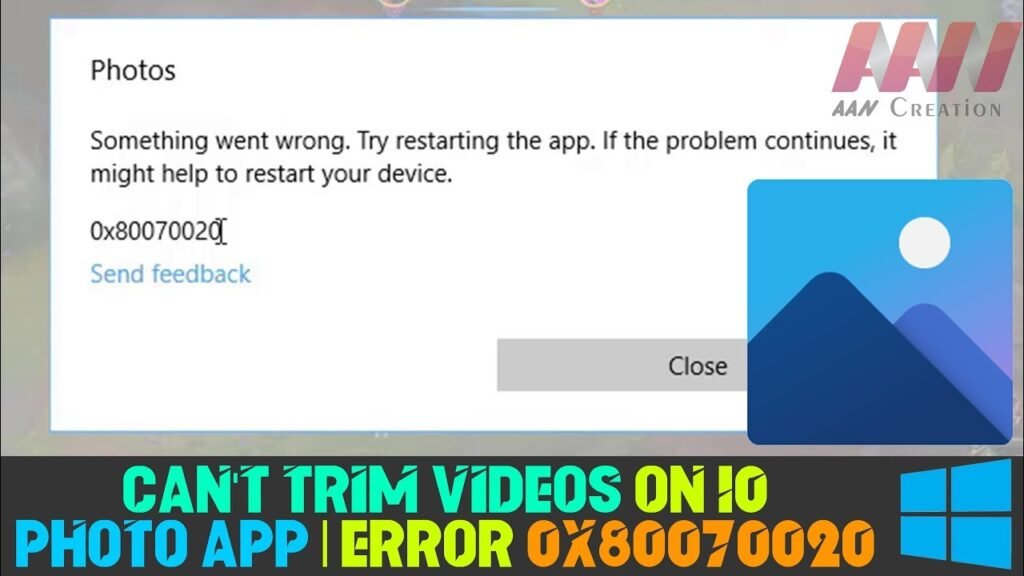

You try to trim a clip in the Windows Photos app and get error 0x80070020, or the trimmed video never saves. This error code means “the file is being used by another process”. Something else on your PC has the video open, so Photos can’t write the new file.
The fixes below work on Windows 11 and Windows 10.
Quick fixes to try first
- Close any other app that might be using the video: media players, video editors, cloud sync apps or a File Explorer preview pane.
- Restart your PC. This releases any locked files.
- Copy the video to a simple local folder, such as Videos, and rename it to something short with no special characters.
- Open the copy in Photos and try trimming again.
If the video is in a OneDrive folder that is still syncing, wait for the sync to finish or pause it first.
Repair or reset the Photos app
- Open Settings > Apps > Installed apps (on Windows 10: Settings > Apps > Apps & features).
- Find Microsoft Photos, click the three dots (or click the app) and choose Advanced options.
- Click Repair and test again.
- If it still fails, click Reset. This clears the app’s settings but doesn’t delete your photos or videos.
Update the app
Open the Microsoft Store, go to Library (or Downloads and updates) and click Get updates. An outdated Photos app is a common cause of editing errors.
Check Controlled folder access
If you turned on ransomware protection, Windows may block Photos from saving. Go to Windows Security > Virus & threat protection > Ransomware protection. If Controlled folder access is on, click Allow an app through Controlled folder access and add Photos, or save the video to a folder that isn’t protected.
Use Clipchamp instead
Newer versions of Photos hand video editing over to Clipchamp, Microsoft’s free video editor. On Windows 11 it’s usually preinstalled; otherwise get it from the Microsoft Store. Drag your video onto the timeline, drag the clip’s edges to trim it, then click Export.
Frequently asked questions
Does trimming change my original video?
No. Photos and Clipchamp save the trimmed result as a new file, so the original stays untouched.
Why does the error happen only with some videos?
Usually because those files are open elsewhere, still syncing, or stored on a network or USB drive. Copying them to a local folder normally solves it.