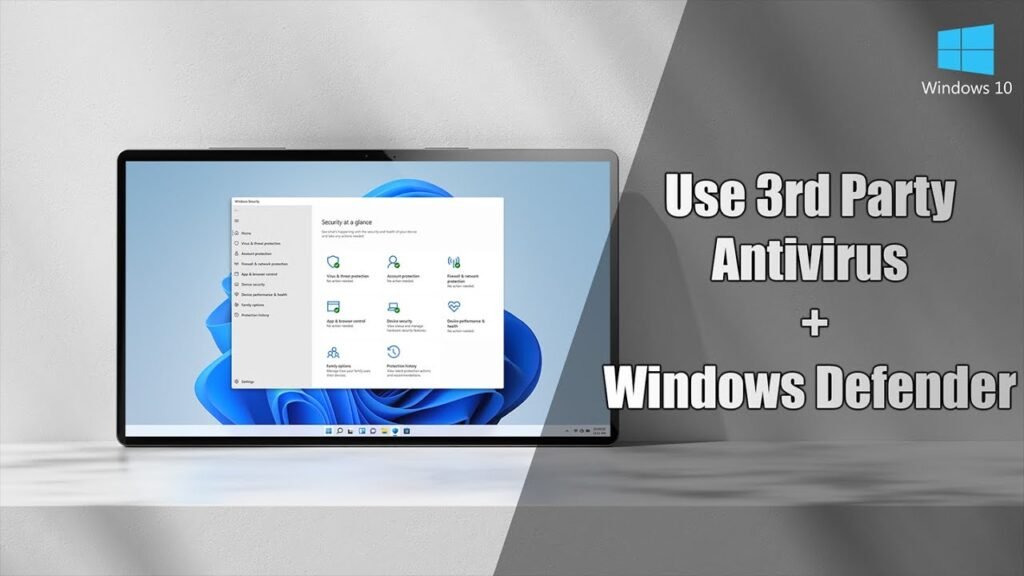

Windows comes with Microsoft Defender Antivirus, but many people also install another antivirus such as Bitdefender, Norton or ESET. You might wonder if the two will fight each other. They won’t: Windows is designed to step aside automatically when another antivirus is installed.
Here is how it works, how to add Defender as a second opinion, and how to go back to Defender if you remove the other program.
What happens when you install another antivirus
When a third-party antivirus registers with Windows, Defender’s real-time protection turns off by itself. This avoids two programs scanning every file at the same time, which would slow down your PC. Windows Firewall and other Windows Security features may still run, depending on what the other program replaces.
How to check which antivirus is active
- Open the Start menu and search for Windows Security.
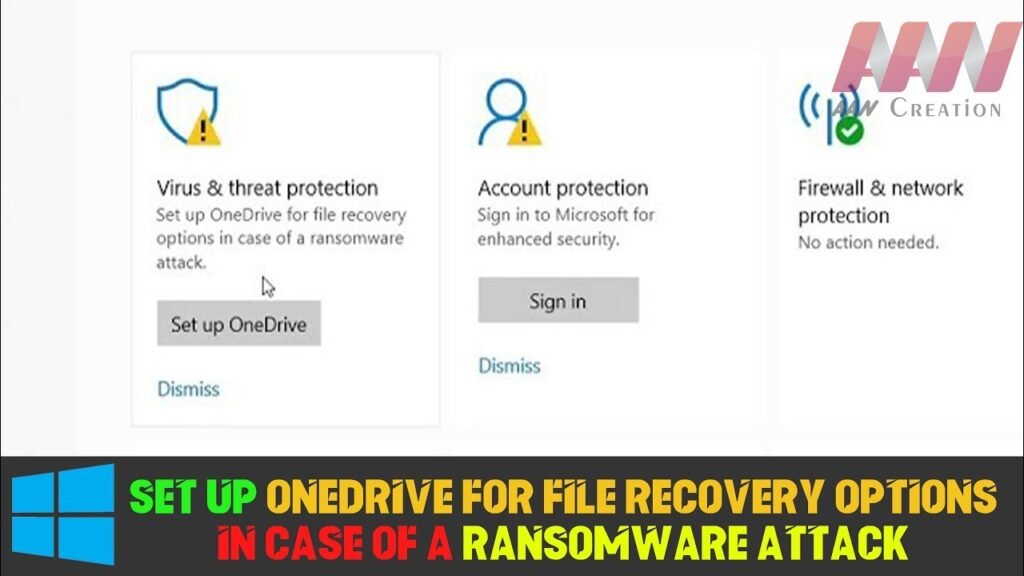
- Click Virus & threat protection.
- The page shows the name of the antivirus that is currently protecting your PC, with a link to open it.
Turn on Defender periodic scanning
You can keep your main antivirus and still let Defender run occasional background scans as a second check.
- In Windows Security > Virus & threat protection, find the Microsoft Defender Antivirus options section.
- Expand it and turn on Periodic scanning.
Defender will now scan from time to time with low impact, while your other antivirus stays in charge of real-time protection.
Switch back to Microsoft Defender
- Go to Settings > Apps > Installed apps (Windows 10: Settings > Apps > Apps & features).
- Find the third-party antivirus, click the three dots or select it, and choose Uninstall.
- For a clean removal, use the official removal tool from the antivirus company if it offers one.
- Restart the PC. Defender turns its real-time protection back on automatically.
- Open Windows Security to confirm that real-time protection is on.
Useful tips
- Never run two full antivirus programs with real-time protection at once. It causes slowdowns and conflicts.
- A free trial antivirus that expires may leave you unprotected. Uninstall it when the trial ends so Defender can take over.
Frequently asked questions
Is Microsoft Defender good enough on its own?
For most home users, Defender gives solid protection when Windows is kept up to date. A paid antivirus can add extras such as a VPN or password manager.
Why can’t I turn on Defender real-time protection?
If another antivirus is still installed or partly removed, Defender stays off. Uninstall it fully, use its removal tool, and restart.