Microsoft Edge Web Browser

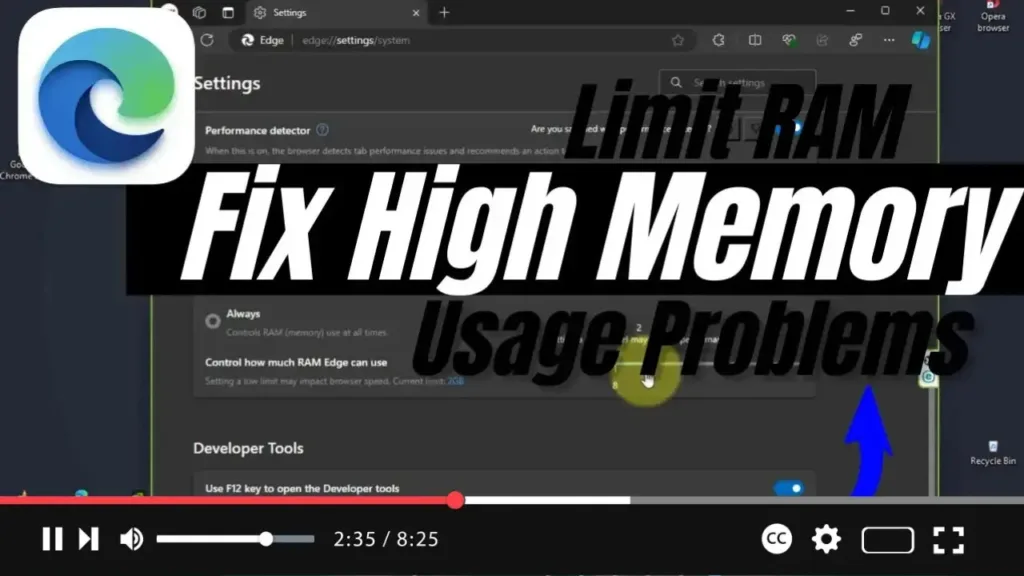
How to Limit RAM to Fix High Memory Usage Problems on Microsoft Edge

  In Windows 11 and 10, Microsoft Edge is set to introduce a new feature that allows you to limit the browser’s memory usage. This feature, called “Resource controls,” aims to help users manage RAM more effectively, especially for those experiencing high memory usage issues. By configuring these settings, you can optimize Edge’s performance while […]

How to Limit RAM to Fix High Memory Usage Problems on Microsoft Edge Read More »

How to Share Page URL via QR Code in Microsoft Edge Chromium (Canary Build)

  Microsoft Edge Chromium now includes the ability to generate a QR code for the URL of an open web page, making it easier to share links between devices. By simply scanning the QR code with a compatible device (such as a smartphone camera), the URL can be accessed without the need to copy and

How to Share Page URL via QR Code in Microsoft Edge Chromium (Canary Build) Read More »

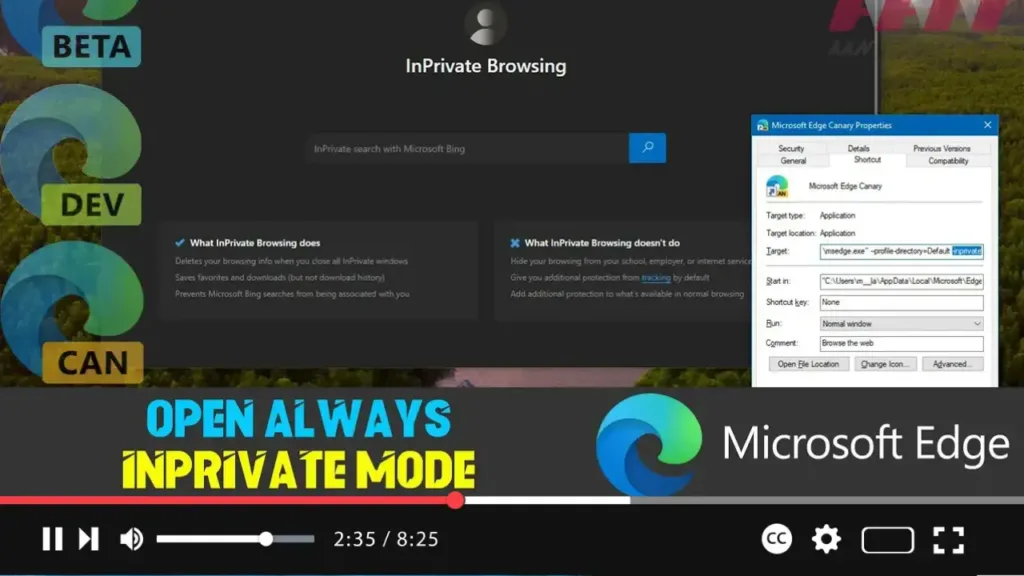
How to Open Microsoft Edge Always InPrivate Mode on Windows 10

  To enhance your online privacy, you can set Microsoft Edge to always start in InPrivate mode. This feature prevents Edge from saving your browsing history, cookies, site data, passwords, addresses, and form data during a session. When you close an InPrivate session, Edge deletes all your browsing information from that session, reducing the amount

How to Open Microsoft Edge Always InPrivate Mode on Windows 10 Read More »

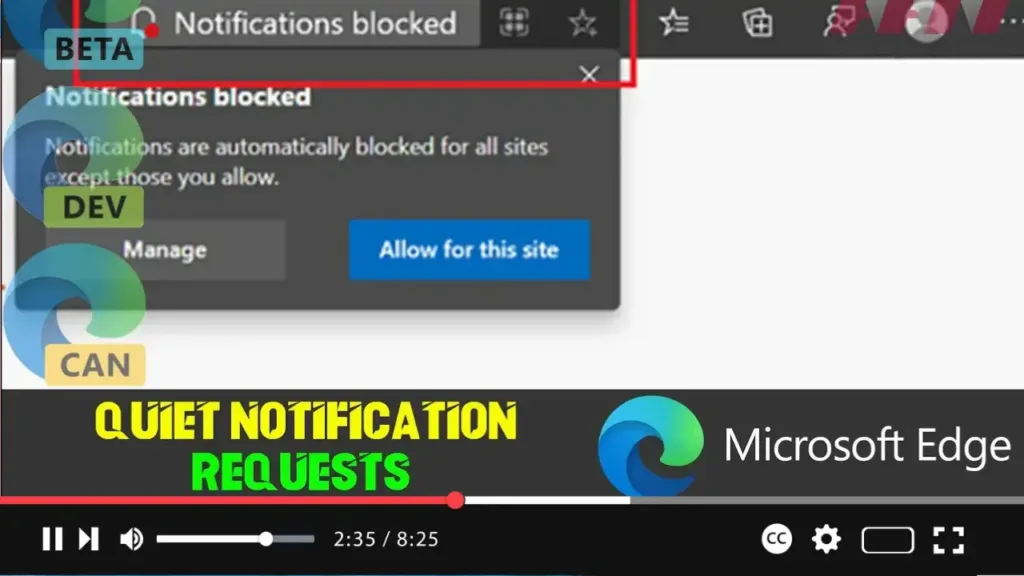
How to Enable or Disable Quiet Notification Requests on Microsoft Edge Chromium

  Microsoft Edge now allows users to stop notification requests from websites to reduce distractions while browsing the web. While some notifications, such as meeting alerts or updates from media subscriptions, can be valuable, constant requests can be distracting. To address this, the Chromium version of Microsoft Edge includes the quiet notification requests feature, which

How to Enable or Disable Quiet Notification Requests on Microsoft Edge Chromium Read More »

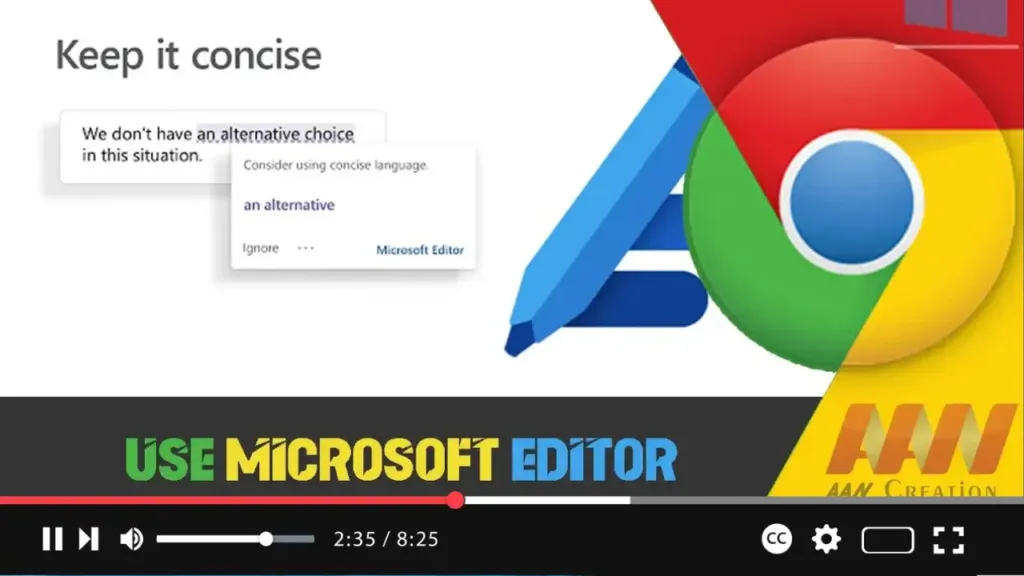
How to Use Microsoft Editor in Google Chrome Browser

nullMicrosoft Editor is a powerful tool that enhances your writing by offering spelling, grammar, and style suggestions. Available as an extension for Google Chrome, it helps you write clearly and concisely across the web. This guide will walk you through the steps to install and use Microsoft Editor in the Chrome browser. Introduction Microsoft Editor

How to Use Microsoft Editor in Google Chrome Browser Read More »

How to Enable or Disable Password Generator on Microsoft Edge

 Microsoft Edge includes a built-in password generator that helps create strong, unique passwords for your online accounts. This guide will show you how to enable or disable this feature to enhance your online security or customize your browser experience. Introduction Using a password generator can significantly improve your online security by creating complex and unique

How to Enable or Disable Password Generator on Microsoft Edge Read More »

How to Enable Sleeping Tabs to Save Resources on Microsoft Edge

 Microsoft Edge’s Sleeping Tabs feature is designed to improve browser performance and save system resources by putting inactive tabs to sleep. This guide will show you how to enable Sleeping Tabs on Microsoft Edge to enhance your browsing experience. Introduction Enabling Sleeping Tabs on Microsoft Edge helps reduce memory and CPU usage by automatically putting

How to Enable Sleeping Tabs to Save Resources on Microsoft Edge Read More »

How to Disable Sleeping Tabs for Specific Sites on Microsoft Edge

  Microsoft Edge’s Sleeping Tabs feature helps save system resources by putting inactive tabs to sleep. However, you might want certain websites to remain active and not go to sleep. This guide will show you how to disable Sleeping Tabs for specific sites. Introduction While Sleeping Tabs in Microsoft Edge can improve performance and save

How to Disable Sleeping Tabs for Specific Sites on Microsoft Edge Read More »

How to Configure Sleeping Tabs Flags on Microsoft Edge

 Sleeping Tabs is a feature in Microsoft Edge that helps reduce memory and CPU usage by putting inactive tabs to sleep. This guide will show you how to configure Sleeping Tabs using Edge’s flags. Introduction Enabling and configuring Sleeping Tabs in Microsoft Edge can enhance your browser’s performance by freeing up system resources consumed by

How to Configure Sleeping Tabs Flags on Microsoft Edge Read More »

How to Enable IE Mode on Microsoft Edge Chromium

 Internet Explorer (IE) Mode on Microsoft Edge Chromium allows users to access websites and applications that require Internet Explorer compatibility. This is particularly useful for organizations that rely on older web apps and services. This guide will walk you through the steps to enable IE Mode on Microsoft Edge Chromium. Introduction Enabling IE Mode on

How to Enable IE Mode on Microsoft Edge Chromium Read More »