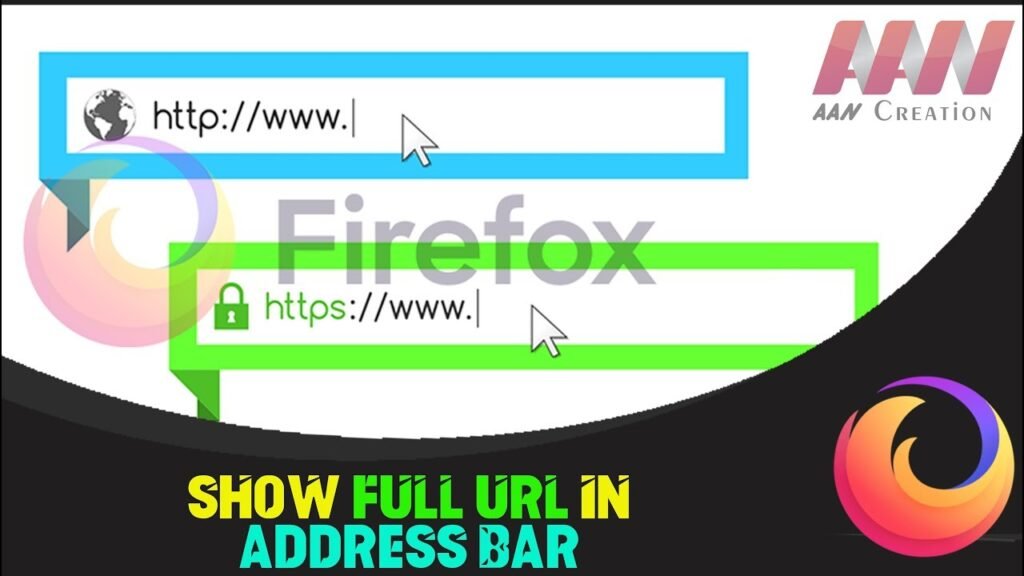

To keep the address bar clean, Firefox hides parts of the web address, such as https://, and shows only the main part. If you want to see the full URL all the time, for example to check exactly which page you are on, you can change this in Firefox’s advanced settings.
Show the full URL in Firefox
- Type
about:configin the address bar and press Enter. - Click Accept the Risk and Continue.
- In the search box, type
browser.urlbar.trimURLs. - Click the toggle button on the right so the value changes to false.
The change applies at once. Web addresses now show the full form, including http:// or https://.
In recent Firefox versions there is also a separate setting for the https part. If https:// is still hidden, search for browser.urlbar.trimHttps and set it to false as well. If you can’t find it, your version doesn’t use it.
See the full address without changing settings
- Click once in the address bar. Firefox shows the full URL while you are editing it.
- Copy the address (Ctrl + L, then Ctrl + C). The copied text always includes the full URL.
Undo the change
Go back to about:config, search for the same setting and click the reset arrow next to it. Firefox returns to its default behaviour.
Useful tips
- Only change settings in about:config that you understand. Changing random preferences can cause odd behaviour.
- The padlock icon to the left of the address tells you if the connection is secure, even when https:// is hidden.
- Turn on HTTPS-Only Mode in Settings > Privacy & Security to make Firefox use secure connections whenever possible.
Frequently asked questions
Why does Firefox hide part of the URL?
It makes the address easier to read and helps you focus on the domain name, which matters most for spotting fake sites.
Does this setting sync with my Firefox account?
Most about:config settings don’t sync, so change it on each computer.