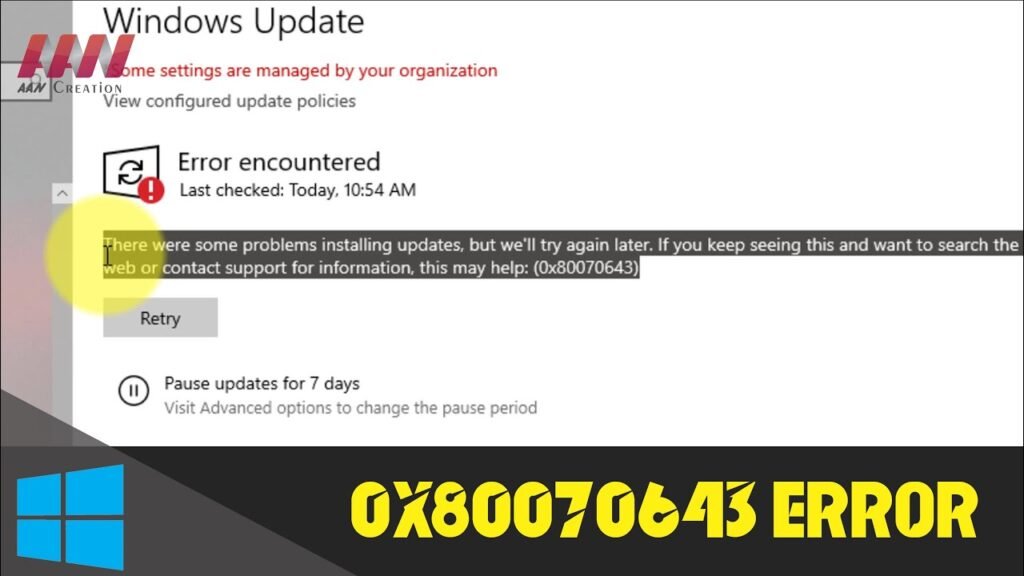

Error 0x80070643 means an installation failed while Windows was installing an update or a program. It often appears with .NET Framework updates, Microsoft Defender updates or Windows Recovery Environment (WinRE) updates. The steps below work on Windows 10 and Windows 11. Try them in order.
Fix 1: Restart and try again
Restart the PC, then go to Settings > Windows Update and click Check for updates. Sometimes a pending install blocks the next one.
Fix 2: Run the Windows Update troubleshooter
- Windows 11: go to Settings > System > Troubleshoot > Other troubleshooters and click Run next to Windows Update.
- Windows 10: go to Settings > Update & Security > Troubleshoot > Additional troubleshooters > Windows Update.
Fix 3: Repair .NET Framework
If the failed update is a .NET update, download the official .NET Framework Repair Tool from Microsoft, run it and follow the steps. Then try the update again.
Fix 4: Reset Windows Update components
Open the Start menu, type cmd, right-click Command Prompt and choose Run as administrator. Run these commands one at a time:
net stop wuauserv
net stop bits
ren C:\Windows\SoftwareDistribution SoftwareDistribution.old
net start bits
net start wuauserv
This clears the downloaded update cache. Windows downloads the updates again. Restart and check for updates.
Fix 5: Repair system files
In the same administrator Command Prompt, run:
DISM /Online /Cleanup-Image /RestoreHealth
sfc /scannow
Restart when both finish.
Fix 6: Install the update manually
- In Settings > Windows Update > Update history, note the KB number of the failed update.
- Search for that KB number in the Microsoft Update Catalog.
- Download the version for your system (usually x64) and run it.
If the failed update is for WinRE
Some WinRE security updates fail with 0x80070643 because the recovery partition is too small. Microsoft has published guidance for resizing it, but it involves partition changes. Back up your PC first, and follow only Microsoft’s official instructions. If you’re not comfortable with partitions, it’s usually safe to leave this one update and keep installing the others.
Frequently asked questions
Is error 0x80070643 dangerous?
No. It only means one install failed. Your PC keeps working, but you should fix it so you get security updates.
Can antivirus cause this error?
Yes. Third-party security software can block installs. Temporarily turn it off, install the update and turn it back on.