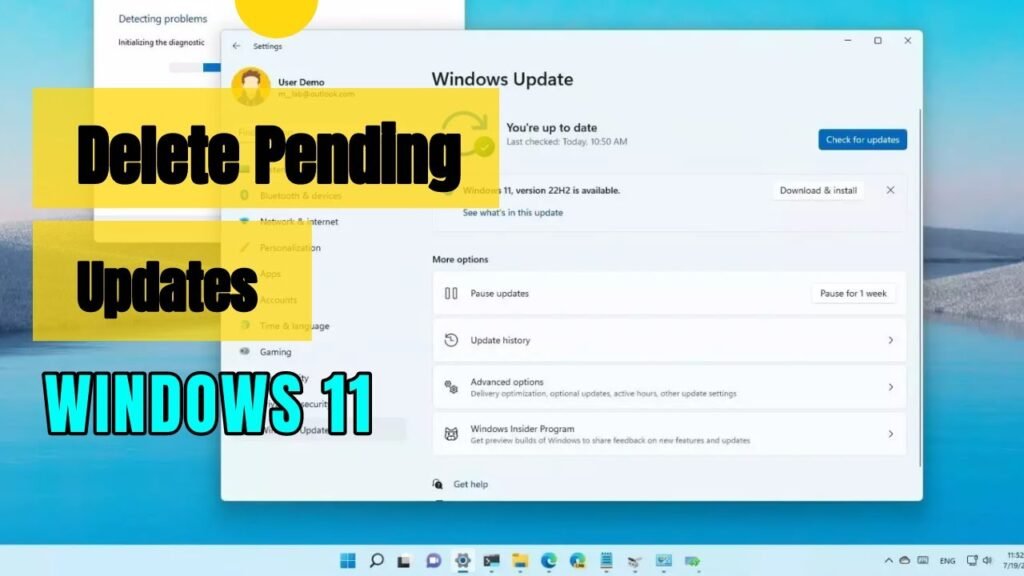

Sometimes Windows Update gets stuck: a download sits at 0%, an update fails again and again, or a broken update keeps asking to install. Deleting the pending update files forces Windows to download fresh copies, which fixes many of these problems.
Before you start: create a restore point (search Start for Create a restore point). Don’t delete update files while Windows is in the middle of installing updates or showing "Working on updates".
Step 1: Stop the update services
- Right-click Start and choose Terminal (Admin). Click Yes.
- Run these commands one at a time:
net stop wuauserv
net stop bits
This stops Windows Update and the Background Intelligent Transfer Service so the files aren’t in use.
Step 2: Delete the pending update files
- Open File Explorer and go to
C:\Windows\SoftwareDistribution\Download. - Press Ctrl + A to select everything in this folder.
- Press Delete. Click Continue if asked for administrator permission.
Delete only the contents of the Download folder, not the SoftwareDistribution folder itself.
Step 3: Start the services again
net start wuauserv
net start bits
Then go to Settings > Windows Update and click Check for updates. Windows downloads the updates again from scratch.
Other fixes if updates still fail
- Run Settings > System > Troubleshoot > Other troubleshooters > Windows Update.
- Repair system files with
sfc /scannowandDISM /Online /Cleanup-Image /RestoreHealthin an admin terminal. - To stop a specific update for now, use Pause updates on the Windows Update page.
Uninstall an update that already installed
If the problem started after an update, go to Settings > Windows Update > Update history > Uninstall updates and remove the recent one.
Frequently asked questions
Is it safe to delete the SoftwareDistribution Download folder contents?
Yes, when the update services are stopped. These are temporary files, and Windows downloads what it needs again.
Will this remove updates that are already installed?
No. Installed updates stay. Only waiting downloads are removed, and your update history may look shorter until Windows rebuilds it.