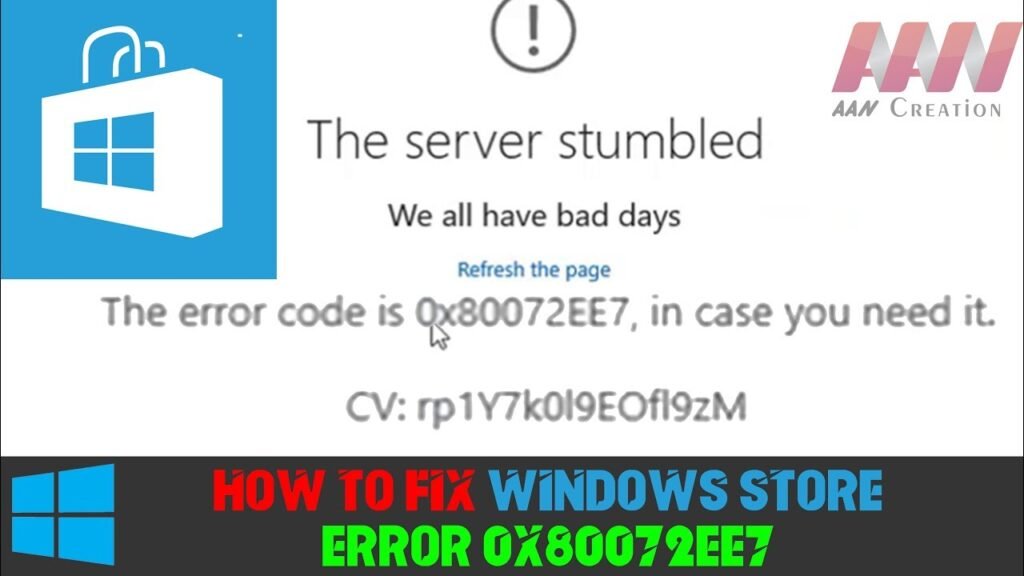

Error 0x80072EE7 appears when the Microsoft Store can’t connect to Microsoft’s servers. Your internet may work fine in a browser, but something blocks or confuses the Store’s connection. The usual causes are a wrong clock, a proxy or VPN, DNS problems or a damaged Store cache.
1. Check the date and time
- Open Settings > Time & language > Date & time.
- Turn on Set time automatically and Set time zone automatically.
- Click Sync now.
2. Turn off proxy and VPN
- Go to Settings > Network & internet > Proxy.
- Make sure Use a proxy server is off, unless your work needs it.
- Disconnect any VPN app and try the Store again.
3. Reset the Store cache
- Press Windows + R, type
wsreset.exeand press Enter. - A blank window opens. Wait until it closes and the Store opens by itself.
4. Flush DNS and reset network settings
- Right-click Start and choose Terminal (Admin).
- Run these commands one at a time:
ipconfig /flushdns netsh winsock reset - Restart your PC.
You can also try a public DNS server. Go to Settings > Network & internet, open your Wi-Fi or Ethernet connection, click Edit next to DNS server assignment and set it to manual with a DNS such as 1.1.1.1 or 8.8.8.8.
5. Repair or reset the Store app
- Go to Settings > Apps > Installed apps.
- Find Microsoft Store, click the three dots and choose Advanced options.
- Click Repair. If that doesn’t help, click Reset.
6. Check your security software and hosts file
- Third-party firewalls or antivirus apps can block the Store. Pause them briefly to test.
- Some “privacy” or ad-blocking tools add Microsoft addresses to the hosts file. Undo those changes in the tool that made them.
Frequently asked questions
Does resetting the Store delete my apps?
No. Resetting only clears the Store app’s own data. Installed apps and purchases stay linked to your Microsoft account.
The error only appears on one network. Why?
That network probably uses a proxy, filter or DNS that blocks Microsoft Store servers. Try another network or ask the network administrator.